Logistics & mobilityEstablished model
Delivery route planning software

Help a working day fit together more clearly.

A dispatcher may know every stop but still spend a long time deciding the order. Build a planning tool that helps a team organise its day around actual capacity, time windows and local knowledge.

Make this fit me
You could also build this as a mobile app
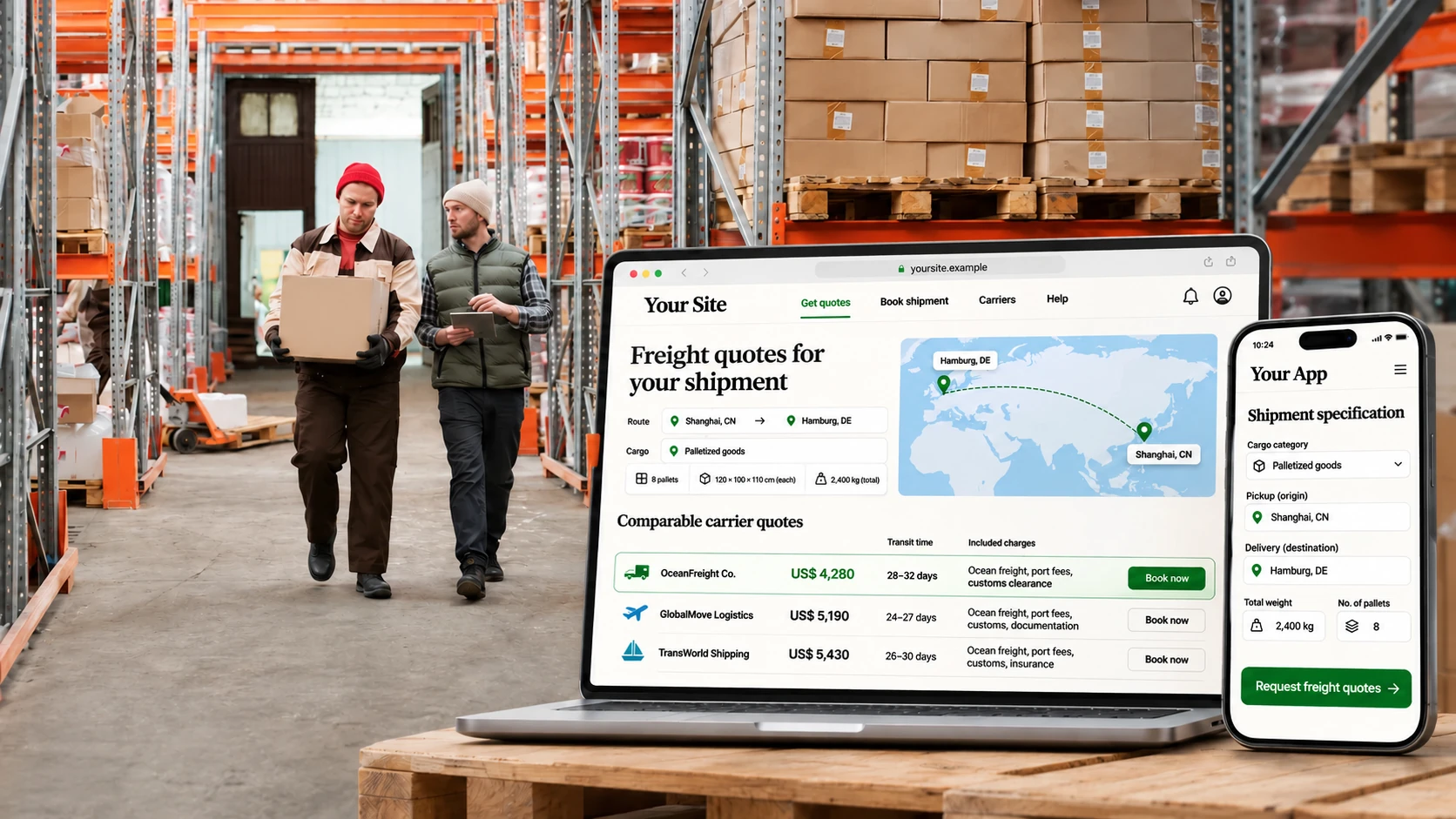
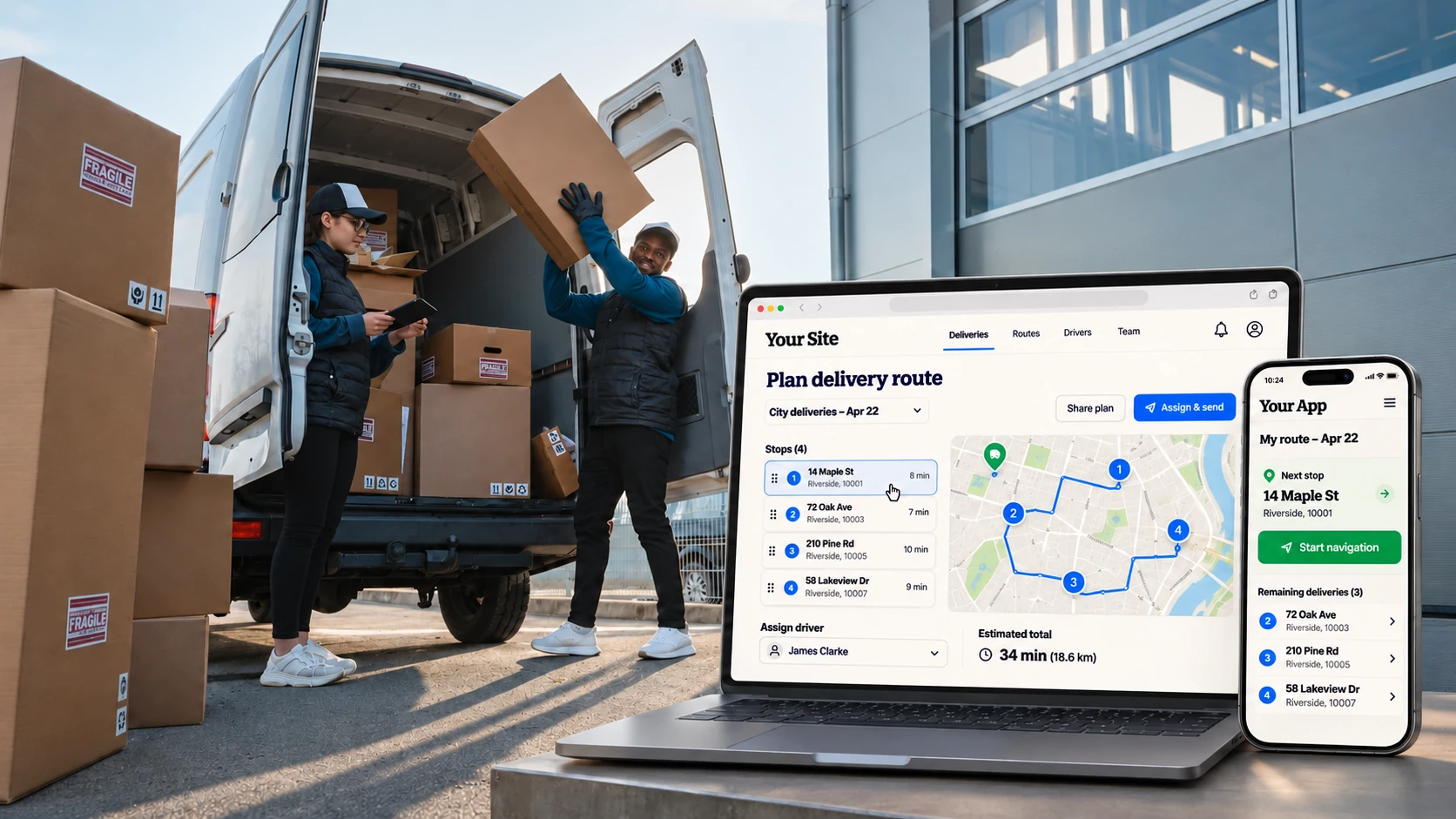
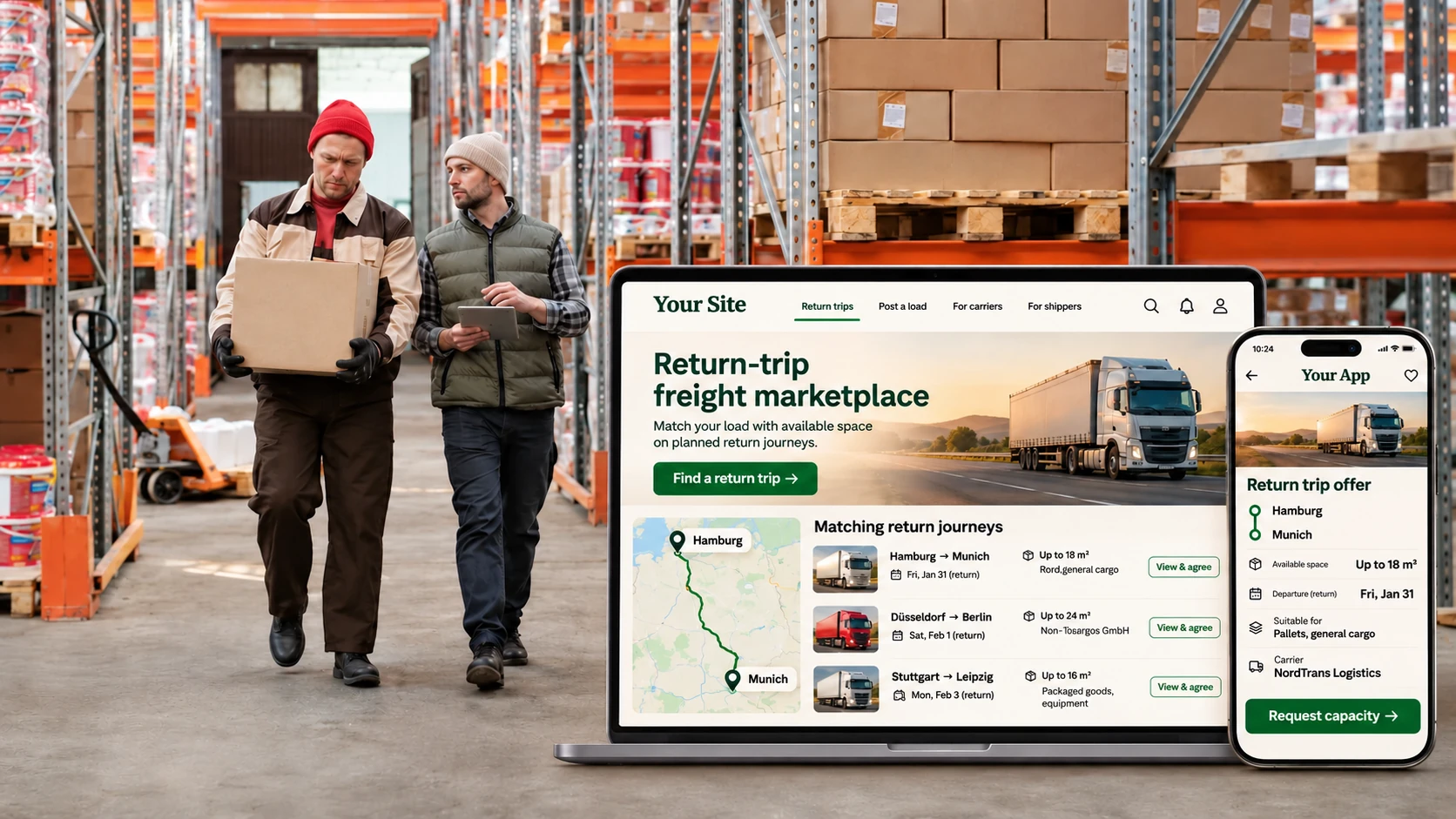
Delivery route planning software concept: Workers loading boxes into a delivery van at a warehouse facility outdoors. A desktop website and matching phone show the digital business.Illustrative concept
IMAGINE THIS MOMENT

A dispatcher has addresses on a spreadsheet, drivers waiting and a customer who can only receive a large parcel before lunch. Drawing the shortest line is not the whole job. You could build a tool that helps this person make a workable plan while keeping the judgement they already use.

A business you can
picture.

Offer route-planning software to businesses managing their own deliveries or field visits. Let a coordinator review proposed routes, make changes and share an agreed plan with the team.

Who would be glad
you built it?

Furniture delivery teams

Routes that respect vehicle capacity and unloading time

Local service operators

A sequence that fits promised appointment windows

Small dispatch businesses

A shared plan drivers and office staff can follow

Where the money
could come from.

A delivery business could pay a monthly fee for planning access, with a clearly scoped setup charge if its addresses need cleaning. The subscription must cover map services, support and maintenance. Prove usefulness in the customer’s working day before describing any reduction in distance, overtime or operating cost.

The part you could
make your own.

A focused tool for bulky deliveries could account for stairs, two-person unloading and vehicle space. Those details create a plausible reason to try your product when a general route planner leaves the dispatcher doing most of the work.

An angle to test with the people you want to serve.

Start with something
worth using.

Choose one delivery pattern. Accept a stop list, capture time windows and vehicle limits, suggest a sequence and let the dispatcher adjust it. Provide a driver-friendly itinerary before attempting live fleet tracking.

  • Stops, time windows and vehicle limits
  • Proposed routes with manual adjustments
  • Driver instructions and completion records

Give the promise
something to stand on.

WHAT YOU BRING

You would bring understanding of a particular delivery operation and access to dispatchers who can challenge unrealistic suggestions. Reliable addresses, vehicle details and service-time estimates need ongoing care.

Map data, address quality and realistic service times matter. Proposed routes should remain reviewable by the dispatcher. Avoid promising a fixed saving before measuring performance in the customer’s actual operation.

Let a small beginning
teach you something.

Sit with a willing dispatch team while it builds a real daily plan. Run your suggested sequence alongside its current process, discuss differences and trial an approved version without hiding manual adjustments.

THE QUESTION TO TEST

Does the proposed route remain workable after a dispatcher adds the practical constraints of real deliveries?

Look for these signs

  • Fewer stops need last-minute resequencing
  • Drivers understand the shared itinerary
  • Actual service times inform the next plan
WHEN THE FIRST VERSION HAS TAUGHT YOU MORE
Where you could take it next

Add live updates and order-system connections when the planning model consistently represents the work on the ground.

A useful role for AI

The job it could help with

Suggest likely missing address details and group stops from an authorised delivery list before the dispatcher plans the day.

What stays in human hands

The dispatcher checks every address and practical constraint; suggestions must not silently change a destination or dispatch a driver.

A little more
clarity.

Will it always find the best route?

No route can account perfectly for traffic, missing addresses or changing customers. Make suggestions reviewable and allow the dispatcher to override them with a recorded reason.

Can a small team use it?

A small operation can be a useful pilot when its planning problem is specific. Start with the information it can maintain reliably instead of demanding a large tracking installation.

SOMETHING TO LEARN FROM

OptimoRoute is a reference for route-planning software.

WHAT COULD GO INSIDE

A few additions
to explore.

Delivery route and load planningGive your delivery coordinator a clearer view of the day's promises before assigning work to the vehicles that must fulfil them.Maps and local availabilityHelp a visitor connect a useful offer to a real place, with the coverage and arrival details that matter beyond the map pin.Connections between business toolsLet the right details travel with the work, so your team can spend less time copying them between business tools.
MAKE ROOM FOR YOUR VERSION

Now picture it
with your name on it.

Your people. Your priorities. The version you keep thinking about. Answer a few questions and leave with a starting plan you can keep.

Free to explore. No account or email needed for your starting plan.
PICTURE THE MOBILE APPDriver route app

Make the next stop easier to understand.

A driver’s day can become harder when the list of stops keeps changing. You could build a route app that keeps addresses, agreed priorities and delivery notes close at hand. Start with a clear stop list and useful updates, then explore route suggestions that fit the operator’s real constraints.

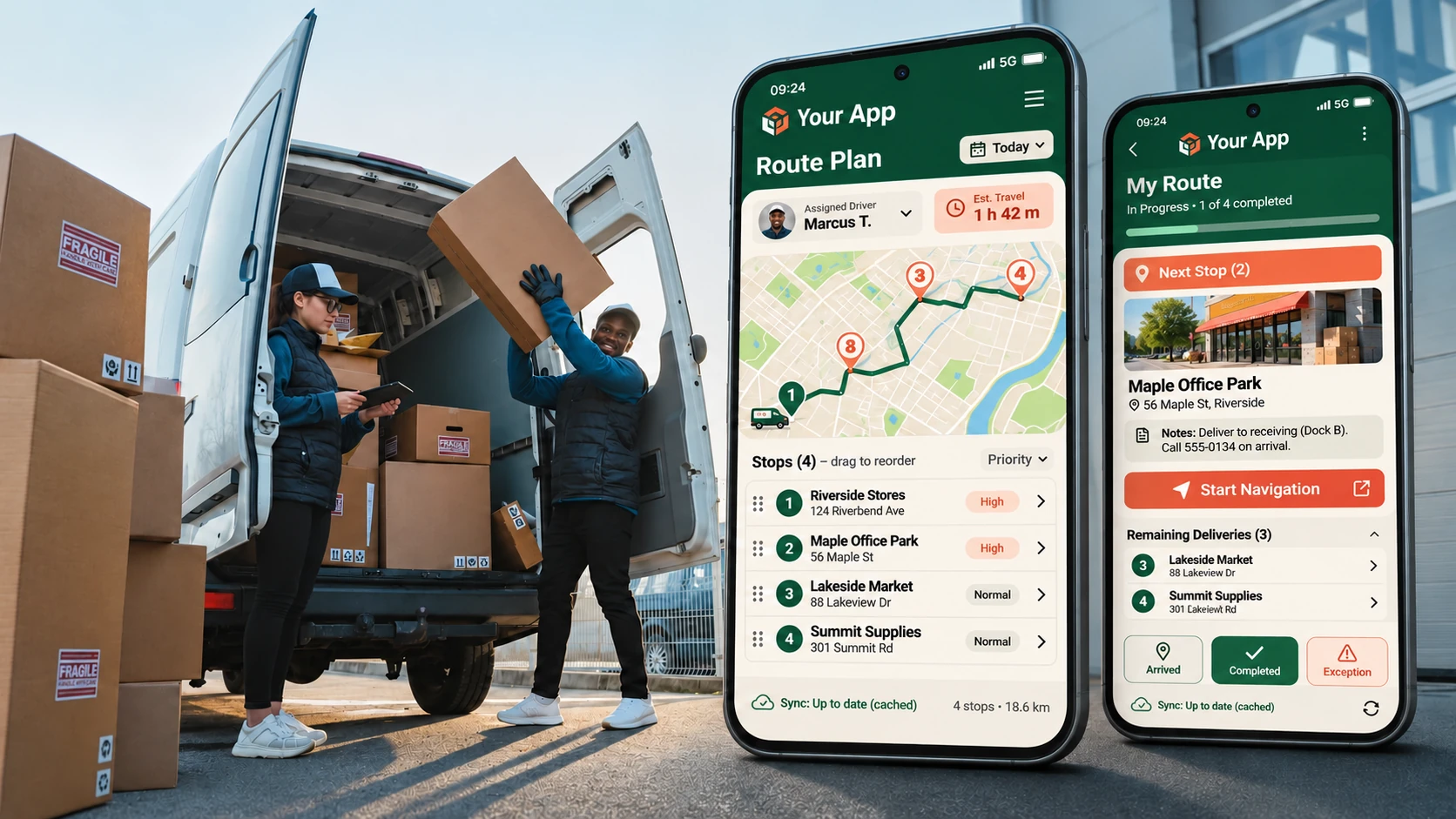
Workers loading boxes into a delivery van at a warehouse facility outdoors. Two phone screens preview the driver route app, with no desktop view.App concept
IMAGINE THIS MOMENT

A driver leaves with a printed list, then receives changed priorities through several calls. One important delivery note never reaches the revised plan. Your app could hold the current stop order and practical instructions together, giving the dispatcher a clear way to update work without making the driver reconstruct the route.

One useful moment.
A reason to open it.

The driver reviews the assigned stop list before departure, opens the first destination and hands navigation to the chosen map service. Exceptions are recorded when safely stopped.

Who would be glad
you built it?

Delivery drivers

See the next agreed stop and its instructions.

Dispatch planners

Communicate changes to the active stop list.

Fleet supervisors

Understand completed work and exceptions.

A place in their life.
At the right moment.

Why it belongs on a phone

The work takes place between destinations, often with changing information. Location, cached stop details and quick arrival records make the phone the practical place for a driver’s working list.

A reason to come back

Drivers return at each safe stopping point, and dispatchers return to review changes. The app should make the next action clear without encouraging interaction while driving.

Location & mapsWorks offlineOn-the-go records

Where the money
could come from.

A fleet could pay per active driver or team for stop coordination and records. The fee covers the defined workflow. Mapping services, data usage, support and onboarding create costs. Charge for advanced route suggestions only when their constraints and usefulness have been evaluated with the operator.

The part you could
make your own.

A focused app for deliveries with unusual handover instructions could make those details hard to miss. Test whether drivers find the right information at the right stop before expanding the planning engine.

An angle to test with the people you want to serve.

Start with something
worth using.

Pilot assigned stops, destination notes, navigation handoff and exception records. Cache essential details and show sync status. Let a responsible dispatcher approve changes before introducing automatic reordering.

  • Assigned stops with agreed order and priority
  • Destination notes and external navigation handoff
  • Arrived, completed and exception records
  • Cached stop details with visible sync status

Give the promise
something to stand on.

WHAT YOU BRING

You need an operator willing to describe its priorities and real constraints. Start with usable stop management; any route suggestions must account for vehicle, timing and service requirements the team defines.

Map data, address quality and realistic service times matter. Proposed routes should remain reviewable by the dispatcher. Avoid promising a fixed saving before measuring performance in the customer’s actual operation.

Let a small beginning
teach you something.

Follow a willing team's planned route and record where instructions change. Trial the app on suitable rounds, asking drivers whether updates are clear without creating distracting interactions while driving.

THE QUESTION TO TEST

Can a driver understand the current next stop and its special instructions without reconstructing changes from messages?

Look for these signs

  • Stop changes have a clear current order.
  • Exceptions reach the dispatcher.
  • Cached records show their update status.
WHEN THE FIRST VERSION HAS TAUGHT YOU MORE
Where you could take it next

Add live updates and order-system connections when the planning model consistently represents the work on the ground.

A little more
clarity.

Will it always choose the fastest route?

No route suggestion can promise that. Begin with the operator's agreed priorities, and explain the information and limitations behind any later routing service you introduce.

Must drivers use the screen while moving?

No. Design interactions for safe stopping points and appropriate navigation handoff. Operational procedures should make clear when drivers are expected to review or update a job.

SOMETHING TO LEARN FROM

OptimoRoute is a reference for route-planning software.

WHAT COULD GO INSIDE

A few additions
to explore.

Delivery route and load planningGive your delivery coordinator a clearer view of the day's promises before assigning work to the vehicles that must fulfil them.Maps and local availabilityHelp a visitor connect a useful offer to a real place, with the coverage and arrival details that matter beyond the map pin.Connections between business toolsLet the right details travel with the work, so your team can spend less time copying them between business tools.
MAKE ROOM FOR YOUR VERSION

Now picture it
with your name on it.

Your people. Your priorities. The version you keep thinking about. Answer a few questions and leave with a starting plan you can keep.

Free to explore. No account or email needed for your starting plan.
KEEP THE POSSIBILITIES OPEN

Something else
might speak to you.