FinanceEstablished model
Personal budgeting app

Give people a calmer way to face their money.

For someone who keeps avoiding their balance, another spreadsheet can feel like another failure. Build a welcoming planning space that helps people see their commitments, make choices and return without embarrassment.

Make this fit me
You could also build this as a mobile app
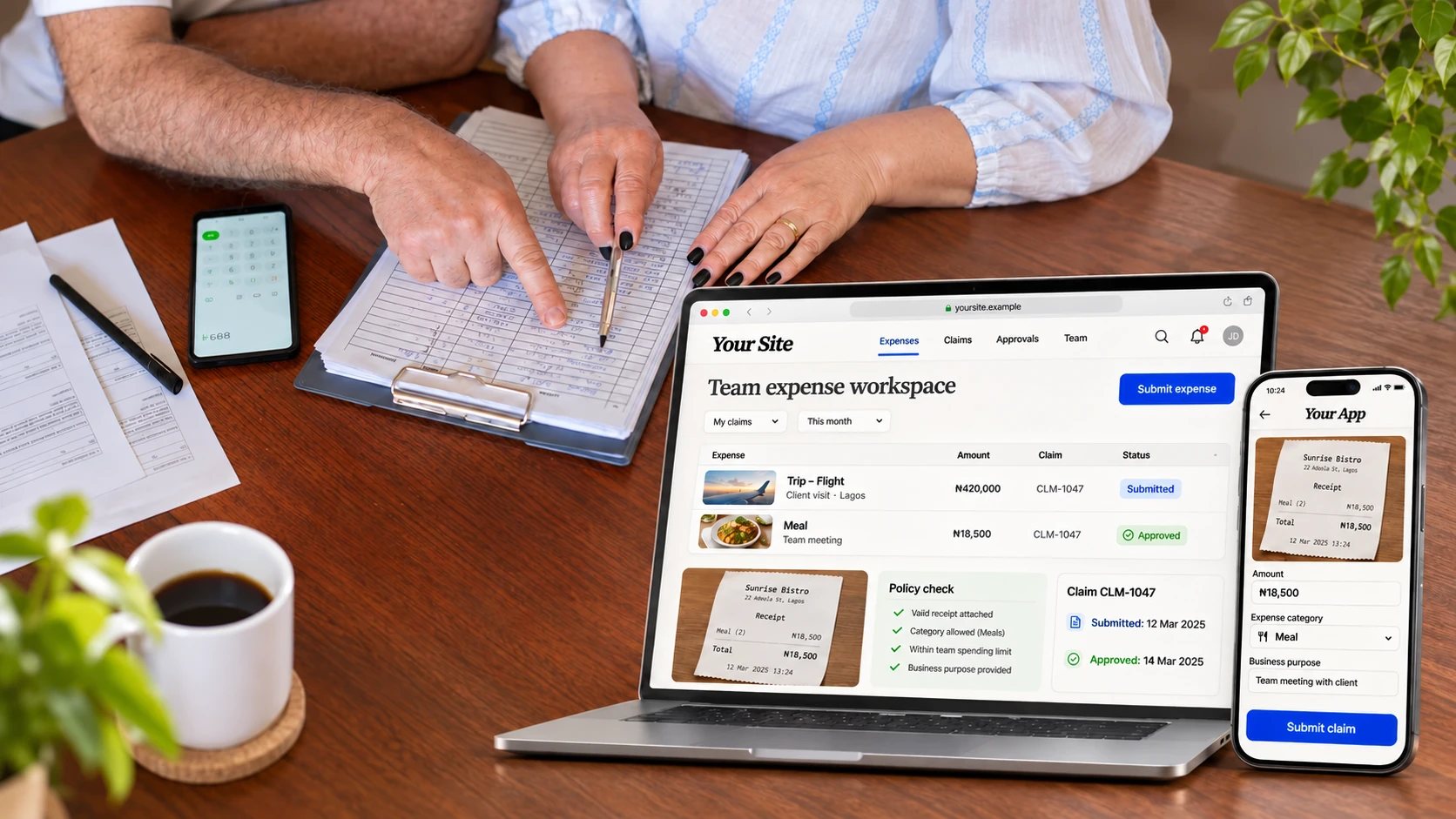
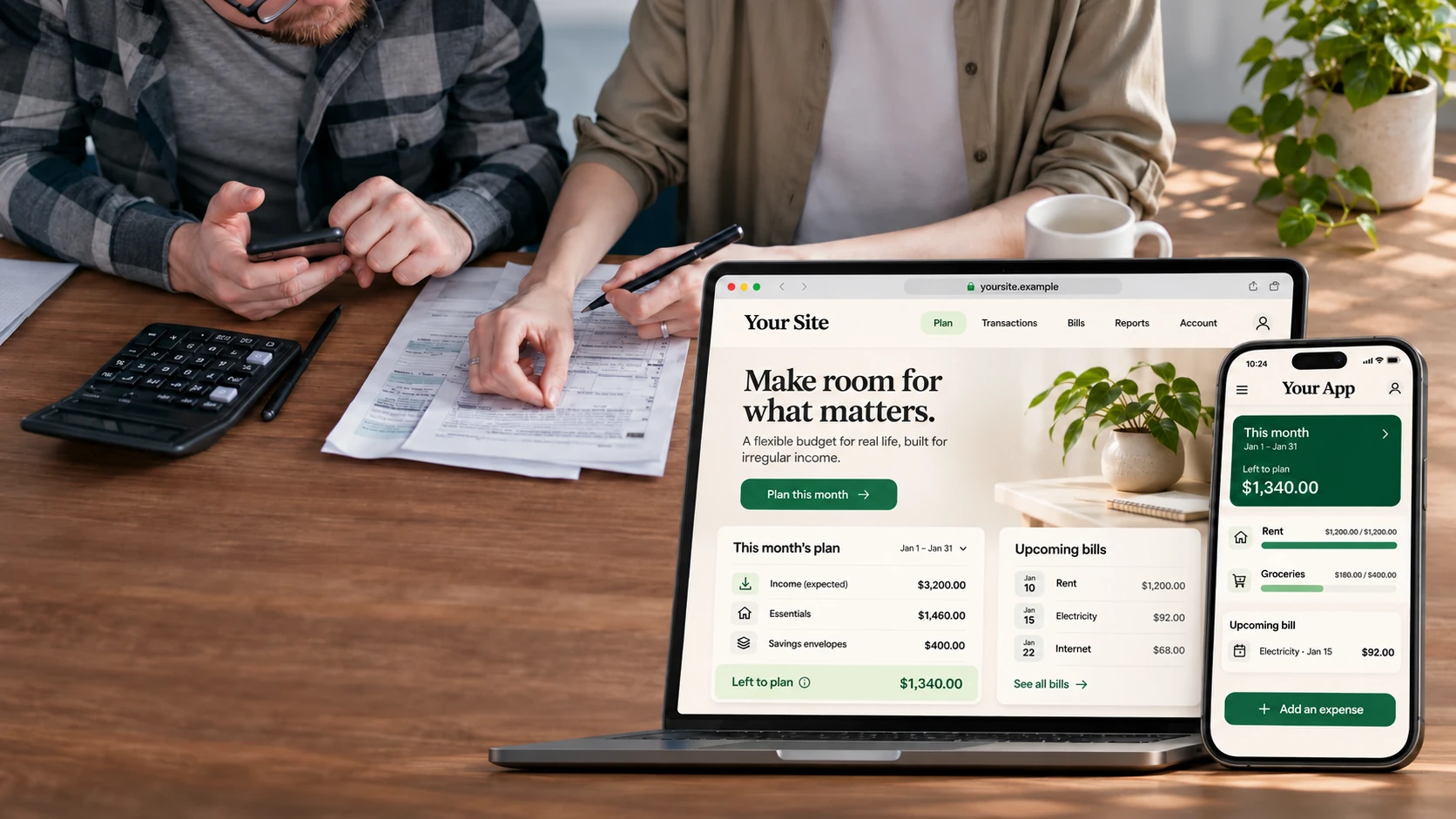
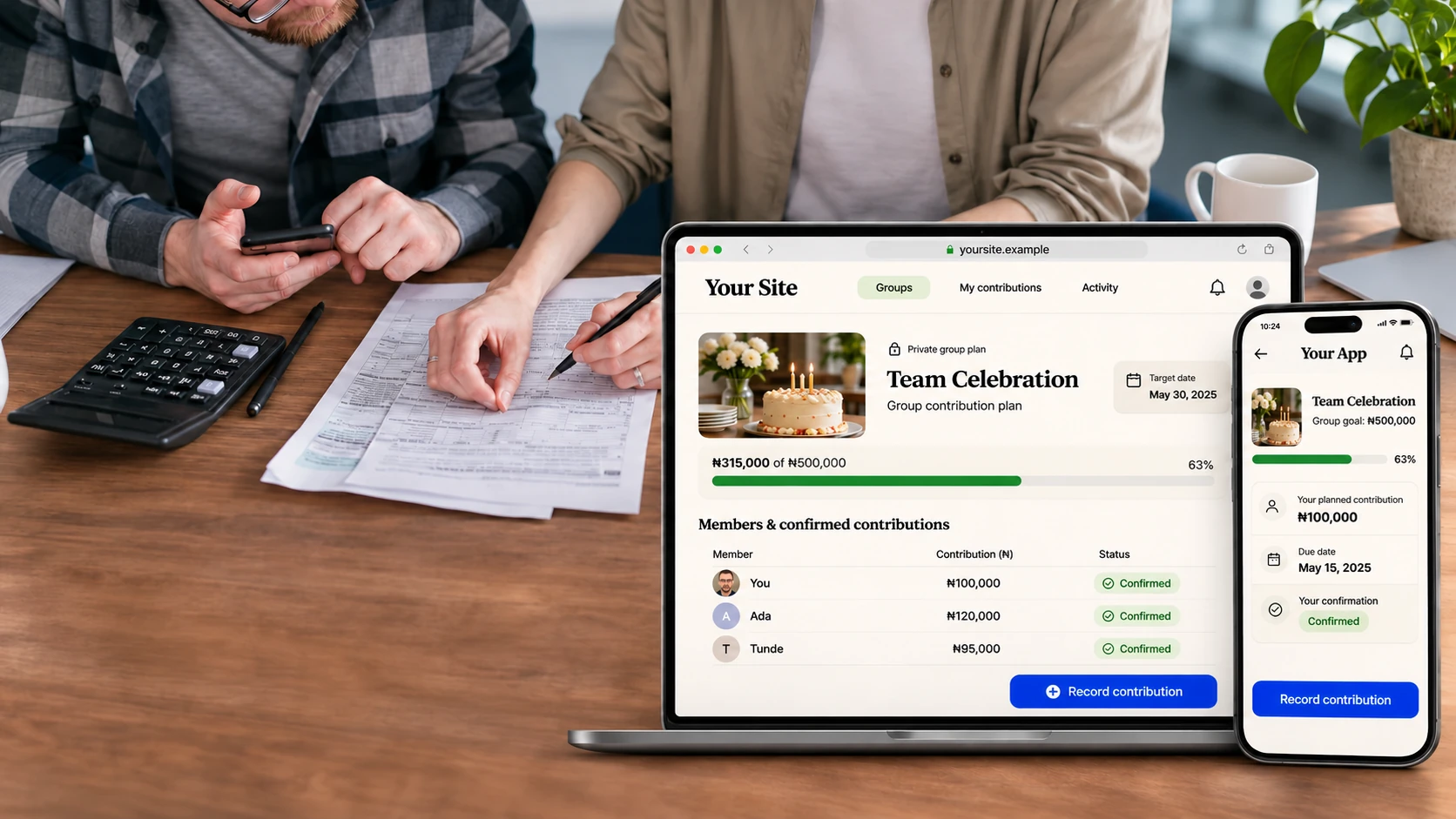
Personal budgeting app concept: A couple diligently reviews their finances using a calculator and documents at home. A desktop website and matching phone show the digital business.Illustrative concept
IMAGINE THIS MOMENT

A freelancer receives one payment early and another late, then feels behind despite having worked all month. Your budgeting product could help them separate money already available from money merely expected, see the commitments ahead and make a small useful decision without feeling judged by the screen.

A business you can
picture.

Create a subscription budgeting product for one audience you understand, such as people paid irregularly. Help them plan the money they actually have and keep everyday decisions visible.

Who would be glad
you built it?

People with irregular pay

Plan around money actually received.

Shared households

Discuss agreed spending commitments.

New independent workers

Build a manageable planning routine.

Where the money
could come from.

Individuals could pay a straightforward subscription for the planning product, with a transparent trial and cancellation path. The price should fund secure records, maintenance and support. Test willingness to keep paying after ordinary months, rather than assuming anxiety about money automatically creates demand for another recurring bill.

The part you could
make your own.

A better fit for irregular income could make your version useful. Gentle language, flexible planning periods and a clear distinction between expected and available money are possibilities to test with people who dislike conventional monthly budgets.

An angle to test with the people you want to serve.

Start with something
worth using.

Choose one income pattern and start with manual balances, commitments and simple spending plans. Let users adjust assumptions and export their information. Add connections only when they improve a planning habit people already use.

  • Income and spending records
  • Flexible spending categories
  • Planned bills and gentle reminders

Give the promise
something to stand on.

WHAT YOU BRING

An understanding of everyday budgeting and sensitive product design would help. You need to keep personal information private and explain the difference between a planning tool and regulated or individual financial advice.

Protect financial information, make corrections easy and explain any account connections. Begin with manual entries if reliable bank access is unavailable. A balance shown in the app must have a clear source and date.

Let a small beginning
teach you something.

Invite a small group with irregular income to test a sample month before using their own figures. Ask which decision the tool helps them make and which wording feels confusing, intrusive or discouraging.

THE QUESTION TO TEST

Does the person return to adjust a realistic plan when income changes instead of abandoning it?

Look for these signs

  • Plans distinguish received and expected money
  • Users revise assumptions willingly
  • The routine feels understandable and manageable
WHEN THE FIRST VERSION HAS TAUGHT YOU MORE
Where you could take it next

Later additions could include shared household permissions, imports and optional coaching delivered by appropriately qualified people.

A little more
clarity.

Does the app need access to bank accounts?

Manual entry can test whether the planning approach helps. Account connections add permission and reliability work; introduce them only when users understand the benefit and have a clear way to manage or revoke access.

Can it tell users which investments to buy?

That is a different service from everyday budgeting and may involve professional and regulatory obligations. Keep the first offer focused on organising commitments and choices, with clear boundaries around personalised financial recommendations.

SOMETHING TO LEARN FROM

YNAB is a reference for a budgeting app.

WHAT COULD GO INSIDE

A few additions
to explore.

Customer accounts and preferencesMake a returning customer's next visit feel familiar, with the records they need and control over the details they share.Calculators and estimatorsGive someone a useful first number, with the assumptions visible, so a vague question can become a better conversation.Automatic reminders and updatesLet a timely update carry the routine reassurance, so your team can give more attention to the questions that need a person.
MAKE ROOM FOR YOUR VERSION

Now picture it
with your name on it.

Your people. Your priorities. The version you keep thinking about. Answer a few questions and leave with a starting plan you can keep.

Free to explore. No account or email needed for your starting plan.
PICTURE THE MOBILE APPPersonal budgeting app

Give small money decisions a clearer place to land.

A purchase happens, another bill approaches and the month begins to feel less clear. You could build a budgeting app that helps people keep their everyday records in reach. Start with simple entries and a calm view of what they planned, what they recorded and what still needs attention.

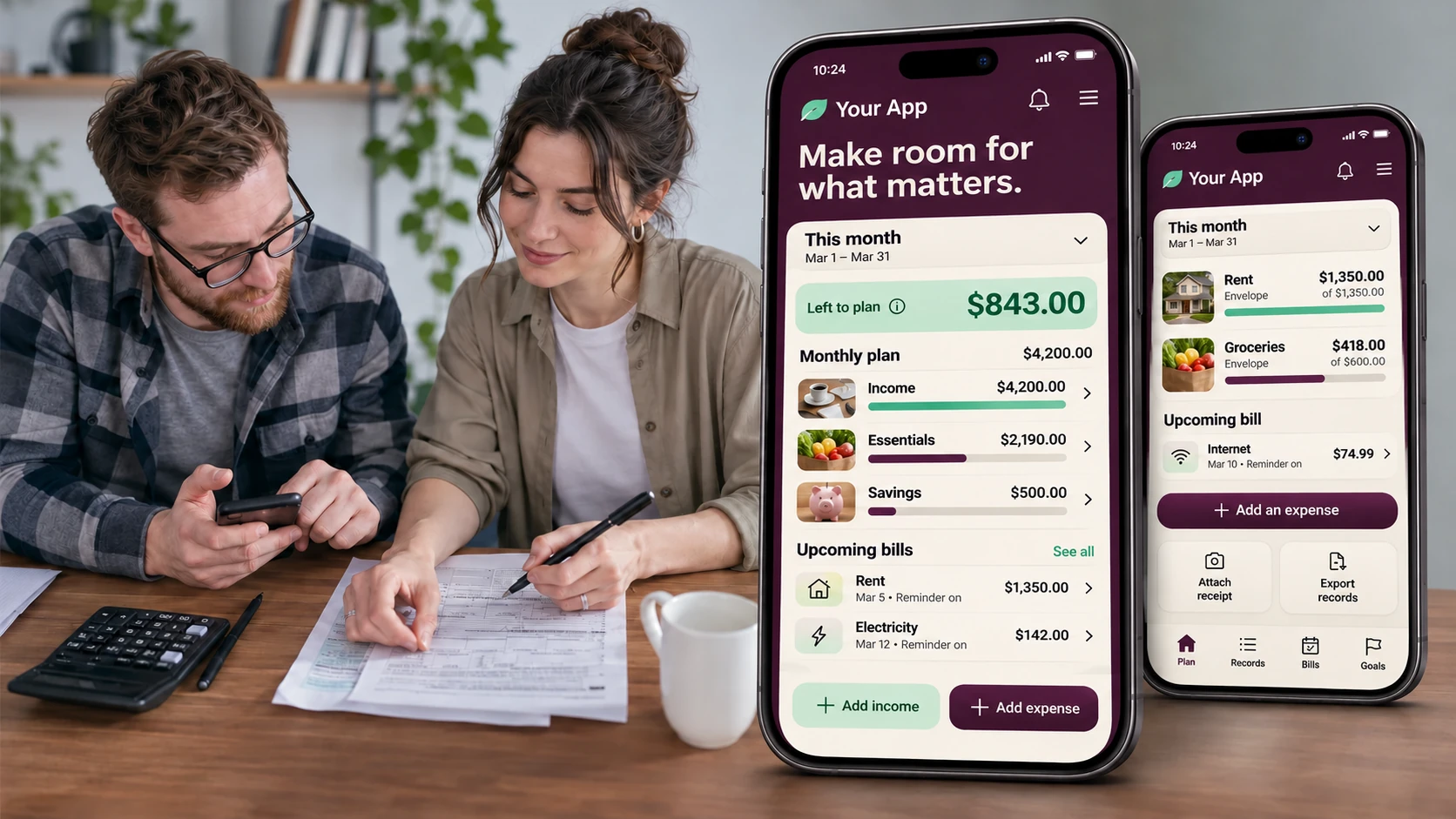
A couple diligently reviews their finances using a calculator and documents at home. Two phone screens preview the personal budgeting app, with no desktop view.App concept
IMAGINE THIS MOMENT

Someone remembers the large bills but loses track of the small purchases between them. By the weekend, the bank balance tells only part of the story. Your app could offer a calm place to record what happened and compare it with the plan they made, without judging their choices.

One useful moment.
A reason to open it.

A person records one purchase, chooses a category and sees it alongside their own planned spending. They can edit the entry immediately if needed.

Who would be glad
you built it?

People paid irregularly

Separate recorded income from hoped-for income.

Shared households

See agreed household spending together.

First-time budgeters

Start with categories they can understand.

A place in their life.
At the right moment.

Why it belongs on a phone

People can record spending close to the moment it happens. Receipt capture, quick entries and chosen bill reminders make the phone useful even when the first version has no bank connection.

A reason to come back

People return to record the next purchase, check an approaching bill and review their own plan. The app earns trust by making the records understandable and easy to correct.

Camera & scanningTimely remindersOn-the-go records

Where the money
could come from.

A personal subscription could pay for ongoing syncing, household collaboration and useful history views. Offer a clear explanation of what remains available without payment. Storage, support and secure account management cost money; pricing needs to fit a benefit people continue to value, not anxiety about their finances.

The part you could
make your own.

Try a calm experience for irregular income, where expected money is visibly separate from money actually received. Test whether this distinction helps people interpret the month more confidently.

An angle to test with the people you want to serve.

Start with something
worth using.

Offer quick manual entries, a few editable categories, planned bills and export. Let people correct mistakes easily. Delay bank connections until the value of the basic recording habit is clearer.

  • Quick manual income and expense entries
  • Receipt attachment to a transaction
  • Planned bills and user-set reminders
  • Simple budgets and exportable records

Give the promise
something to stand on.

WHAT YOU BRING

You need empathy for everyday money habits and a disciplined approach to privacy. Keep the first product about user-entered records and planning, with clear boundaries around any guidance it provides.

Protect financial information, make corrections easy and explain any account connections. Begin with manual entries if reliable bank access is unavailable. A balance shown in the app must have a clear source and date.

Let a small beginning
teach you something.

Invite willing testers with different pay patterns to try their own non-sensitive sample records. Observe whether adding an expense feels manageable and whether the monthly view answers their actual questions.

THE QUESTION TO TEST

Does the person understand the difference between money recorded, bills planned and amounts still available in their plan?

Look for these signs

  • People correct records without confusion.
  • Planned bills remain visible.
  • Users return when they need to review spending.
WHEN THE FIRST VERSION HAS TAUGHT YOU MORE
Where you could take it next

Later additions could include shared household permissions, imports and optional coaching delivered by appropriately qualified people.

A useful role for AI

AI could suggest a category from a receipt or draft a plain-language record summary. The user checks the amount and meaning before accepting any change.

A little more
clarity.

Must users connect a bank account?

No. Manual records can be a deliberate first version. Bank connections introduce additional access, data and service dependencies that should be justified by what your audience needs.

Can we promise better savings?

You can show clear records and planning tools, but outcomes depend on a person's circumstances and decisions. Describe the product's assistance without promising a financial result.

SOMETHING TO LEARN FROM

YNAB is a reference for a budgeting app.

WHAT COULD GO INSIDE

A few additions
to explore.

Customer accounts and preferencesMake a returning customer's next visit feel familiar, with the records they need and control over the details they share.Calculators and estimatorsGive someone a useful first number, with the assumptions visible, so a vague question can become a better conversation.Automatic reminders and updatesLet a timely update carry the routine reassurance, so your team can give more attention to the questions that need a person.
MAKE ROOM FOR YOUR VERSION

Now picture it
with your name on it.

Your people. Your priorities. The version you keep thinking about. Answer a few questions and leave with a starting plan you can keep.

Free to explore. No account or email needed for your starting plan.
KEEP THE POSSIBILITIES OPEN

Something else
might speak to you.