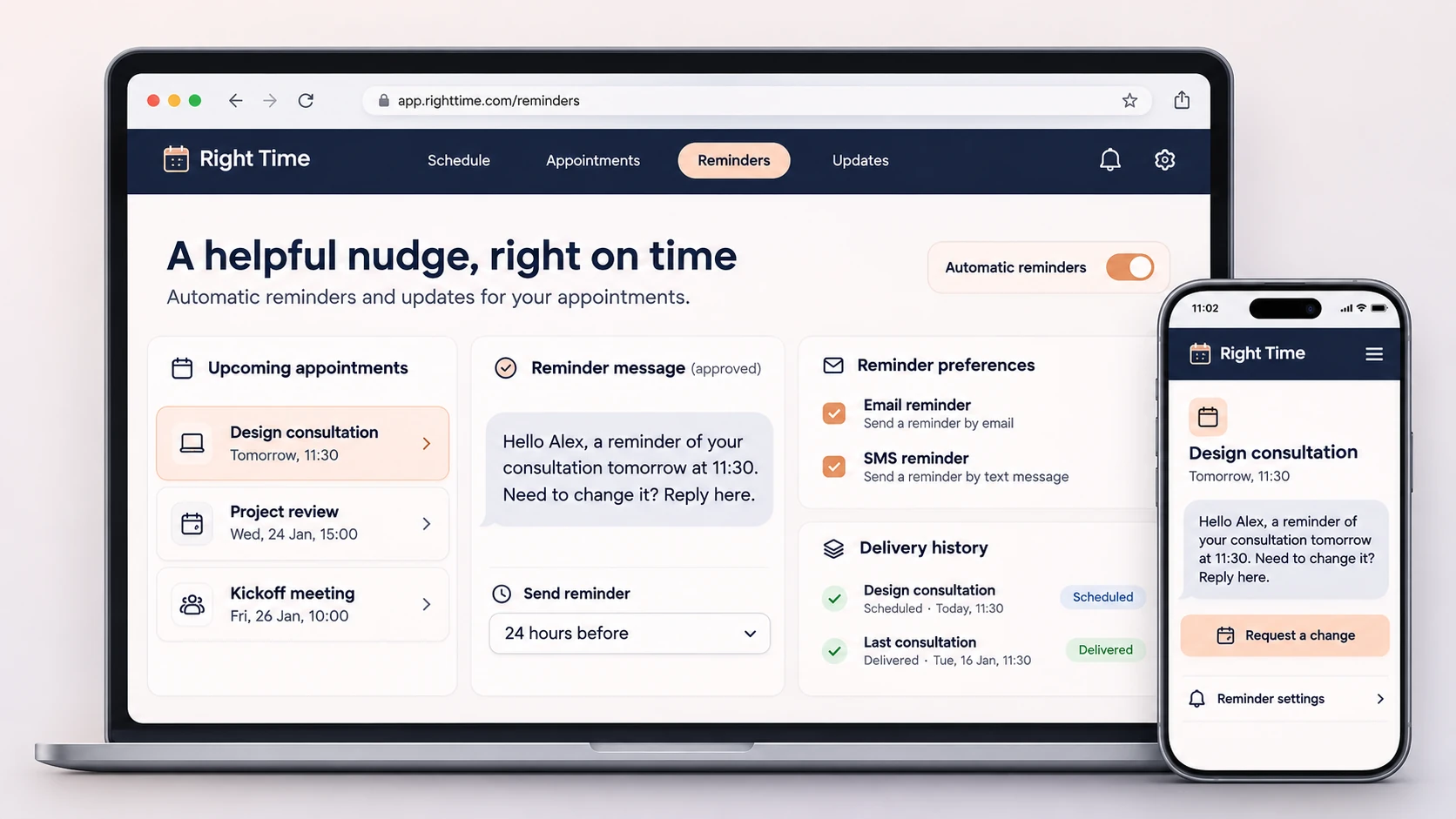
A customer is unsure whether an appointment is still on, while your team is busy delivering today's service. A reminder could carry the agreed time and preparation details at the right moment. It becomes useful when the event information is accurate and the person has a clear way to change plans or ask for help.
Staff manually repeat dates and status updates, while customers remain uncertain if the latest information is buried or has changed.
A reliable event triggers an approved update, with current details, preference controls and a clear route for questions or changes.
Where it could
make a difference.
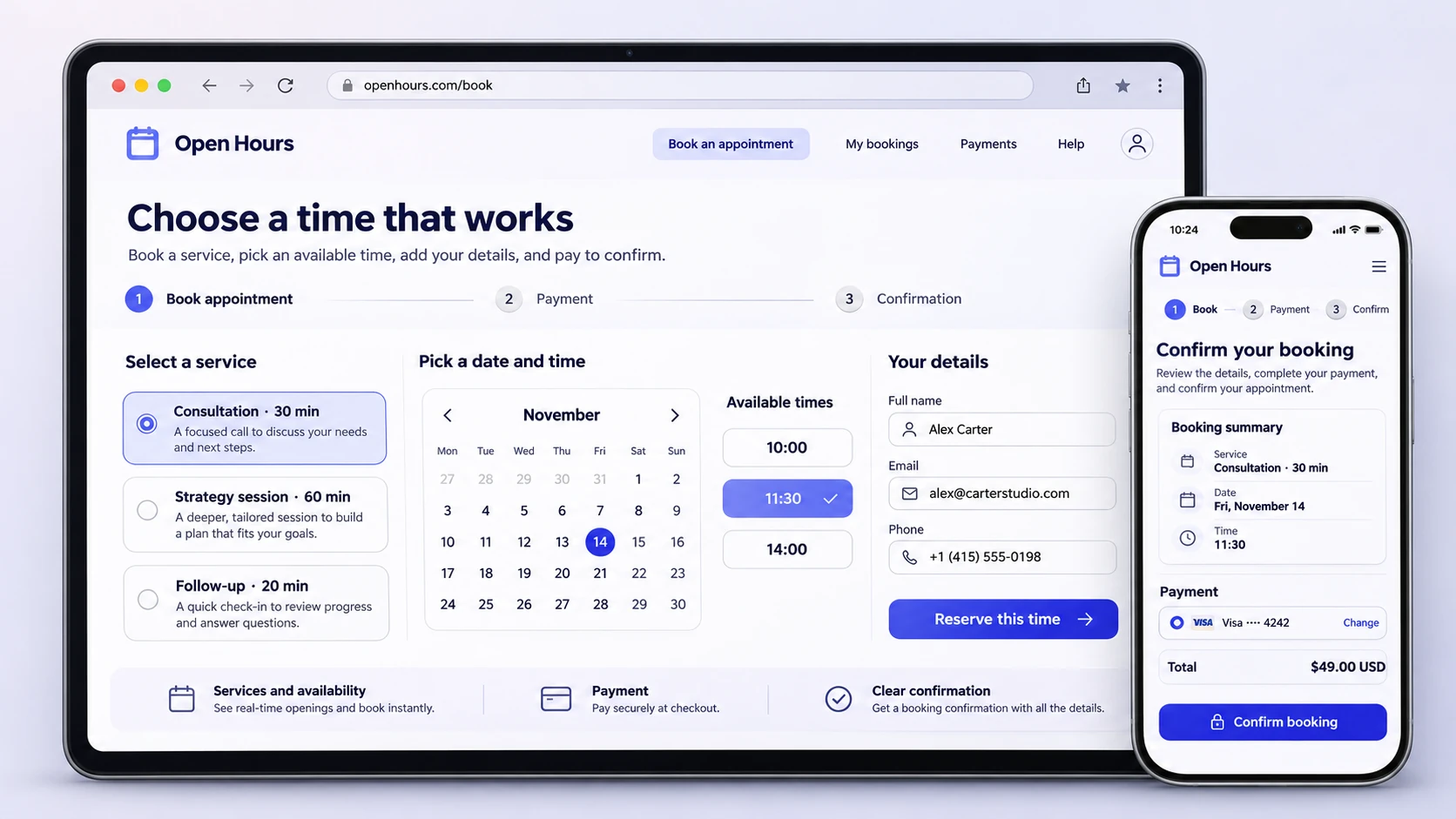
Appointment businesses
Share practical preparation and timing.
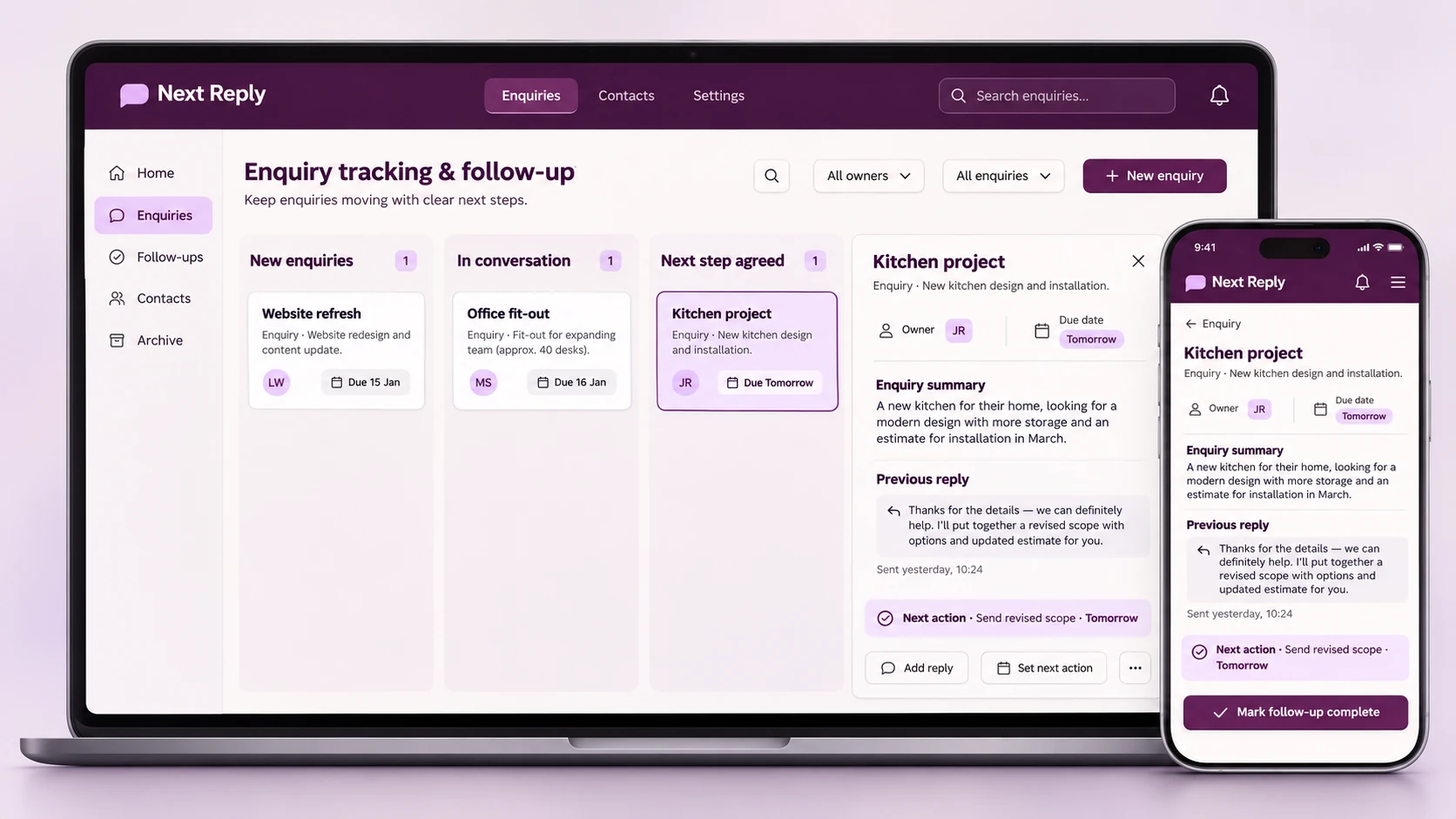
Project teams
Notify clients about agreed milestones.
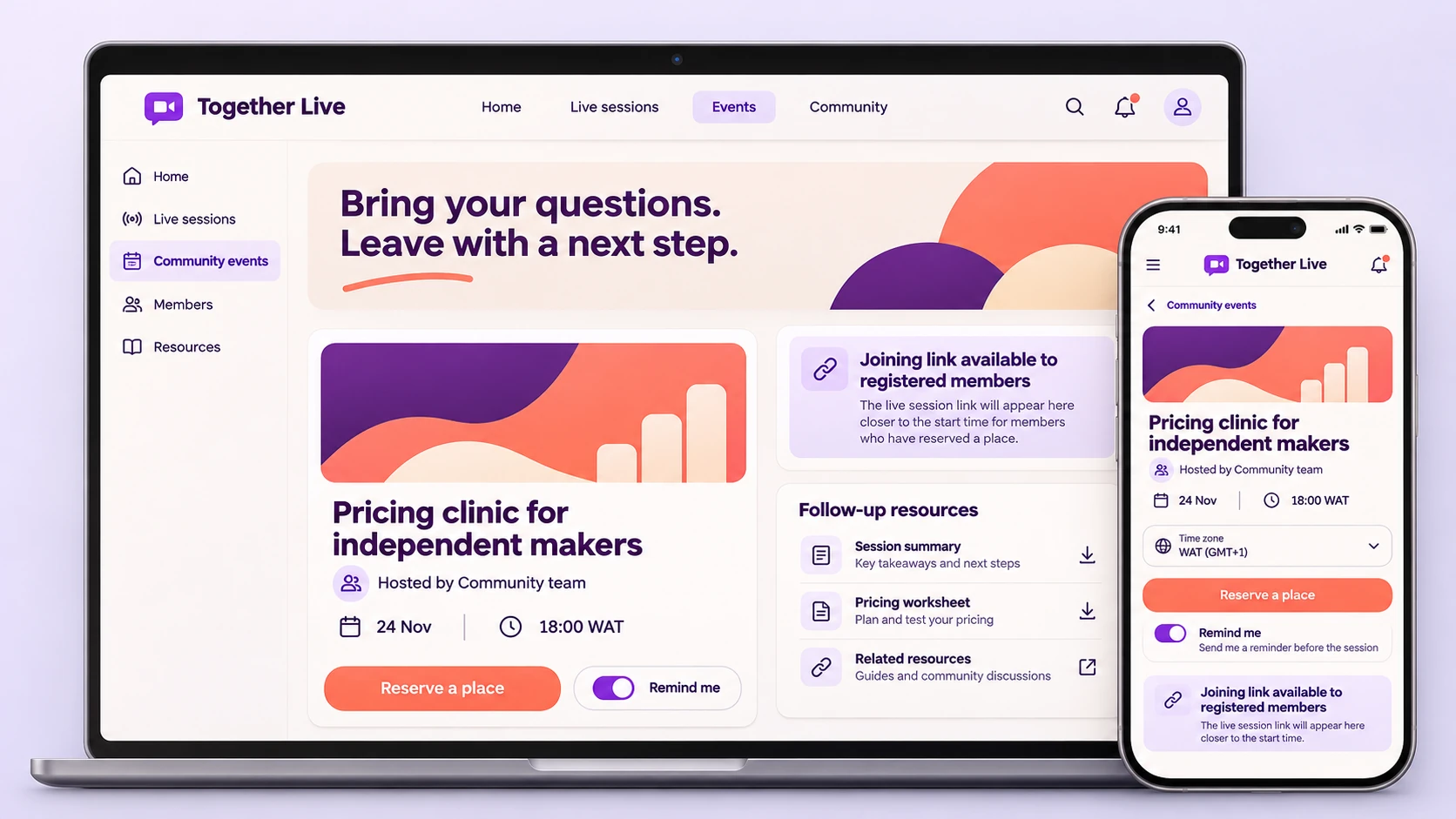
Membership operators
Explain renewal or access events clearly.
Useful on: Booking website, Client portal, Membership website.
What this could mean
for your business.
Useful reminders can support attendance, timely preparation and clearer service communication. Their effect must be assessed in the actual workflow. Messaging fees, maintenance and replies create costs, so review the questions resolved and remaining manual work alongside message volume.
Start with something
worth using.
Begin with one trigger and one useful message. Show delivery status and stop outdated reminders when an event changes. Test cancellation, rescheduling and failed delivery before adding more sequences.
- A reliable trigger
- Approved message wording
- Delivery status and preferences
Give the promise
something to stand on.
You need reliable event data, approved wording and an owner for exceptions. Decide which messages are necessary service updates, which are optional and how people manage their preferences.
Keep the underlying booking or task current. Confirm which service sends messages, what it costs and how failures or changes are handled before adding more automation.
- Accurate event information
- A suitable messaging service
- Consent and preference handling
How it fits what you already have
Check the event source, messaging service, consent and preference records. Define how changes cancel queued messages and how delivery failures, replies and duplicate triggers reach the appropriate staff member.
Let a small beginning
teach you something.
Use fictional events to test each message state, then pilot with willing customers. Ask whether the timing and content answer a real question and review the replies that still need staff attention.
Does the message arrive with current, useful information and a clear next action without continuing after the underlying event changes?
Look for these signs
- Messages reflect current event details.
- Changed events cancel outdated reminders.
- Failed delivery reaches a responsible person.
A little more
clarity.
Does sent mean the customer read it?
No. Keep message status precise. A service may confirm dispatch or delivery without proving that the person has understood the content, so important processes may need a separate acknowledgement.
Can reminders replace customer support?
They can carry routine information, but people still need a route for exceptions and questions. Make replies or human contact part of the design rather than a dead end.
Could this work with my existing website?
We would check how your current website is built, what it already does and which services need to connect. That helps us choose a suitable addition and avoid paying twice for something you already have.
What would this change
in your business?
Your customers. Your working day. The part you would love to make easier. Answer a few questions and leave with a starting plan you can keep.
Free to explore. No account or email needed for your starting plan.