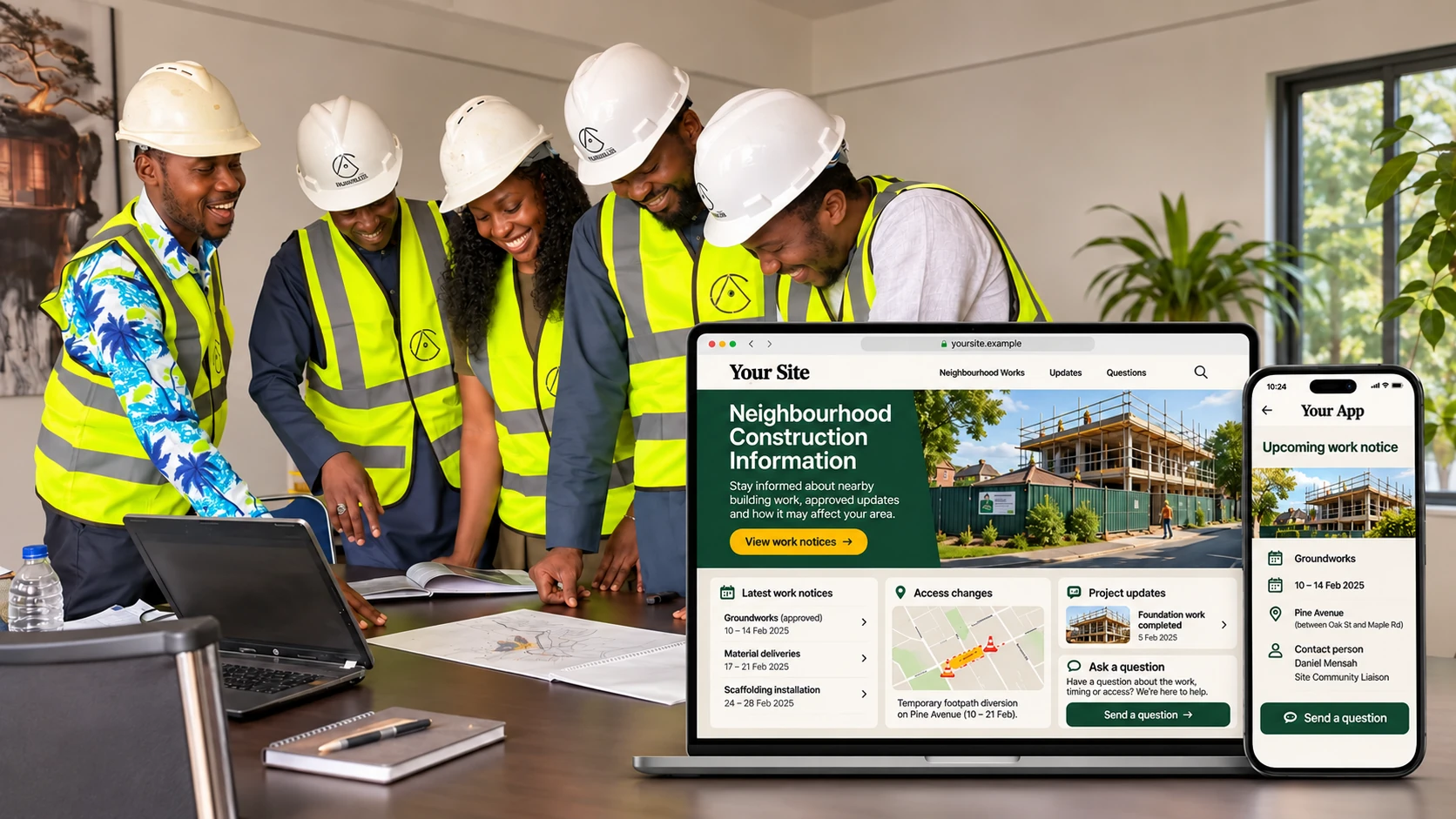
A shopkeeper hears that a delivery will block the usual entrance tomorrow, but the message comes from another neighbour rather than the project team. Your service could give those everyday details a dependable home, helping a construction team explain changes and neighbours plan around the work with less uncertainty.
A business you can
picture.
Start with projects that have an identified community contact. The team publishes approved notices, residents submit relevant questions and each issue receives an owner and a recorded response.
Who would be glad
you built it?
Contractors managing an active site
A clear route for authorised neighbourhood updates
Nearby residents and businesses
Practical access information and a contact for concerns
Project communication staff
A traceable record of enquiries and responses
Where the money
could come from.
A contractor or developer could pay per active project for the workspace and a defined communication service. The fee covers update preparation, enquiry coordination and support. It should not be sold as a substitute for required notices, site management or legal responsibilities. Any managed response promise needs staffing that can actually support it.
The part you could
make your own.
Your proposed difference is usefulness from the neighbour’s perspective. A clear explanation of tomorrow’s entrance arrangement may build more practical confidence than a polished project progress feed.
An angle to test with the people you want to serve.Start with something
worth using.
Start with one project. Publish approved upcoming access and delivery information, accept private enquiries and assign each one to a responsible contact. Preserve update history and display a clear urgent-contact route.
- Share dated notices about practical arrangements.
- Provide one route for neighbour questions.
- Track promised follow-up and unresolved concerns.
Give the promise
something to stand on.
You need project communication experience and access to authorised site staff. The service must distinguish planned arrangements from confirmed commitments and route urgent matters to appropriate people instead of leaving them in an ordinary inbox.
Only authorised staff should publish operational commitments. Protect personal reports, route urgent matters appropriately and avoid presenting the platform as a substitute for required notices or site responsibilities.
Let a small beginning
teach you something.
Trial the desk with a project team and nearby representatives on one recurring issue, such as deliveries. Check whether approved updates reach affected people and whether questions return to someone able to answer them.
Can a neighbour find the current practical arrangement and receive a response from the person authorised to address the concern?
Look for these signs
- Operational updates have an authorised source
- Enquiries reach named responsible staff
- Changed arrangements remain easy to identify
A little more
clarity.
Can anyone on the project publish a promise?
Restrict operational commitments to authorised staff. Other team members can prepare drafts or flag concerns, while the published update should make its status and responsible source clear.
Does an online update replace formal notices?
Only use it within the project’s properly reviewed communication process. The service organises practical information and should not imply that required notices or other site obligations disappear.
What should my first version focus on?
Start with the first test described here, then build around the part people actually use and would pay to keep.
Now picture it
with your name on it.
Your people. Your priorities. The version you keep thinking about. Answer a few questions and leave with a starting plan you can keep.
Free to explore. No account or email needed for your starting plan.