Travel & experiencesNew concept
Accessible itinerary handoff

Help a traveller carry the answers with them.

Someone has spent hours asking whether the entrance, transfer and room will work for their needs. They should be able to find those answers again when the journey begins. You could build a planning service that keeps the practical details together and makes each handover clearer.

Make this fit me
You could also build this as a mobile app
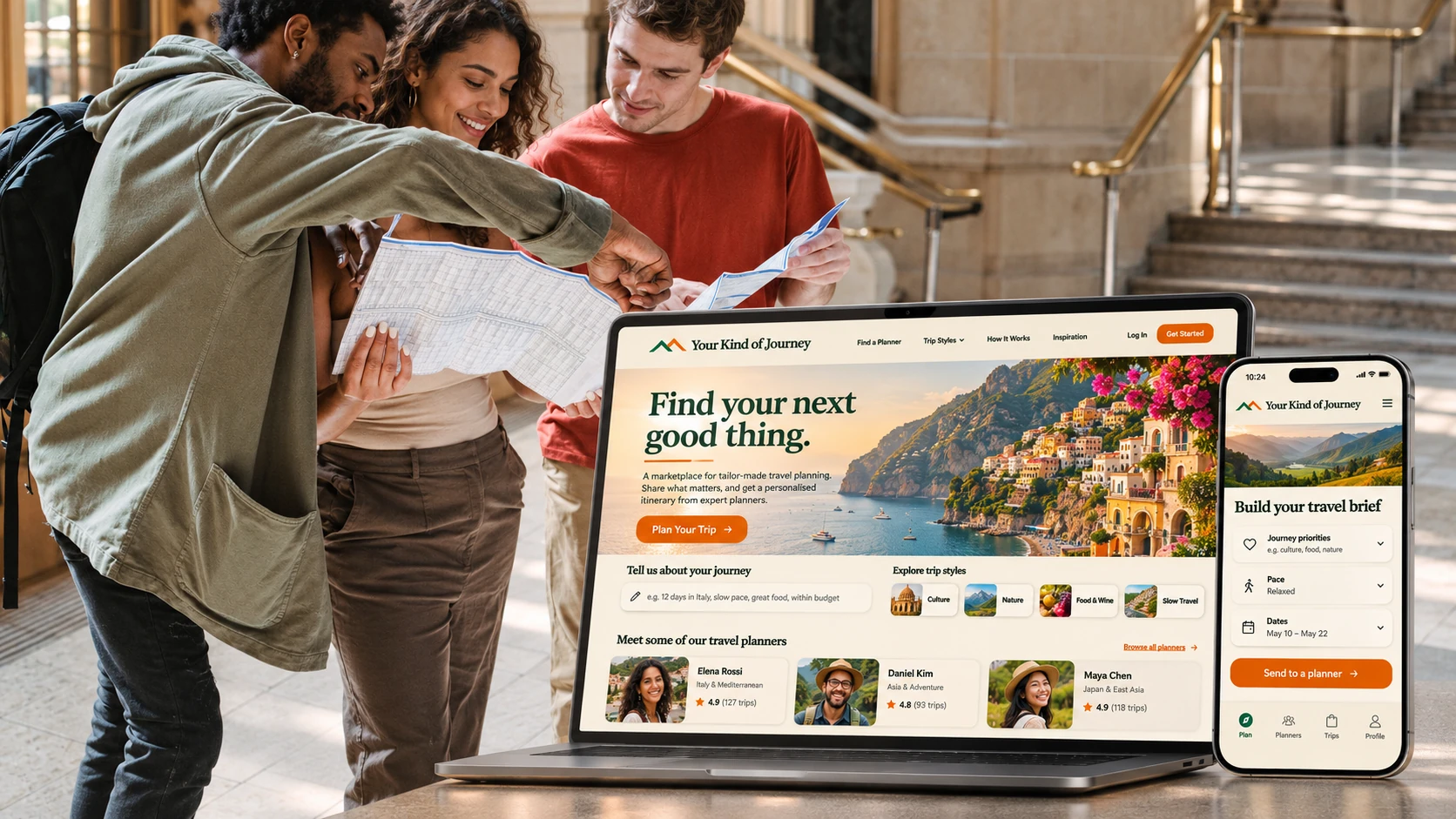
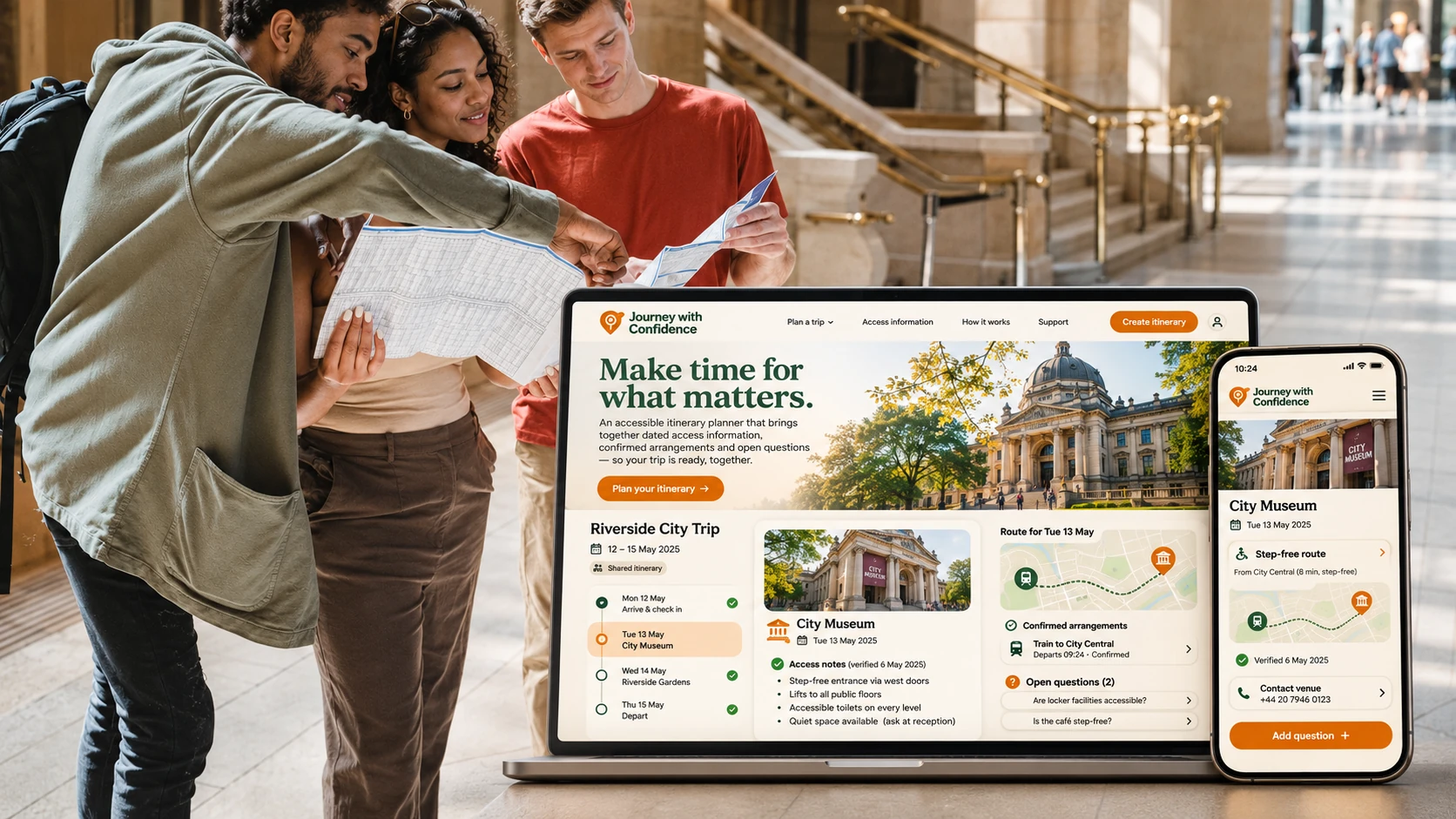
Accessible itinerary handoff concept: real human activity with a bespoke website and matching phone interface.Illustrative concept
IMAGINE THIS MOMENT

A traveller has checked a doorway width, a transfer arrangement and a room feature, but the answers sit in different email chains. At the next handover they have to explain everything again. Your service could gather specific confirmed details into a shared plan that travels with the person.

A business you can
picture.

Begin with one destination and a small group of cooperating providers. Record specific practical features instead of applying a universal accessible label.

Who would be glad
you built it?

Travellers with access requirements

Keep practical confirmations together.

Specialist travel planners

Coordinate provider handovers clearly.

Companions and support teams

Understand agreed journey arrangements.

Where the money
could come from.

A travel planner could pay for a client itinerary workspace, or your specialist service could charge for a clearly defined planning engagement. Choose the route your team can deliver. Provider follow-up, updating records and handling changes take time, and any referral relationship behind a recommendation should be disclosed.

The part you could
make your own.

Traceable confirmations could be the difference: who checked what, when and what remains unresolved. Test whether that practical record makes handovers clearer than an attractive itinerary that leaves the most important details scattered elsewhere.

An angle to test with the people you want to serve.

Start with something
worth using.

Start with one destination, a few cooperating providers and a clear itinerary workspace. Record practical requirements, source and date of confirmations, contact details and unanswered questions. Let travellers choose who can access the plan.

  • Capture the practical requirements the traveller chooses to share.
  • Collect dated provider answers and useful photos.
  • Bring arrival, transport and venue instructions together.
  • Flag unanswered questions and changed arrangements.

Give the promise
something to stand on.

WHAT YOU BRING

You need careful listening, provider follow-up and a willingness to record uncertainty honestly. Personal requirements vary; the useful work is checking specific details and keeping responsibility for each answer visible.

Verification, updates, support and accessible design are central costs. Collect only necessary personal information and let the traveller control sharing. Show when a detail was checked. The service cannot guarantee that every part of a trip will suit every need.

Let a small beginning
teach you something.

Co-design a sample handover with willing travellers and specialist planners. Follow one limited itinerary through its providers and ask where information becomes unclear, outdated or unavailable to the person who needs it.

THE QUESTION TO TEST

Can each provider understand the agreed practical requirements without the traveller having to repeat the entire planning history?

Look for these signs

  • Confirmations show their source and date
  • Unanswered requirements remain visible
  • Handover contacts know their responsibilities
WHEN THE FIRST VERSION HAS TAUGHT YOU MORE
Where you could take it next

A later version could alert planners when a provider changes an agreed detail and keep a history of reconfirmation. Practical requirements can often guide the service without collecting unnecessary medical details.

A little more
clarity.

Can the service label a trip fully accessible?

A broad label can hide important differences. Describe specific checked features and the traveller's stated requirements, then show what still needs confirmation. The person should be able to assess the details that matter to them.

What if a provider changes an arrangement?

Keep a named contact and a change process for each stage. Notify the people affected, record the replacement arrangement and avoid silently treating an old confirmation as current after circumstances have changed.

Could AI decide whether a venue is accessible?

No. It could organise supplied information; specific access claims need reliable evidence and appropriate confirmation.

Who decides what is shared?

The traveller should choose who receives the itinerary and which practical details it contains.

SOMETHING TO LEARN FROM

AccessNow maps accessibility information about places. It is an adjacent reference. This idea concentrates on bringing confirmed practical details into a particular traveller’s itinerary.

WHAT COULD GO INSIDE

A few additions
to explore.

Document and information collectionGive customers a clear preparation list and your team one place to see what has arrived, what is missing and what needs review.Customer accounts and preferencesMake a returning customer's next visit feel familiar, with the records they need and control over the details they share.Maps and local availabilityHelp a visitor connect a useful offer to a real place, with the coverage and arrival details that matter beyond the map pin.
MAKE ROOM FOR YOUR VERSION

Now picture it
with your name on it.

Your people. Your priorities. The version you keep thinking about. Answer a few questions and leave with a starting plan you can keep.

Free to explore. No account or email needed for your starting plan.
PICTURE THE MOBILE APPTravel access companion app

Keep the practical details that make a trip feel possible.

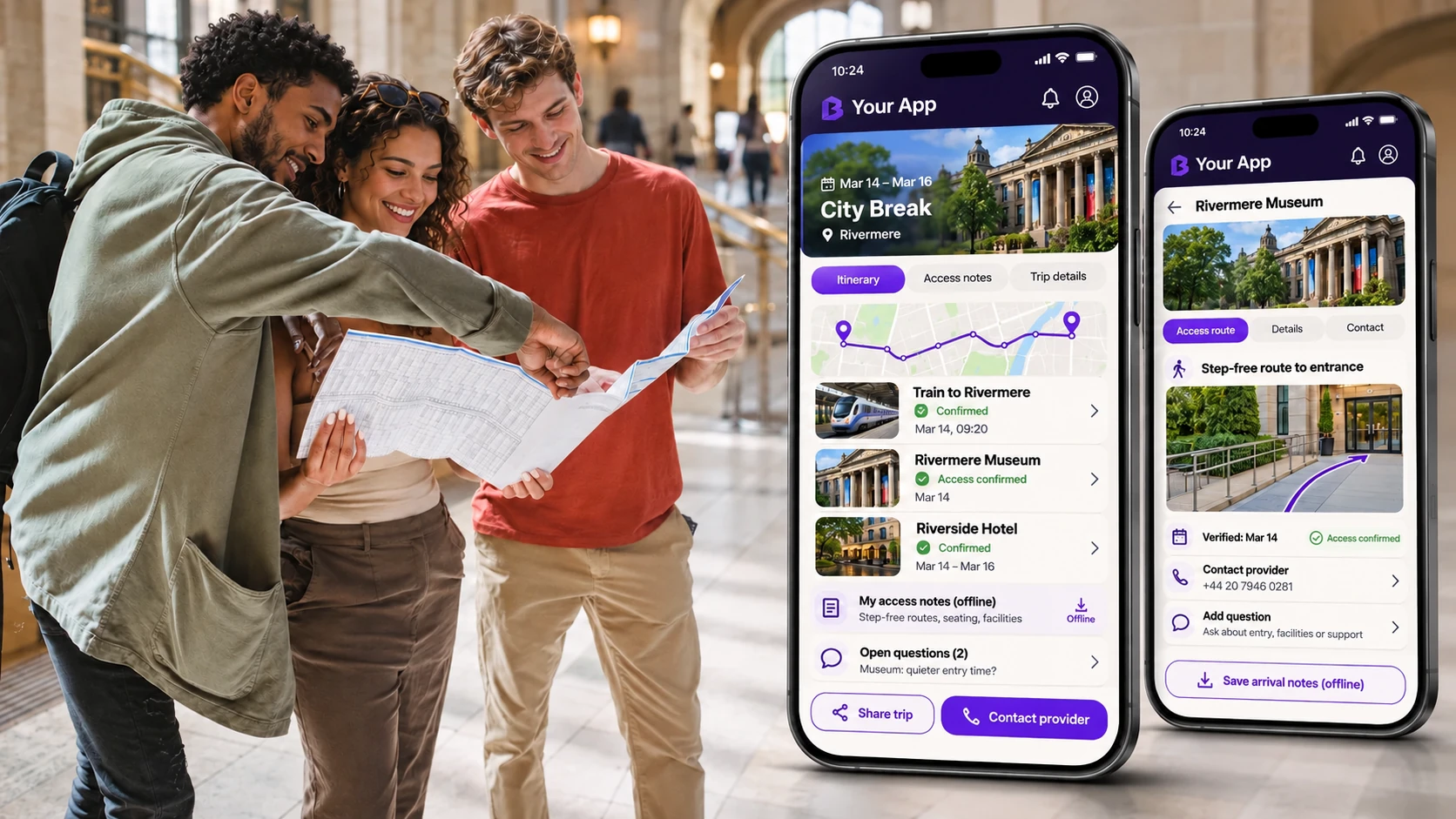
A traveller may need more than a booking confirmation to feel ready. You could build an app that keeps their chosen access requirements, provider confirmations and practical arrival notes together. Begin with a clear handover of agreed information, with visible dates and a human contact when something remains uncertain.

A group of diverse friends looking at a map inside a building, exploring their travel route. Two phone screens preview the Travel access companion app, with no desktop view.App concept
IMAGINE THIS MOMENT

Picture a traveller arriving after a long journey with several access arrangements buried in email. A transfer driver has one note; the hotel has another. Your app could give that traveller control over the practical information they share and a clear view of what has actually been confirmed.

One useful moment.
A reason to open it.

The traveller opens the next arrival, checks the dated confirmation and chooses which practical notes to share with the person meeting them.

Who would be glad
you built it?

Travellers with access requirements

Carry agreed practical details without retelling everything.

Travel organisers

Track confirmations and unresolved questions.

Arrival teams

Receive only the information needed for their part.

A place in their life.
At the right moment.

Why it belongs on a phone

The details are needed during the journey and may have to be shown to a provider on arrival. Offline notes, chosen reminders and controlled sharing make the phone useful at those handovers.

A reason to come back

Travellers return before each journey stage and when information changes. The app should keep confirmed details distinct from requests, assumptions and questions that still need an answer.

Works offlineTimely remindersOn-the-go records

Where the money
could come from.

A travel organiser could pay for supported itinerary workspaces used in its planning service. The fee covers structured handovers and follow-up records. Human confirmation work, support during agreed hours and secure information handling require a budget; a workspace fee does not replace the cost of organising travel.

The part you could
make your own.

Test whether traveller-controlled sharing and visibly dated confirmations make one journey easier to prepare for. A narrow, dependable handover may be more useful than broad but unverified destination listings.

An angle to test with the people you want to serve.

Start with something
worth using.

Begin with one trip type, a dated itinerary, selective sharing and offline arrival notes. Show unresolved questions plainly. Keep the app focused on handovers rather than attempting to certify every destination.

  • Traveller-controlled practical requirement notes
  • Dated provider confirmations and unresolved questions
  • Offline itinerary and arrival information
  • Selective sharing and clear human contact routes

Give the promise
something to stand on.

WHAT YOU BRING

This suits an owner experienced in thoughtful travel planning and provider coordination. Build alongside people with relevant lived experience, and make responsibility for confirming each arrangement explicit.

Verification, updates, support and accessible design are central costs. Collect only necessary personal information and let the traveller control sharing. Show when a detail was checked. The service cannot guarantee that every part of a trip will suit every need.

Let a small beginning
teach you something.

Ask willing travellers and organisers to review an anonymised journey together. Trial a real itinerary only after confirming consent, information access and the human contact for changes during travel.

THE QUESTION TO TEST

Can the traveller distinguish confirmed arrangements from unanswered questions when preparing for the next arrival?

Look for these signs

  • Confirmations show their source and date.
  • Travellers control shared information.
  • Unresolved details reach the appropriate organiser.
WHEN THE FIRST VERSION HAS TAUGHT YOU MORE
Where you could take it next

A later version could alert planners when a provider changes an agreed detail and keep a history of reconfirmation. Practical requirements can often guide the service without collecting unnecessary medical details.

A little more
clarity.

Does the app guarantee accessibility?

No. It records requirements and provider confirmations, with their limits. Conditions can change, so the traveller needs a current contact route and a clear way to flag uncertainty.

Must every provider install the app?

A first version can share a carefully limited trip summary through an appropriate access link or export. Keep sensitive notes restricted and make revoking access part of the design.

Could AI decide whether a venue is accessible?

No. It could organise supplied information; specific access claims need reliable evidence and appropriate confirmation.

Who decides what is shared?

The traveller should choose who receives the itinerary and which practical details it contains.

SOMETHING TO LEARN FROM

AccessNow maps accessibility information about places. It is an adjacent reference. This idea concentrates on bringing confirmed practical details into a particular traveller’s itinerary.

WHAT COULD GO INSIDE

A few additions
to explore.

Document and information collectionGive customers a clear preparation list and your team one place to see what has arrived, what is missing and what needs review.Customer accounts and preferencesMake a returning customer's next visit feel familiar, with the records they need and control over the details they share.Maps and local availabilityHelp a visitor connect a useful offer to a real place, with the coverage and arrival details that matter beyond the map pin.
MAKE ROOM FOR YOUR VERSION

Now picture it
with your name on it.

Your people. Your priorities. The version you keep thinking about. Answer a few questions and leave with a starting plan you can keep.

Free to explore. No account or email needed for your starting plan.
KEEP THE POSSIBILITIES OPEN

Something else
might speak to you.

Travel & experiencesFamiliar model

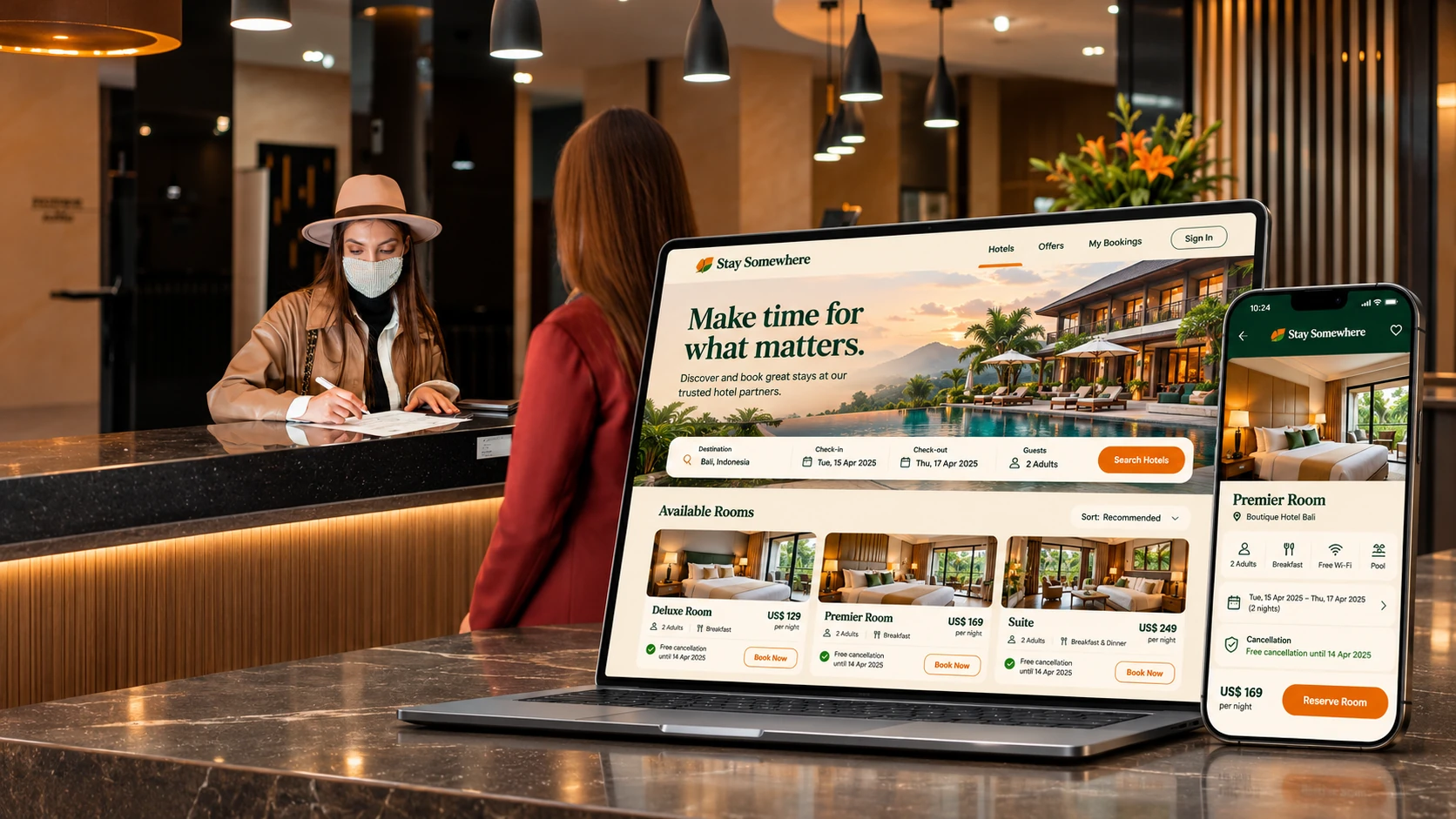
Hotel booking

Build a hotel booking service around the stay a traveller actually needs, with room details and reservation terms they can understand.

  • Booking fees
  • Travel