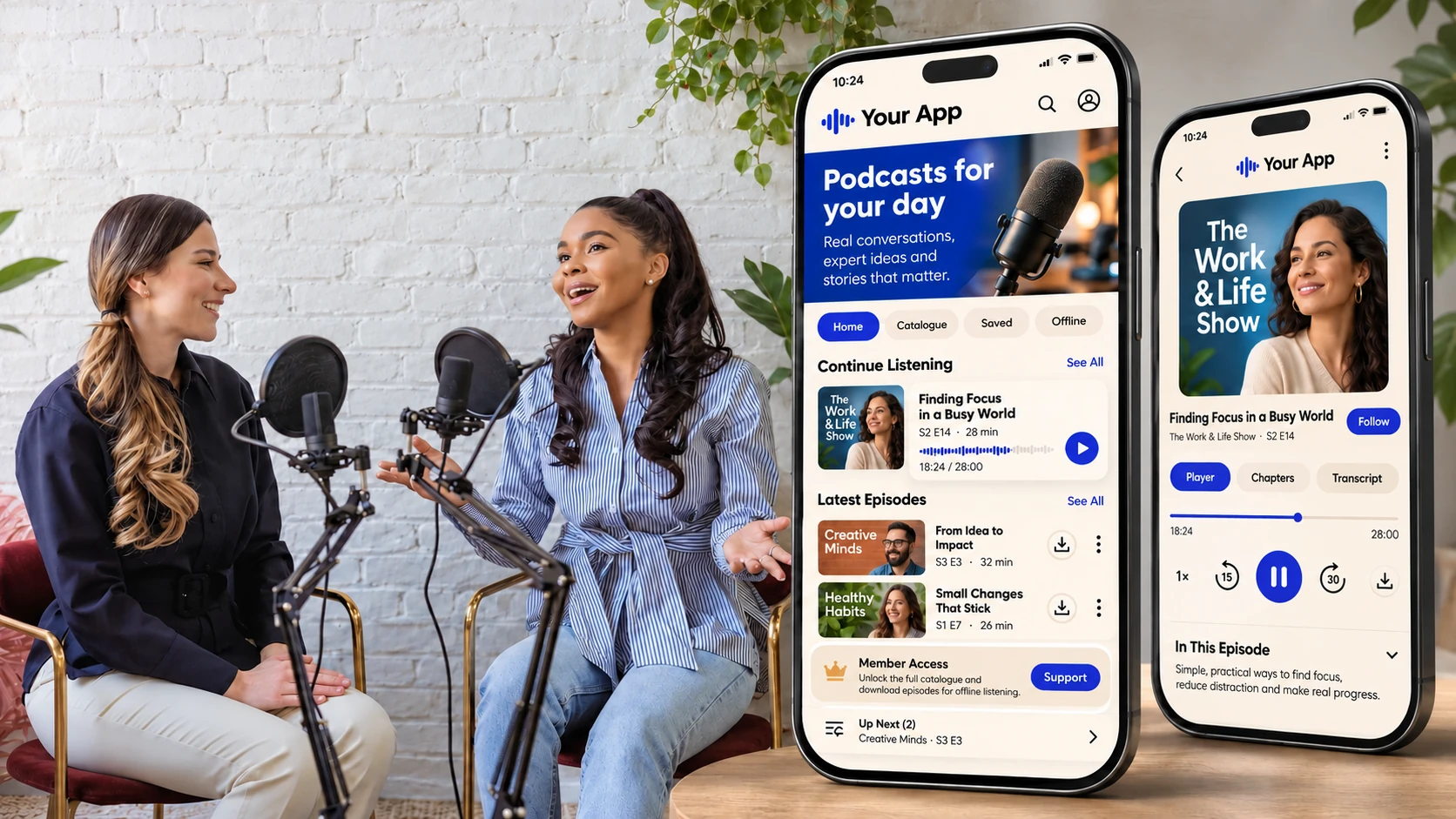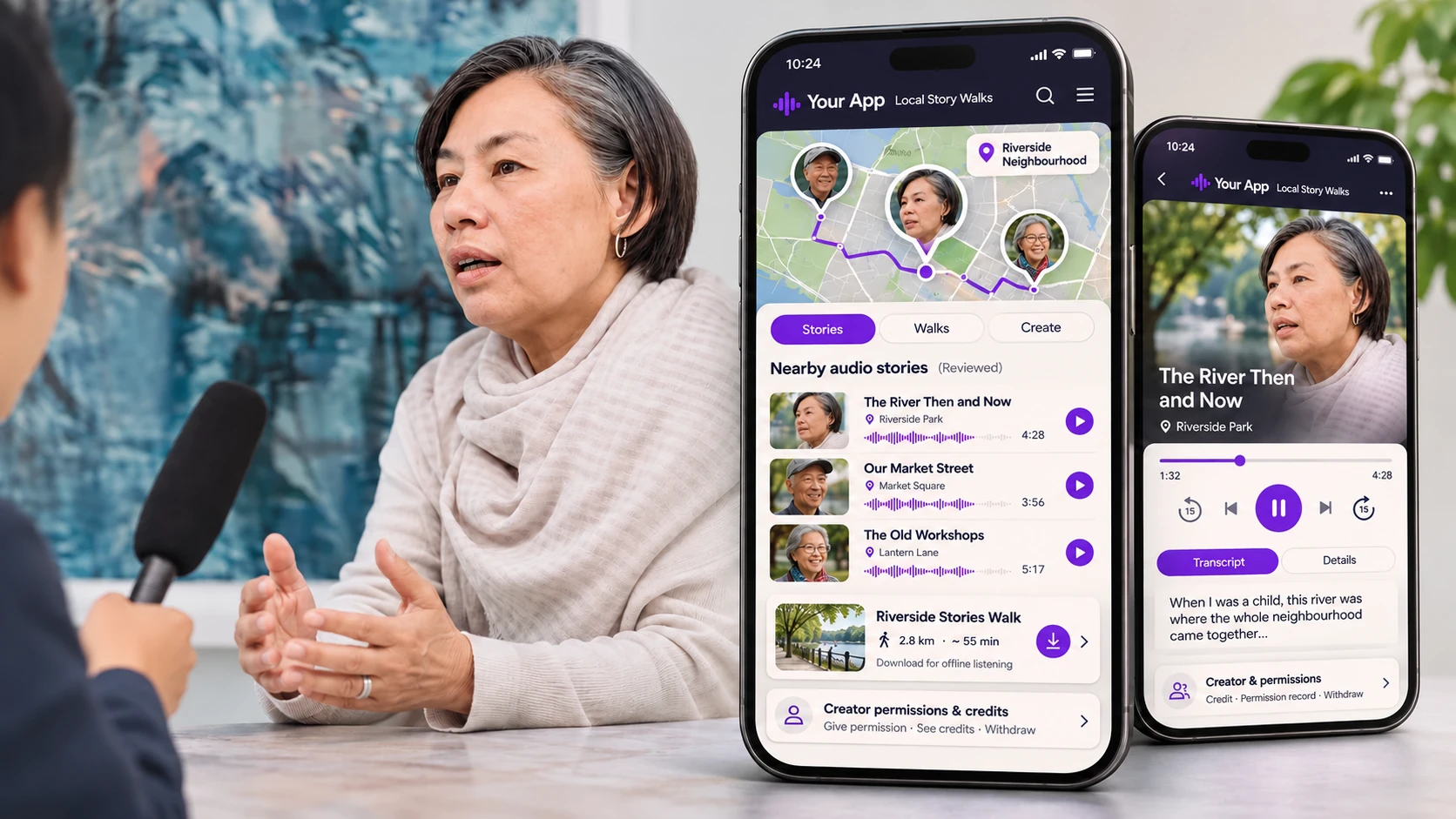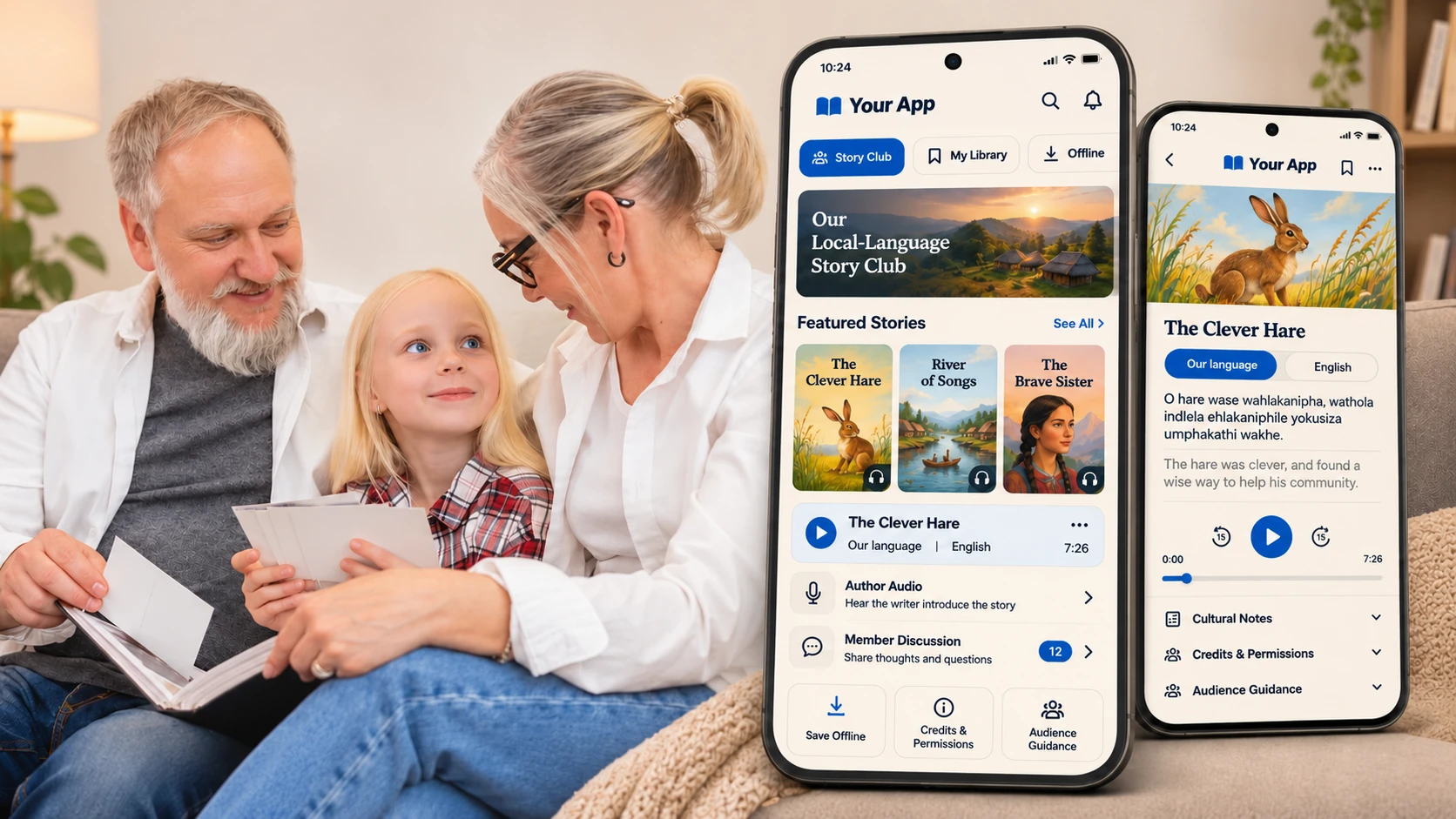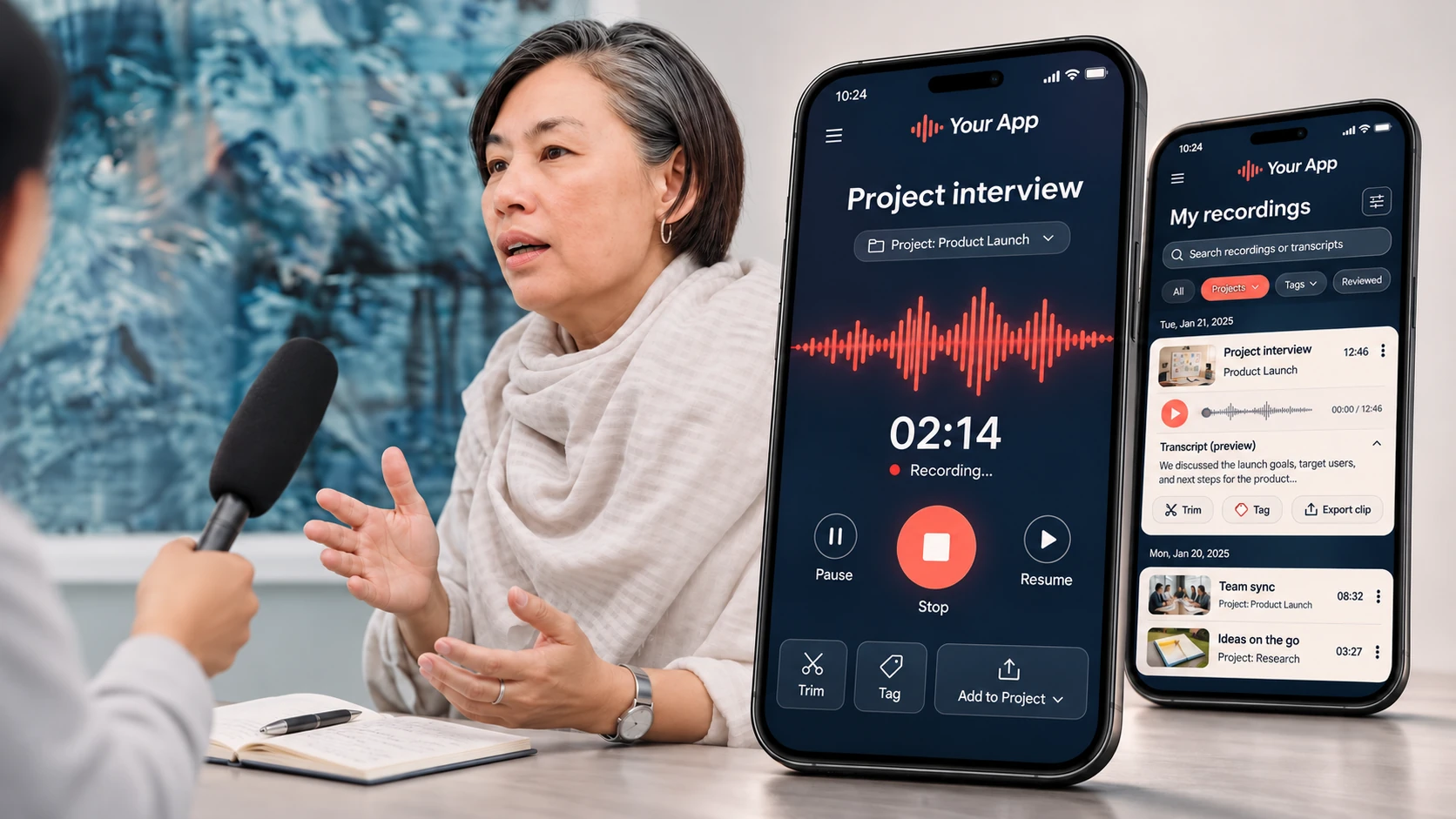
A thought arrives between appointments, when typing would interrupt the moment. The person records it, then later faces a folder of unnamed audio files. Your app could help one audience capture quickly and add just enough structure for the idea to return to the right project.
One useful moment.
A reason to open it.
A user records a thought, adds a project tag and saves it. Later they search a reviewed transcript or open the tagged recording at the relevant point.
Who would be glad
you built it?
Independent creators
Catch ideas before they lose the wording.
Researchers with permission
Organise recorded reflections by topic.
Project leads
Keep personal spoken notes attached to work.
A place in their life.
At the right moment.
Why it belongs on a phone
A microphone and a quick record button capture thoughts in the moment. Recordings can wait on the phone until a connection returns.
A reason to come back
People return to capture the next thought and recover the previous one. Finding a useful recording matters as much as making it.
Where the money
could come from.
A paid app could cover recording, folders and export, with a separate subscription for defined transcription minutes and syncing. Users pay for a dependable notebook and clearly priced processing. Audio storage, transcription and support costs should be visible in the model, especially for heavy use.
The part you could
make your own.
Try a project-centred notebook for people whose ideas arrive in fragments. A quick tag and a reliable return to the original moment may be more useful than a long automatically generated summary.
An angle to test with the people you want to serve.Start with something
worth using.
Start with reliable recording, project tags, trimming and export. Preserve the original audio. Make transcription optional with clear processing and usage terms, and allow names or key words to be corrected.
- Record, pause and resume a note
- Trim audio without losing the original
- Tag recordings by project
- Search reviewed transcripts and export clips
Give the promise
something to stand on.
You need a clear capture-and-retrieval use case and thoughtful audio privacy. Recording other people requires appropriate consent; the product should not quietly encourage covert recording or imply that every transcript is accurate.
Make recording status obvious and obtain appropriate permission before recording other people. Treat transcripts as editable drafts; explain storage, retention and deletion.
Let a small beginning
teach you something.
Ask willing users to record fictional project thoughts over several sessions. Later, give them a retrieval task and observe whether tags or reviewed transcripts help them find the right passage.
Can the user find the original thought later without listening through every recording from beginning to end?
Look for these signs
- Recordings save with a clear status.
- Project tags support later retrieval.
- Exports retain the intended audio.
A little more
clarity.
Must every note be transcribed?
No. Some users need only dependable audio and organisation. Optional transcription should explain where processing occurs, what it costs and how the user can check errors.
Can we erase the original after transcription?
The user should control that choice. A transcript may miss names, tone or detail, so retaining the recording can be important until the user has reviewed what they need.
Should every recording be sent for transcription?
No. Let people keep audio locally and choose which recordings to transcribe. Show any processing charge before they agree.
Just Press Record offers mobile audio recording and transcription. Its capture workflow is a reference for the model, rather than evidence that a new version will sell.
Now picture it
with your name on it.
Your people. Your priorities. The version you keep thinking about. Answer a few questions and leave with a starting plan you can keep.
Free to explore. No account or email needed for your starting plan.