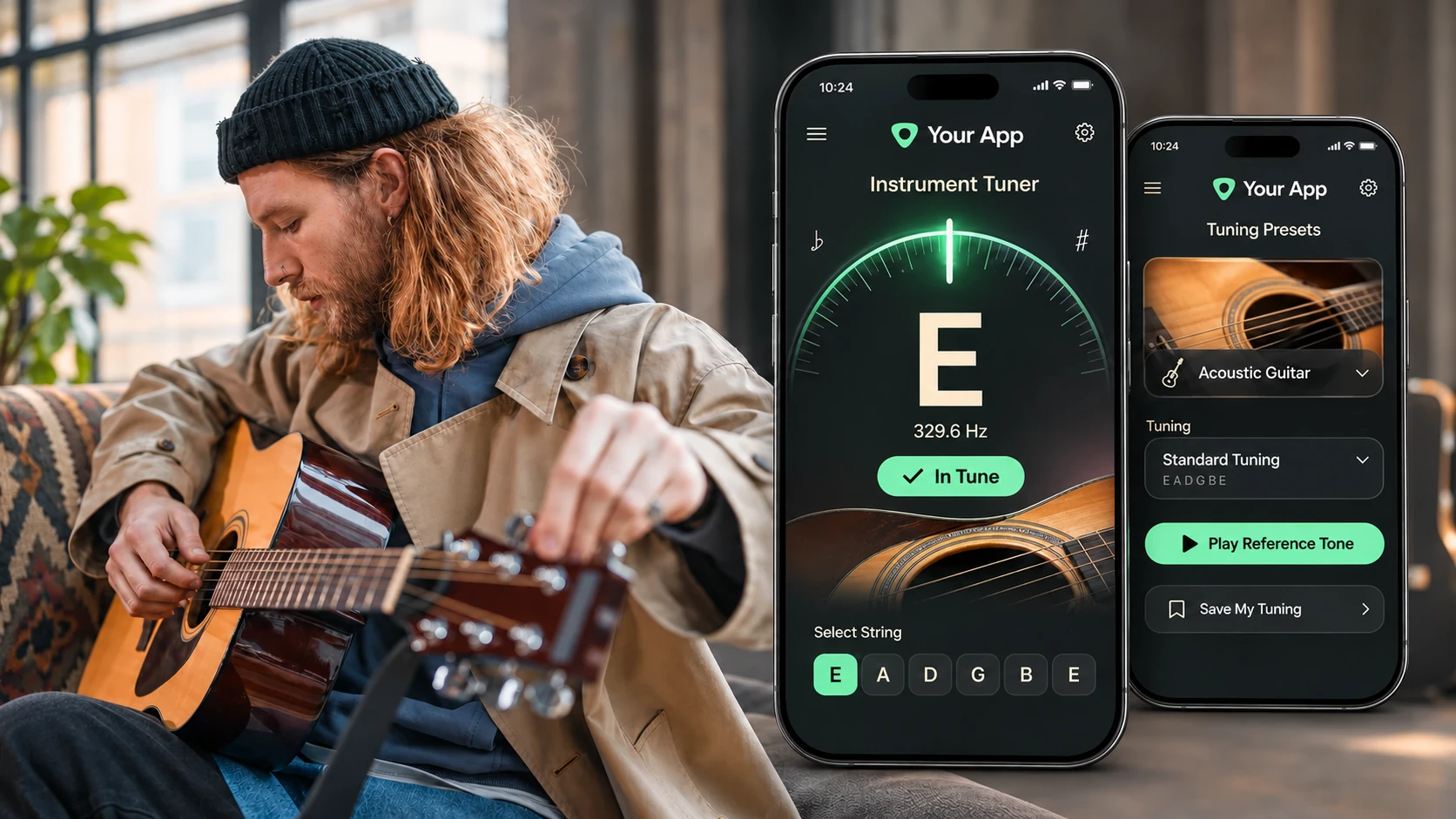
A beginner opens a tuner and sees unfamiliar labels without knowing which setting fits the instrument in their hands. Your app could make that preparation easier for one instrument community, with appropriate presets, clear reference tones and an understandable display. The musician still needs guidance for the instrument's physical care and adjustment.
One useful moment.
A reason to open it.
A player chooses the supported instrument and preset, checks the microphone signal and compares a note with the displayed reference before making an appropriate adjustment.
Who would be glad
you built it?
Beginning musicians
Choose the appropriate instrument reference.
Teachers
Use a consistent preparation tool with students.
Experienced players
Save a preferred tuning setup.
A place in their life.
At the right moment.
Why it belongs on a phone
The microphone listens beside the instrument and the screen gives immediate feedback. Core tuning can work without an internet connection.
A reason to come back
Every rehearsal, lesson or performance starts with a reason to open the app. Dependable simplicity matters more than a crowded feature list.
Where the money
could come from.
Musicians could buy a focused toolkit with reviewed tuning collections and personal presets. The value must be clear beside basic alternatives. Audio testing, device support and expert review have ongoing costs. Teacher packs can be a separate offer with a defined instrument and student use case.
The part you could
make your own.
Serve one instrument's preparation routine with unusually clear labels and teaching guidance. Test whether beginners make fewer interpretation mistakes before presenting the interface as an advantage.
An angle to test with the people you want to serve.Start with something
worth using.
Start with one instrument family, reviewed presets, reference tones and saved preferences. Make permission and signal quality clear. Avoid adding many unsupported tunings before the basic reading is dependable.
- Select an instrument or tuning preset
- Read live pitch against a reference
- Play a chosen reference tone
- Save personal tuning preferences
Give the promise
something to stand on.
You need musical expertise and careful testing across supported devices and instruments. Define the supported range and explain when microphone conditions or instrument technique may affect the reading.
Test pitch readings across supported phones, microphones and background noise. State the supported range clearly and let experienced musicians review presets before release.
Let a small beginning
teach you something.
Work with suitable teachers and players to compare the app with trusted references on supported devices. Ask beginners whether they understand the display and know when to seek help with adjustment.
Can the intended musician select the right reference and interpret the display without mistaking an unclear signal for a reliable reading?
Look for these signs
- Presets match their stated instrument use.
- Poor signal is visibly indicated.
- Musicians retrieve preferred settings easily.
A little more
clarity.
Can a tuner teach instrument maintenance?
A tuner provides a reference, not a complete care lesson. Include appropriate guidance from suitable teachers and avoid implying that any adjustment is safe for every instrument.
Will it work equally on every phone?
Device microphones and environments differ. Test the supported range and explain limitations instead of promising identical performance across all hardware.
Is this the same as a music lesson app?
No. Its core job is preparing an instrument to play. Teaching content could be added later, but the first product should tune clearly and reliably.
Soundbrenner includes a tuner in The Metronome app. It provides a familiar mobile music-tool reference; the proposed instrument focus and paid offer need their own test.
Now picture it
with your name on it.
Your people. Your priorities. The version you keep thinking about. Answer a few questions and leave with a starting plan you can keep.
Free to explore. No account or email needed for your starting plan.