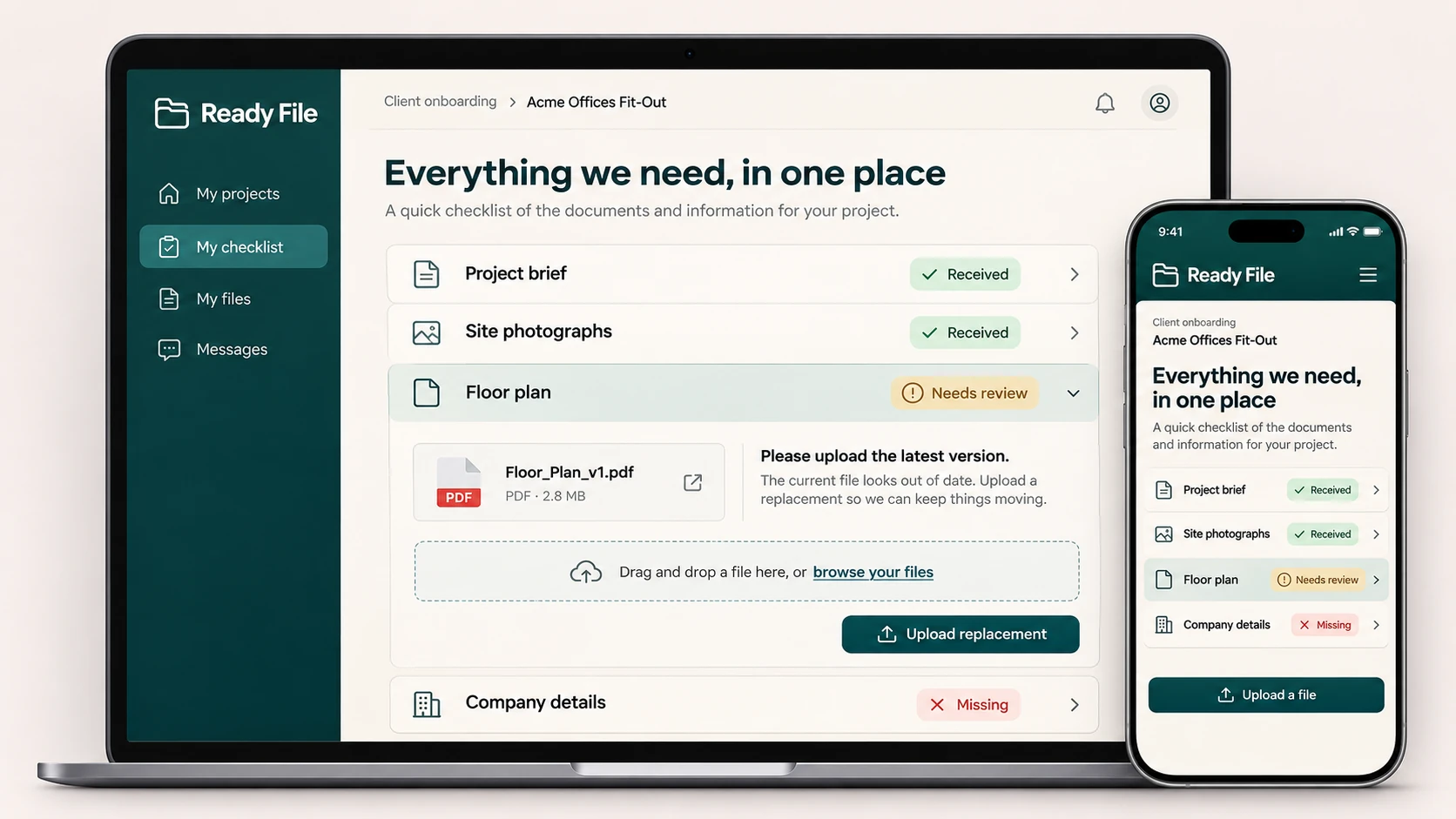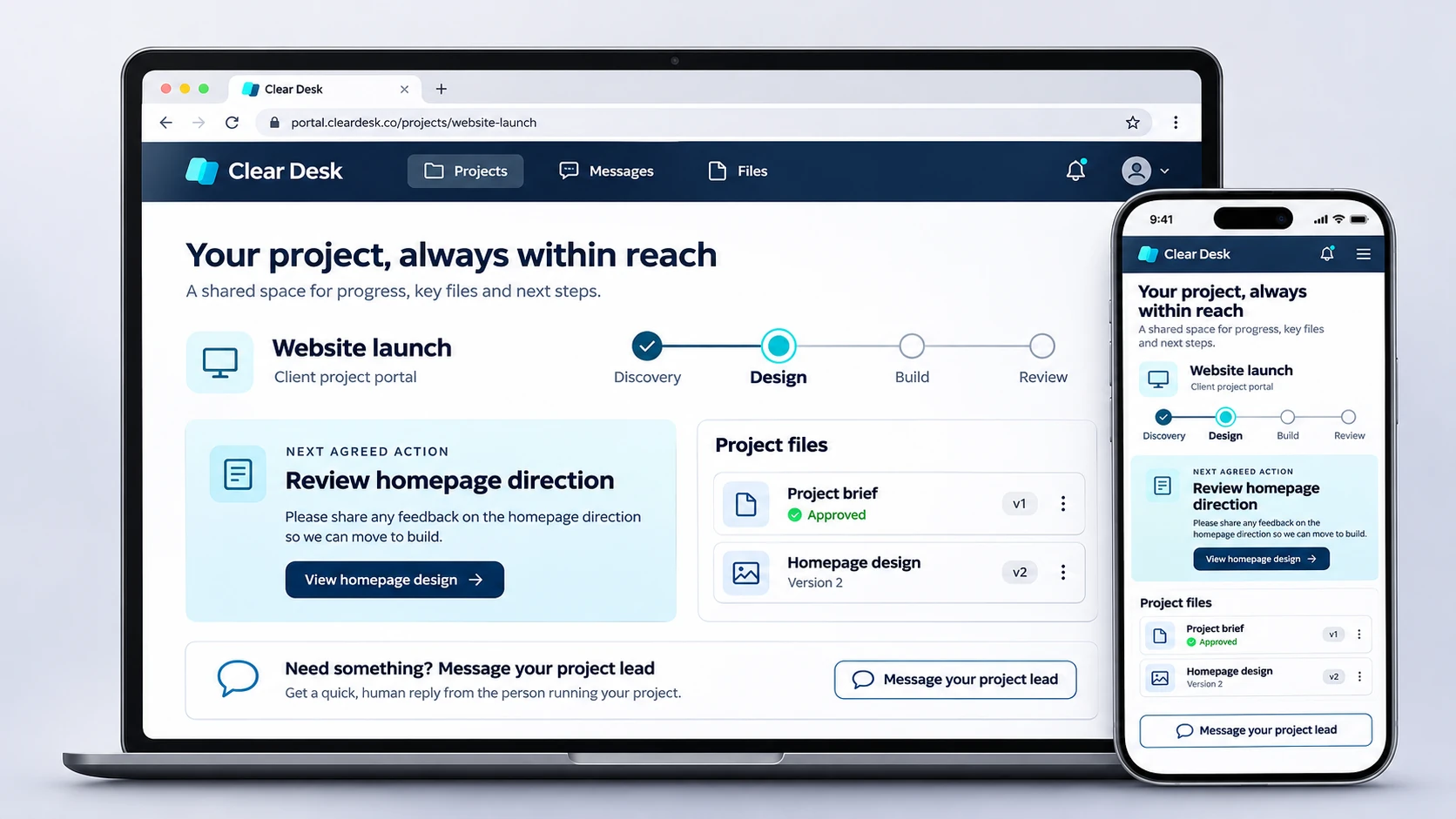
A client wants reassurance that their project is moving, but the latest document is buried in an old email. Your team answers the same status question again. A client desk could make the agreed stage and next action visible, while keeping a clear human contact for questions a document cannot settle.
Clients search old messages and ask your team to resend the latest plan, document or agreed next action.
Each client sees their current material and a clear next step, with an obvious route to the person who can help.
Where it could
make a difference.
Consultancies
Share current deliverables and next actions.
Agencies
Keep client-specific project records together.
Contractors
Give clients an understandable progress reference.
Useful on: Client portal, Business website, Service website.
What this could mean
for your business.
A clearer client experience may strengthen your existing service and reduce repeated status requests. It can also support a defined paid support package where appropriate. Keep the cost of updates, permission management and human help visible; an unattended portal can create uncertainty rather than remove it.
Start with something
worth using.
Start with project stage, next action, approved documents and a help request. Keep each client's information separate. Add an assistant only after the underlying material and permissions are dependable.
- Project stage and next agreed action
- Approved documents and versions
- A route to human help
Give the promise
something to stand on.
You need someone who owns each client's updates and access. A workspace available at any hour does not mean staff reply at any hour; make the actual support arrangement clear.
Keep documents current and every client’s information separate. Budget for support, permission checks and any AI use. Being able to open a workspace at any hour does not mean a professional is available to reply immediately.
How it fits what you already have
Check your client records, document storage and access controls. Decide where the authoritative version lives, how closed projects are handled and which tools need a connection before adding invoices or automated answers.
Let a small beginning
teach you something.
Invite a few willing clients to find their latest document and next action. Track the questions they can resolve and the ones that still need a person, then improve the missing context.
Can a client find the current agreed information and recognise when the question needs their responsible team member?
Look for these signs
- Clients retrieve the current document.
- Next actions have a clear owner.
- Requests reach the right support person.
A little more
clarity.
Is this a promise of round-the-clock support?
No. Clients can open the information when they need it, but response hours and responsibilities should reflect the service your team actually provides.
Can an AI assistant make project commitments?
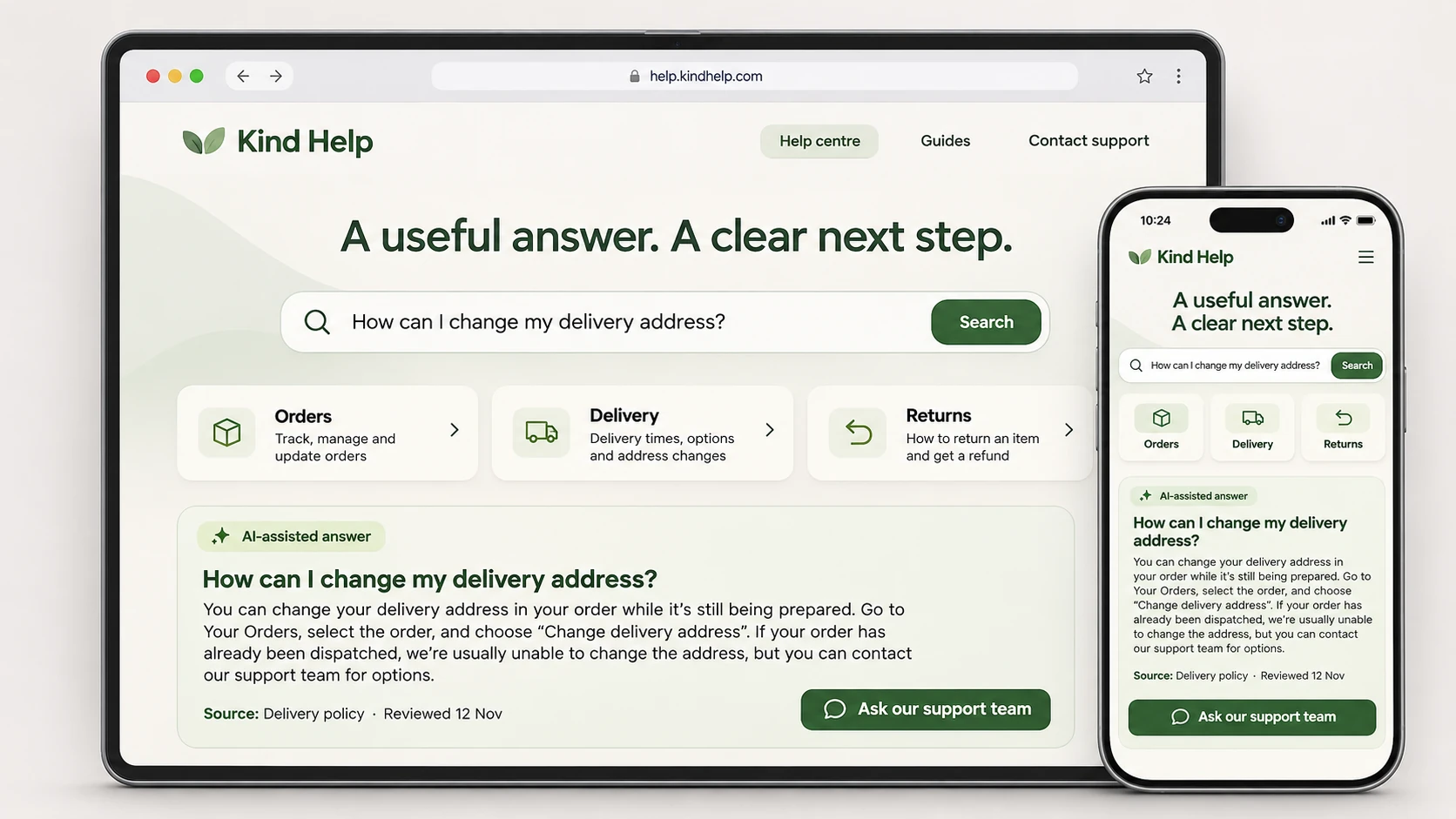
It should not create commitments from a guess. Any assistant must use authorised material, identify automated answers and hand changes or promises to the responsible person.
Does always-on mean unlimited support?
No. The workspace can stay available to access while your human support hours and service limits remain clearly stated.
Dubsado client portals bring project details, forms and invoices into a client workspace. It is an adjacent reference. This concept adds carefully scoped answers connected to each client’s approved material.
What would this change
in your business?
Your customers. Your working day. The part you would love to make easier. Answer a few questions and leave with a starting plan you can keep.
Free to explore. No account or email needed for your starting plan.