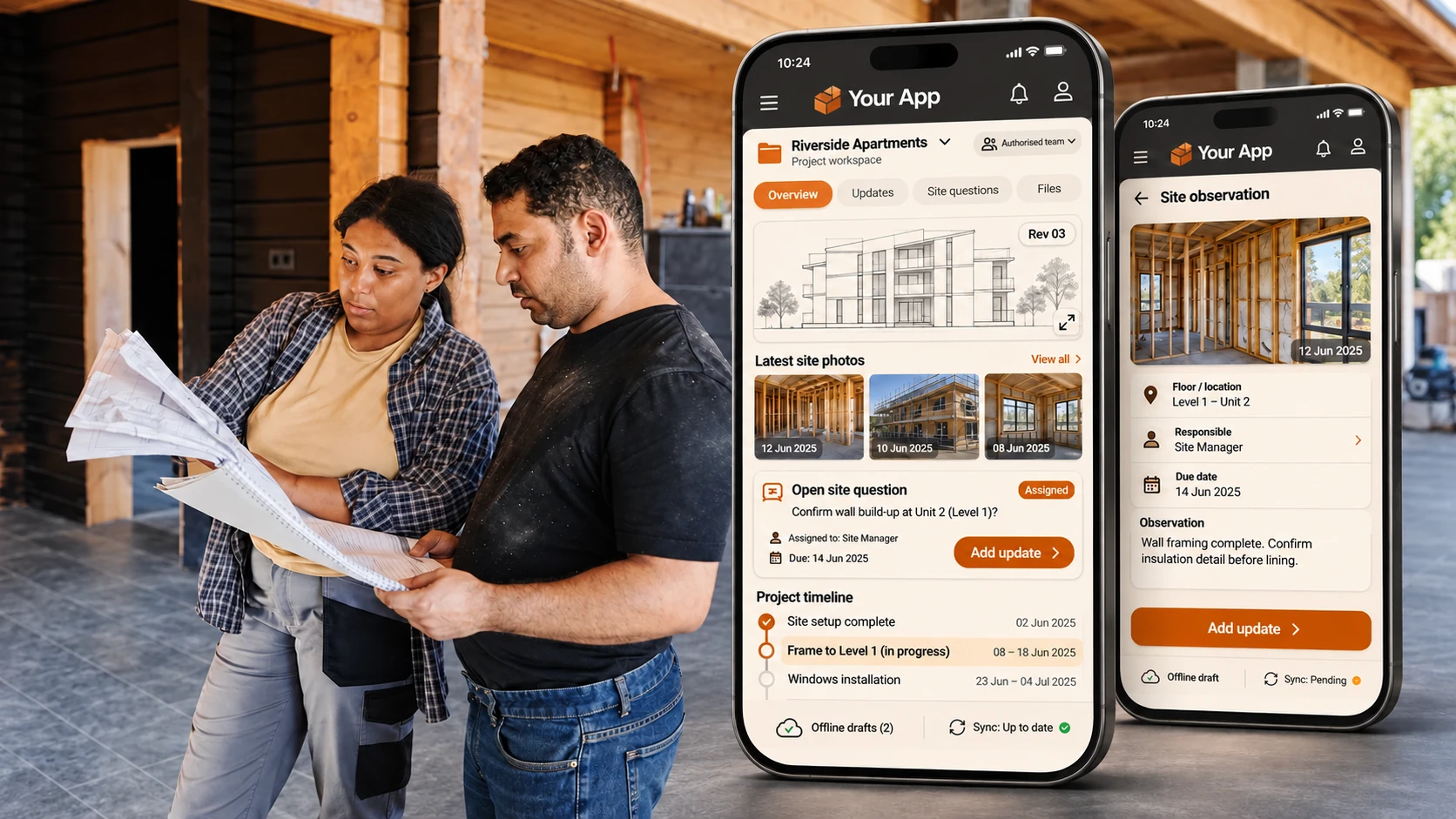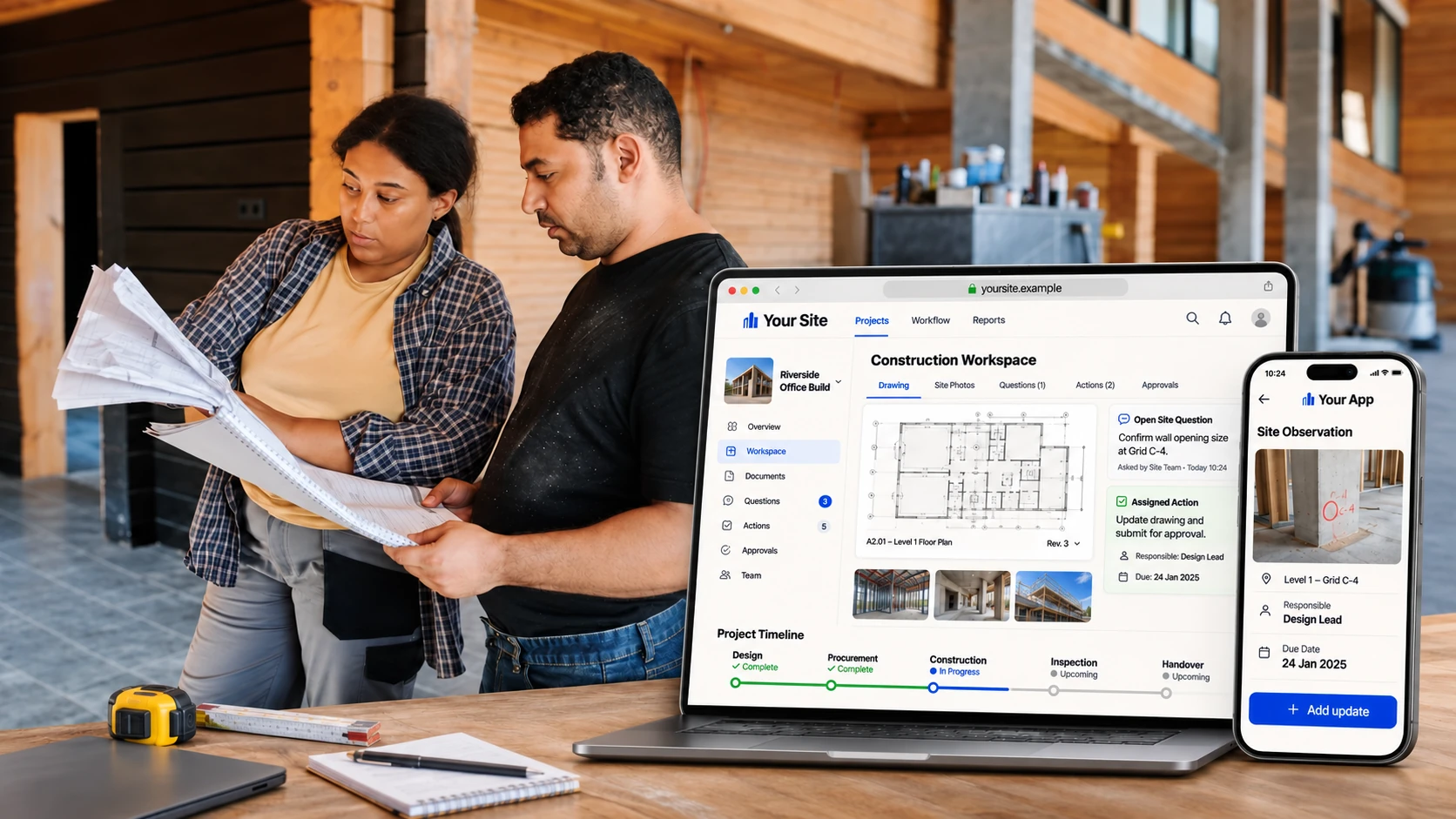
A site supervisor has one drawing, a subcontractor has an earlier revision and a change was discussed in a message nobody can locate. Your workspace could make the current document and outstanding approval visible, helping people know which question needs an answer before relying on an instruction.
A business you can
picture.
Create project management software for a defined construction workflow. Connect documents, questions, progress records and assigned actions while keeping authority and approval responsibilities clear.
Who would be glad
you built it?
Project managers
Coordinate documents and unresolved decisions.
Site teams
Find current approved working information.
Specialist contractors
Track questions and assigned actions.
Where the money
could come from.
Contractors or project owners could pay by active project or a clearly defined team band. The fee funds document organisation, permissions and support. Setup, migration and training can be separately priced; large attachments, field access and ongoing assistance create real costs beyond the initial software build.
The part you could
make your own.
Clarity around one critical handover could distinguish the product. A simple answer to which version is current and who must approve the change may be more useful than an overloaded project dashboard. Test it with site users.
An angle to test with the people you want to serve.Start with something
worth using.
Choose one project team and a narrow document-and-question workflow. Include version history, named action owners and explicit approval status. Test access on site before adding scheduling, costs and every other project-management function.
- Controlled project documents and versions
- Site questions and assigned actions
- Progress photographs and approval records
Give the promise
something to stand on.
You need familiarity with a defined construction workflow and its approval responsibilities. The platform should preserve document history and authority clearly; it cannot replace qualified technical decisions or the project's established contractual process.
Permissions, document versioning and audit records matter. Uploading a drawing must not silently authorise a change. The project’s contractual approval process should be reflected in the workflow.
Let a small beginning
teach you something.
Walk through a recent document change with a project manager and site representative. Pilot a small set of current documents and questions, checking whether participants can identify the approved version and responsible decision-maker.
Can the team distinguish a current approved instruction from a draft, comment or unresolved request before acting?
Look for these signs
- Document versions remain traceable
- Questions have clear responsible owners
- Approvals reflect the project's agreed authority
A little more
clarity.
Does uploading a drawing make it approved?
No. Show document status and approval separately from upload. The project must define who can review or authorise a change, and the software should record that process without inventing authority for the uploader.
Can the workspace replace all site communication?
It can provide an agreed record for selected workflows. Urgent coordination and formal contractual notices may still use other defined routes; make the relationship clear so important information is not trapped in an unmonitored channel.
Procore is a reference for construction project software.
Now picture it
with your name on it.
Your people. Your priorities. The version you keep thinking about. Answer a few questions and leave with a starting plan you can keep.
Free to explore. No account or email needed for your starting plan.