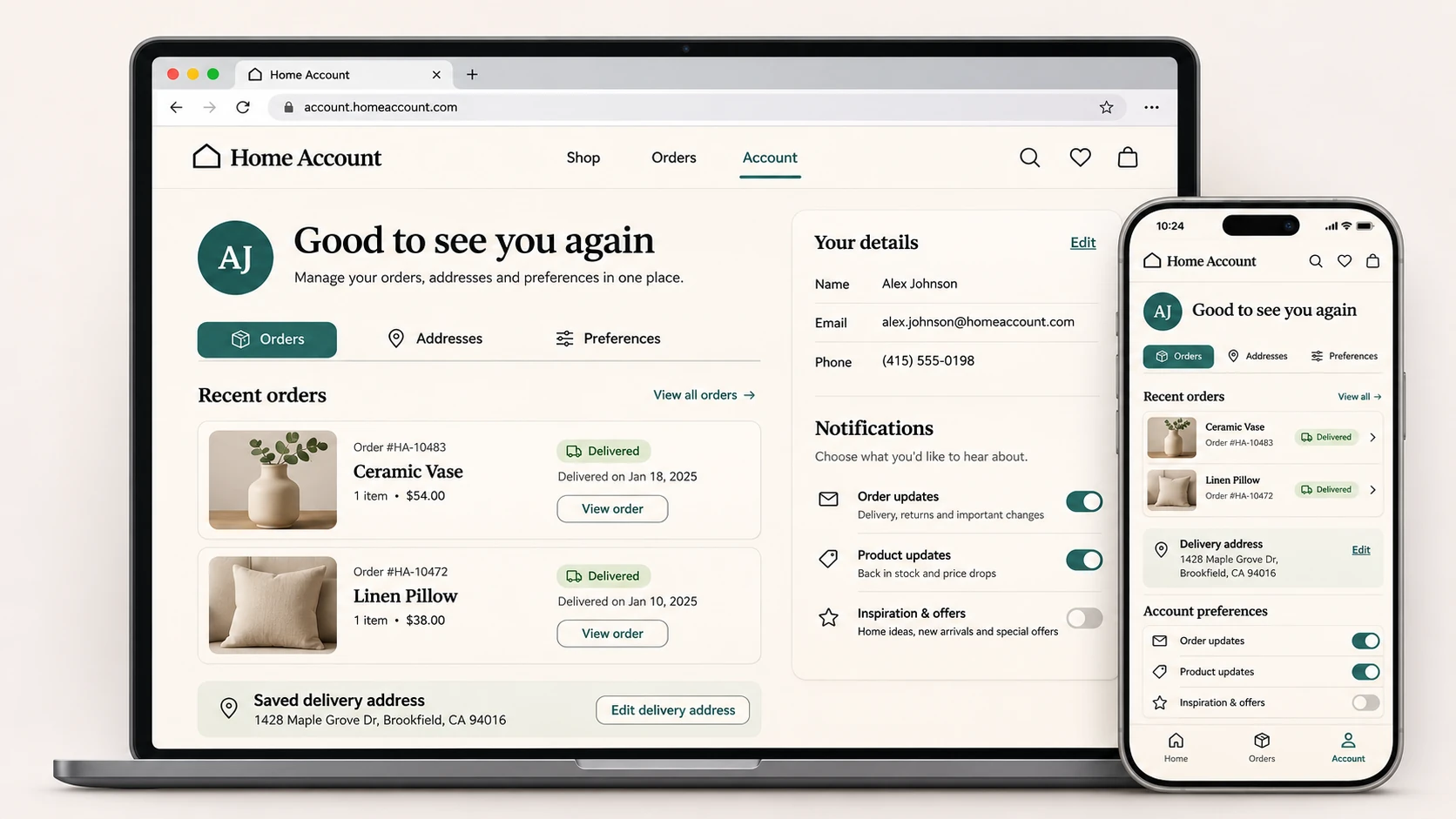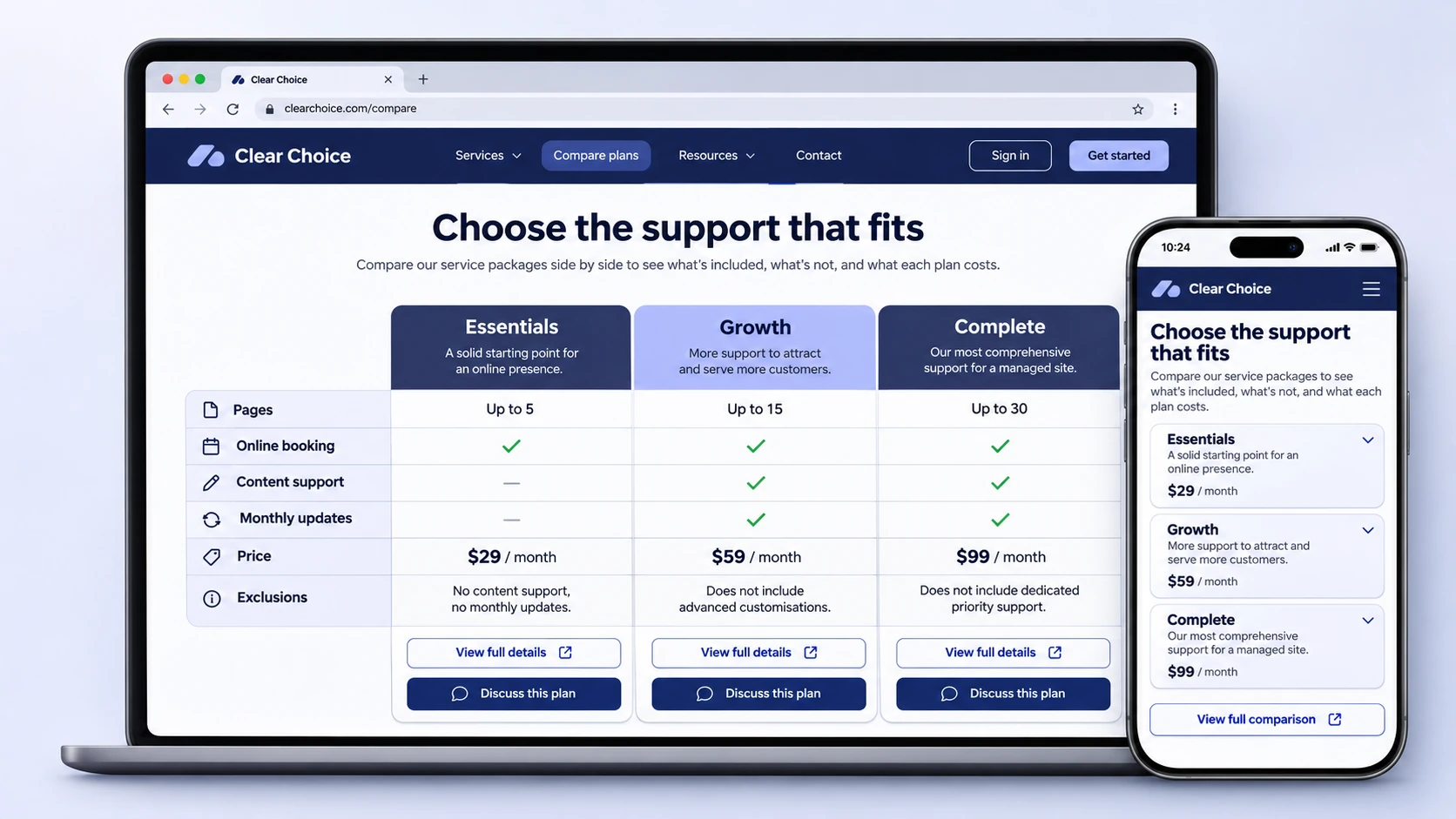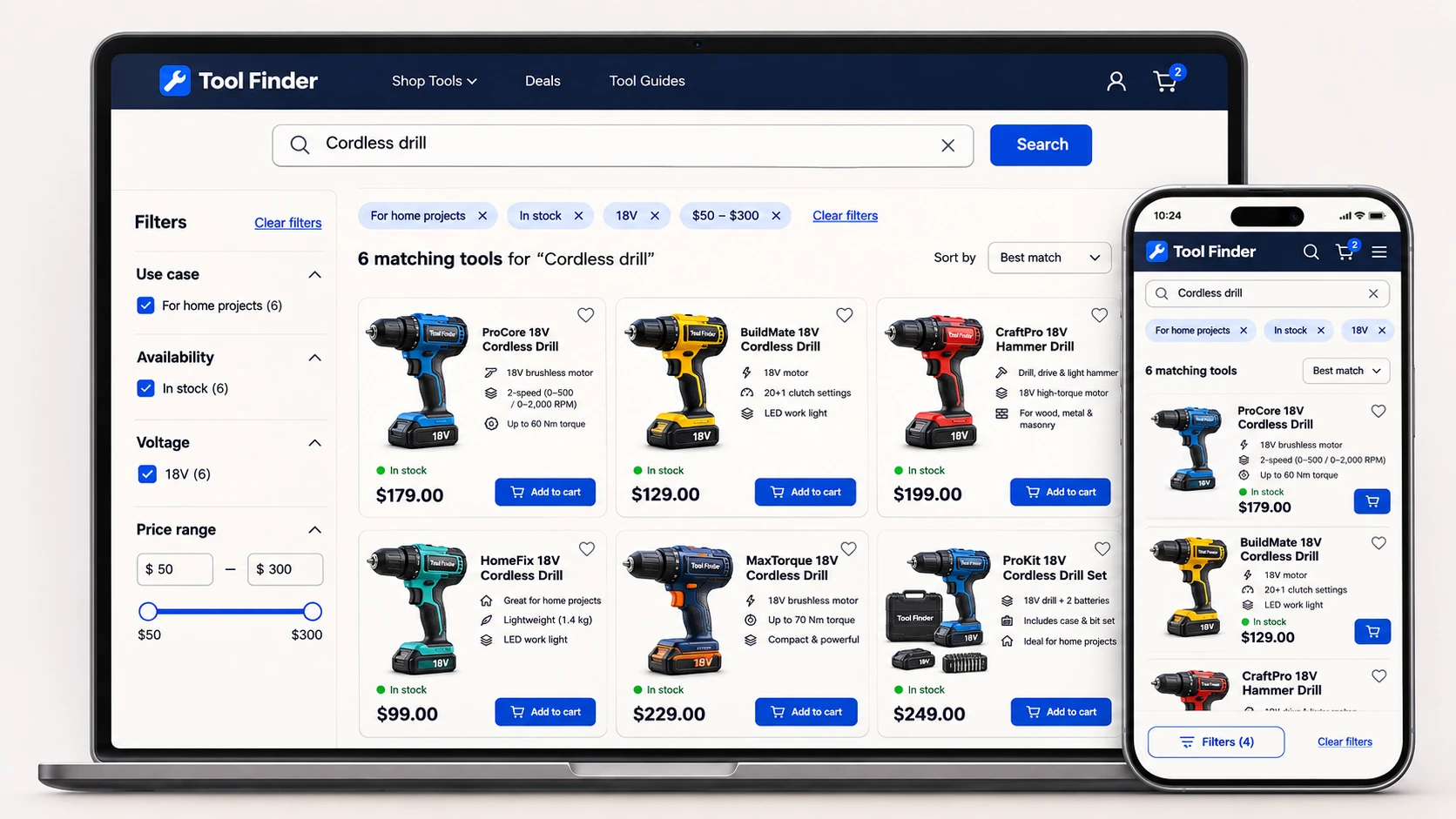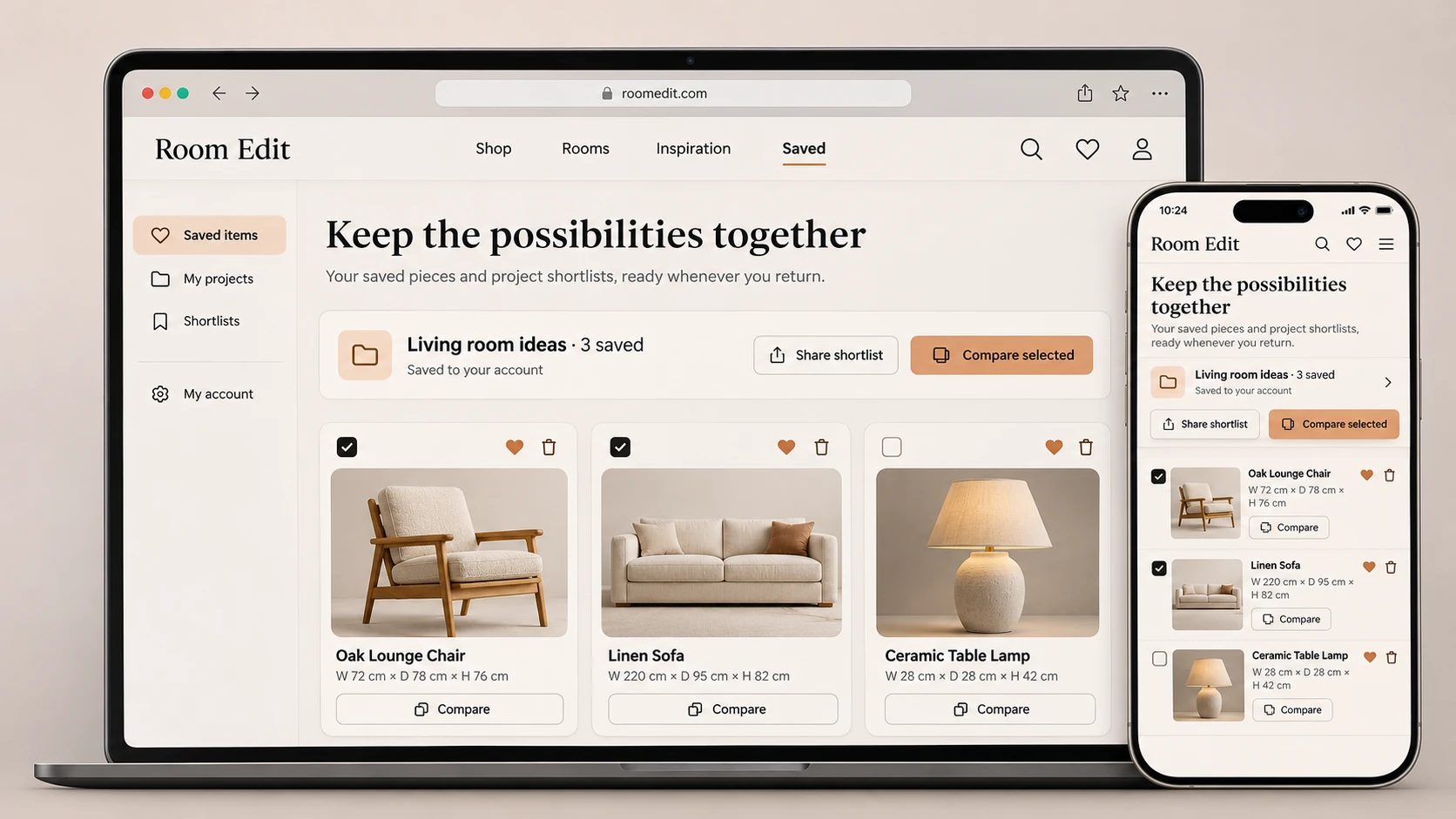
A customer likes several products but closes the page before choosing. Returning means starting the search again. A shortlist could preserve those possibilities and their useful details, helping them continue at their own pace while showing clearly when a saved item is no longer available or has changed.
Visitors rely on screenshots or browser tabs and must rebuild their options when they return or want to discuss the choice with someone.
A clear shortlist keeps selected items together, shows changes and provides a suitable route from consideration to an enquiry or purchase.
Where it could
make a difference.
Catalogue businesses
Support considered product choices.
Property providers
Let visitors compare suitable listings.
Inspiration libraries
Keep ideas together for a later project.
Useful on: Online store, Directory, Property website, Idea library.
What this could mean
for your business.
Shortlists can support longer buying or planning decisions and help visitors return with clearer intent. Saving is not a sale. Review whether lists lead to useful enquiries, comparisons or purchases, and include the work of keeping saved item information accurate as the catalogue changes.
Start with something
worth using.
Start with save, remove and a readable shortlist. Show unavailable items honestly. Let the visitor understand how long the list is kept before adding account syncing or collaborative comments.
- Save and remove controls
- A useful shortlist view
- Clear storage expectations
Give the promise
something to stand on.
You need stable item records and clear storage expectations. Decide whether a list stays on one device, belongs to an account or can be shared, and what happens when an item changes.
Decide whether saving is limited to one browser or follows a signed-in account. Explain that difference, and handle unavailable items without losing the customer’s context.
- Stable item identifiers
- A storage approach
- Unavailable-item handling
How it fits what you already have
Check item identifiers, storage, account access and availability updates. Decide how deleted records and changed prices appear, and ensure shared lists reveal only the information the visitor intended to share.
Let a small beginning
teach you something.
Ask willing visitors to save a few relevant items and return later to continue their decision. Observe whether they recognise the list and understand any change to price or availability.
Can the visitor resume a considered choice from the saved list without assuming that old prices or availability are still guaranteed?
Look for these signs
- Saved items retain recognisable context.
- Changes and unavailable items are clear.
- Users can remove or organise their choices.
A little more
clarity.
Does saving an item reserve it?
No, unless a separate reservation process explicitly does so. The shortlist should explain that prices and availability may change before an order or booking is confirmed.
Must visitors sign in to save?
Not necessarily. A device-based list can be a simple beginning, provided the site explains its limits. Account syncing is useful when people need the same list across devices.
Could this work with my existing website?
We would check how your current website is built, what it already does and which services need to connect. That helps us choose a suitable addition and avoid paying twice for something you already have.
What would this change
in your business?
Your customers. Your working day. The part you would love to make easier. Answer a few questions and leave with a starting plan you can keep.
Free to explore. No account or email needed for your starting plan.