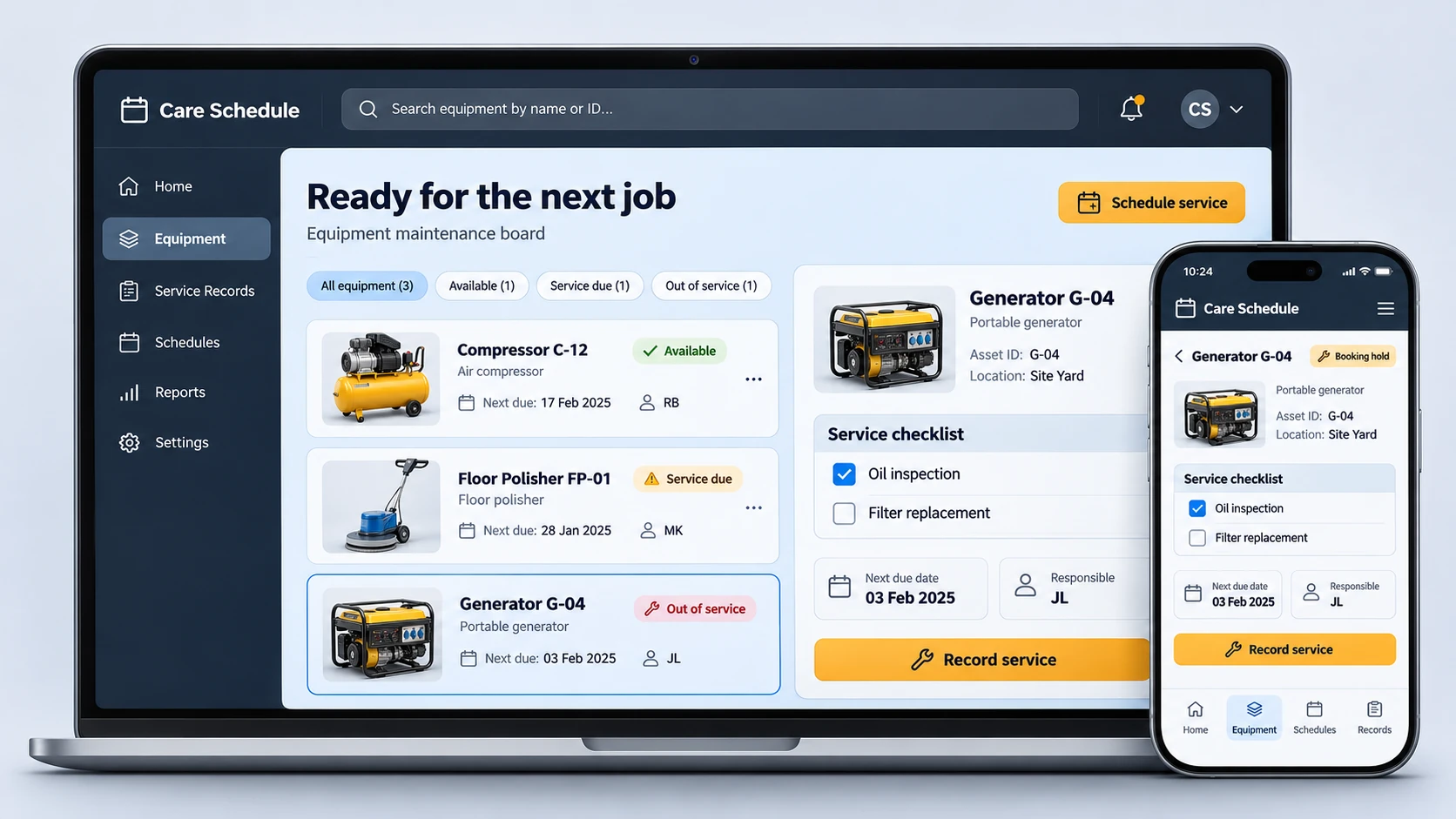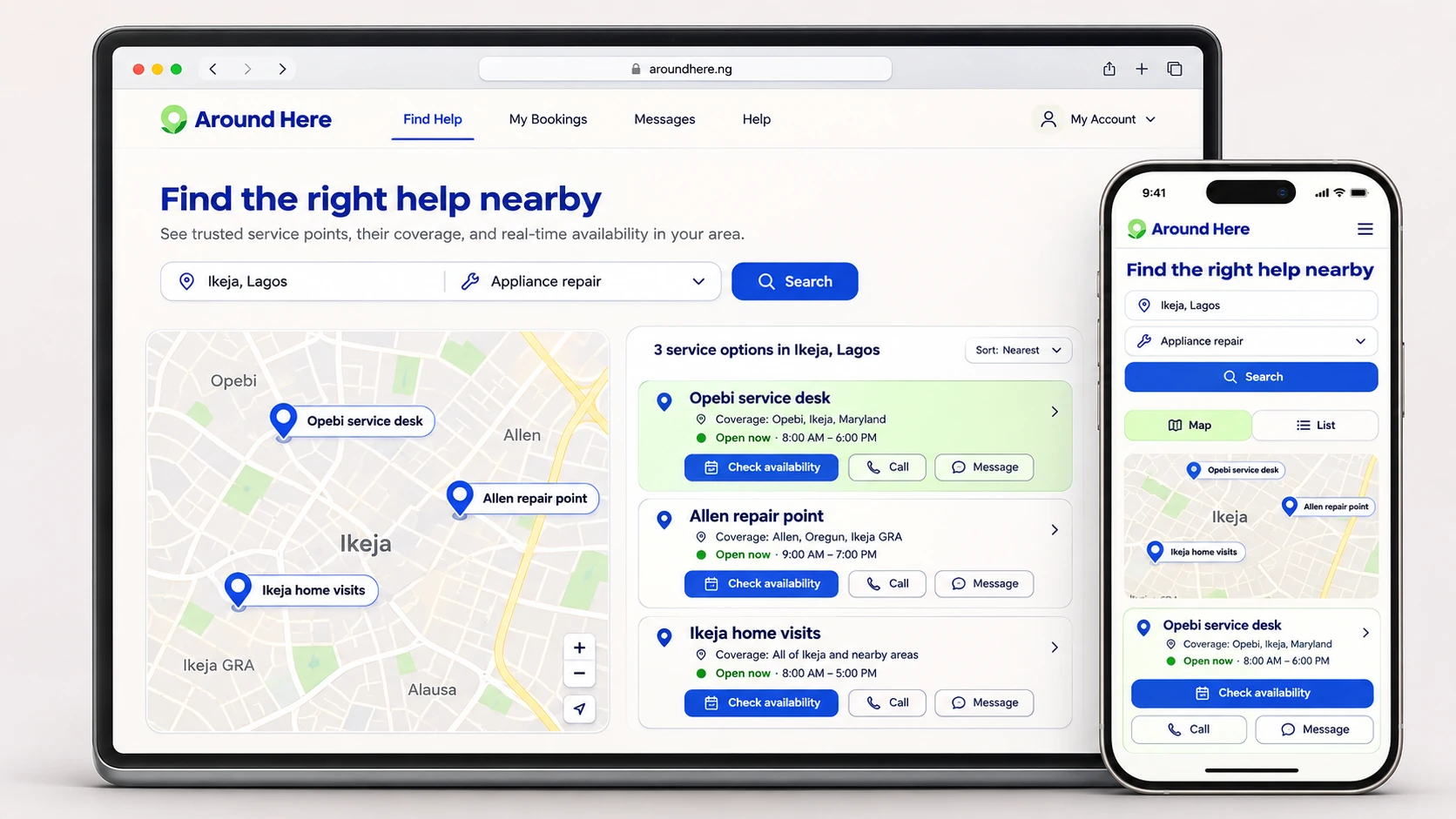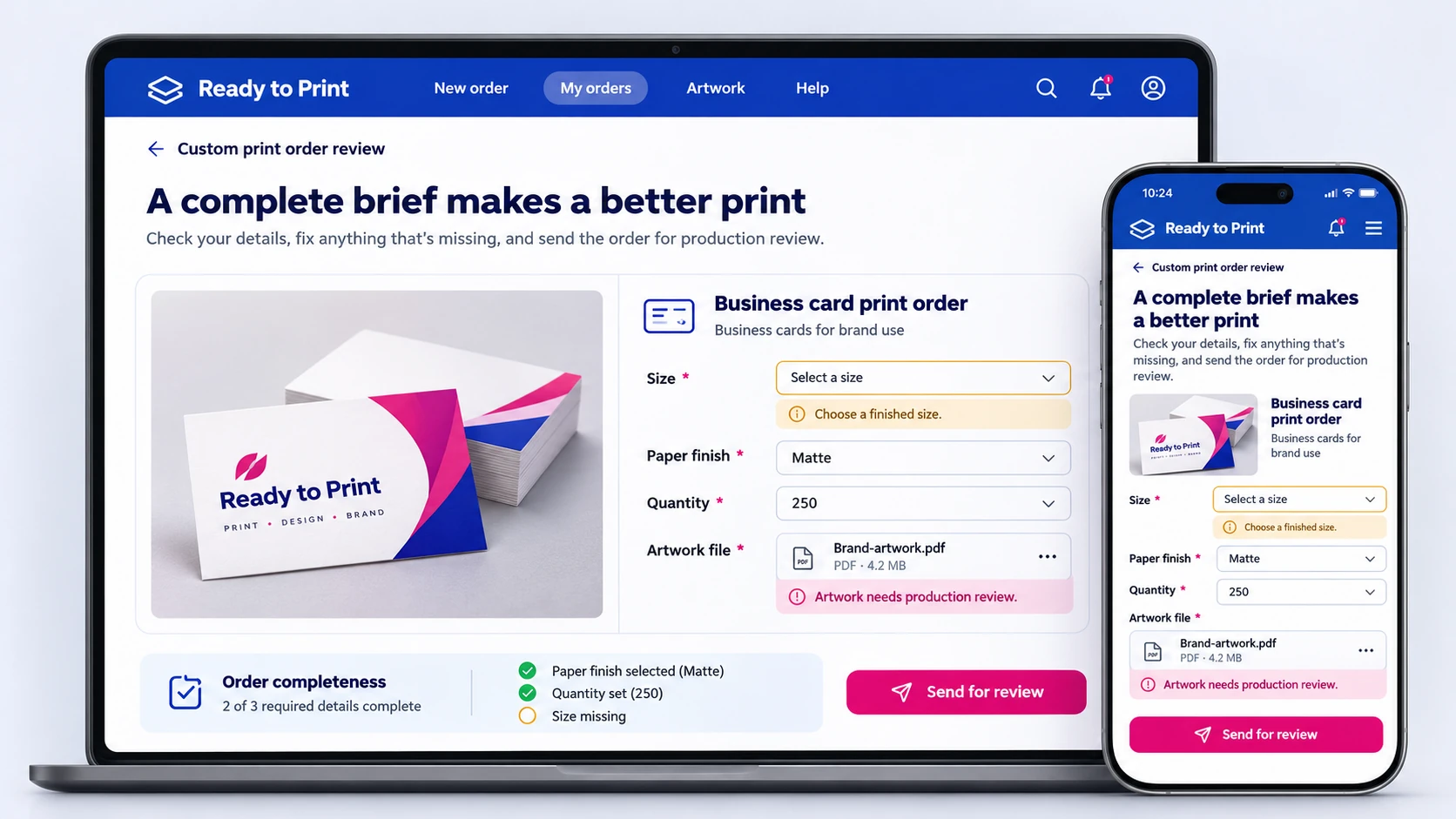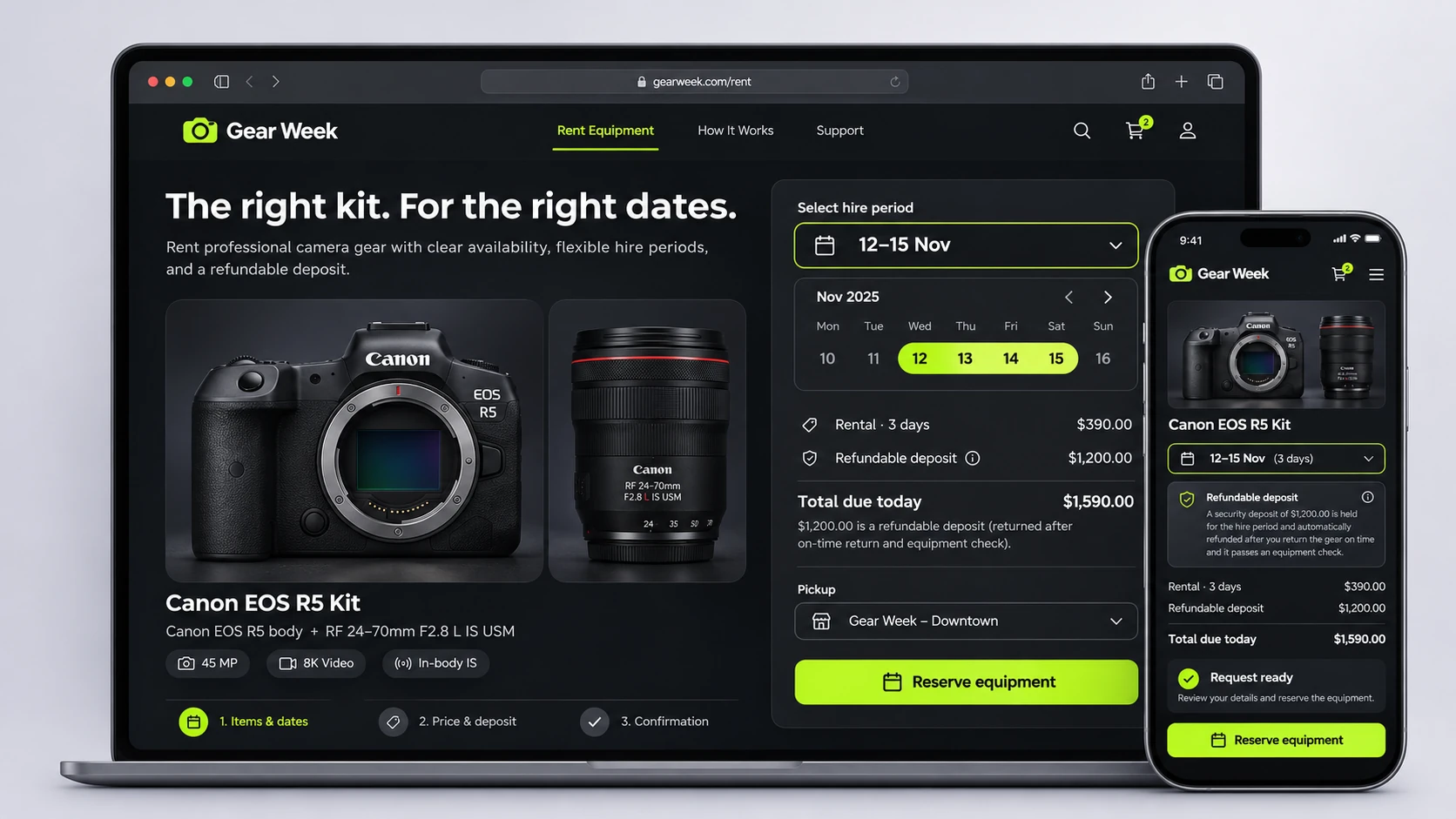
A customer plans a job around a machine they believe is free, while your team has only received an informal enquiry. A rental feature could show the difference between a request and a confirmed hire, keeping dates, transport and deposit arrangements together before either side makes further plans.
Availability is discussed across calls, and a customer may plan around a tentative conversation that your team has not confirmed.
The customer sees the hire terms, submits the required details and receives a clearly labelled request or confirmed booking.
Where it could
make a difference.
Equipment hire businesses
Show suitable assets and hire periods.
Venue operators
Explain availability and booking conditions.
Specialist rental services
Collect the details needed to confirm a hire.
Useful on: Rental website, Booking website, Business portal.
What this could mean
for your business.
The feature supports paid hires and can reduce repeated availability questions. Its usefulness depends on accurate records and dependable handovers. Measure completed rentals, conflicts and administration together, while accounting for payment charges and the staff work needed to keep the asset calendar trustworthy.
Start with something
worth using.
Start with one rental category, clear hire periods and a request-to-confirmation flow. Include price and deposit details. Add handover records before more complicated delivery scheduling or automatic confirmation.
- Items and hire periods
- Price and deposit details
- Request or confirmation status
Give the promise
something to stand on.
You need reliable asset records and a responsible booking coordinator. Agree inspections, transport, deposits, cancellations and maintenance blocks before showing availability customers may depend on.
Decide who confirms availability, how condition is recorded and how deposits are handled. A submitted request must remain distinguishable from a confirmed rental.
- Asset and availability records
- Hire and deposit process
- Responsible booking coordinator
How it fits what you already have
Check asset calendars, maintenance records, payment handling and booking authority. Decide how overlapping requests are prevented and how deposits, damage reviews and cancellations connect to the existing rental process.
Let a small beginning
teach you something.
Ask willing existing customers to request a suitable hire through the feature. Follow the request into your actual booking process and check whether both sides understand when it becomes confirmed.
Can the customer distinguish an available-looking period from a hire your team has actually confirmed and prepared to fulfil?
Look for these signs
- Requests and confirmed hires remain distinct.
- Maintenance blocks affect availability.
- Deposits have a clear recorded status.
A little more
clarity.
Does paying a deposit always confirm the hire?
Only if your process explicitly makes that true. The payment and availability workflow must agree, and customers should know whether anything remains subject to review.
Can customers extend a rental online?
That can be added if your team can check the next booking and asset condition. An extension request should not silently override another confirmed customer's time.
Could this work with my existing website?
We would check how your current website is built, what it already does and which services need to connect. That helps us choose a suitable addition and avoid paying twice for something you already have.
What would this change
in your business?
Your customers. Your working day. The part you would love to make easier. Answer a few questions and leave with a starting plan you can keep.
Free to explore. No account or email needed for your starting plan.