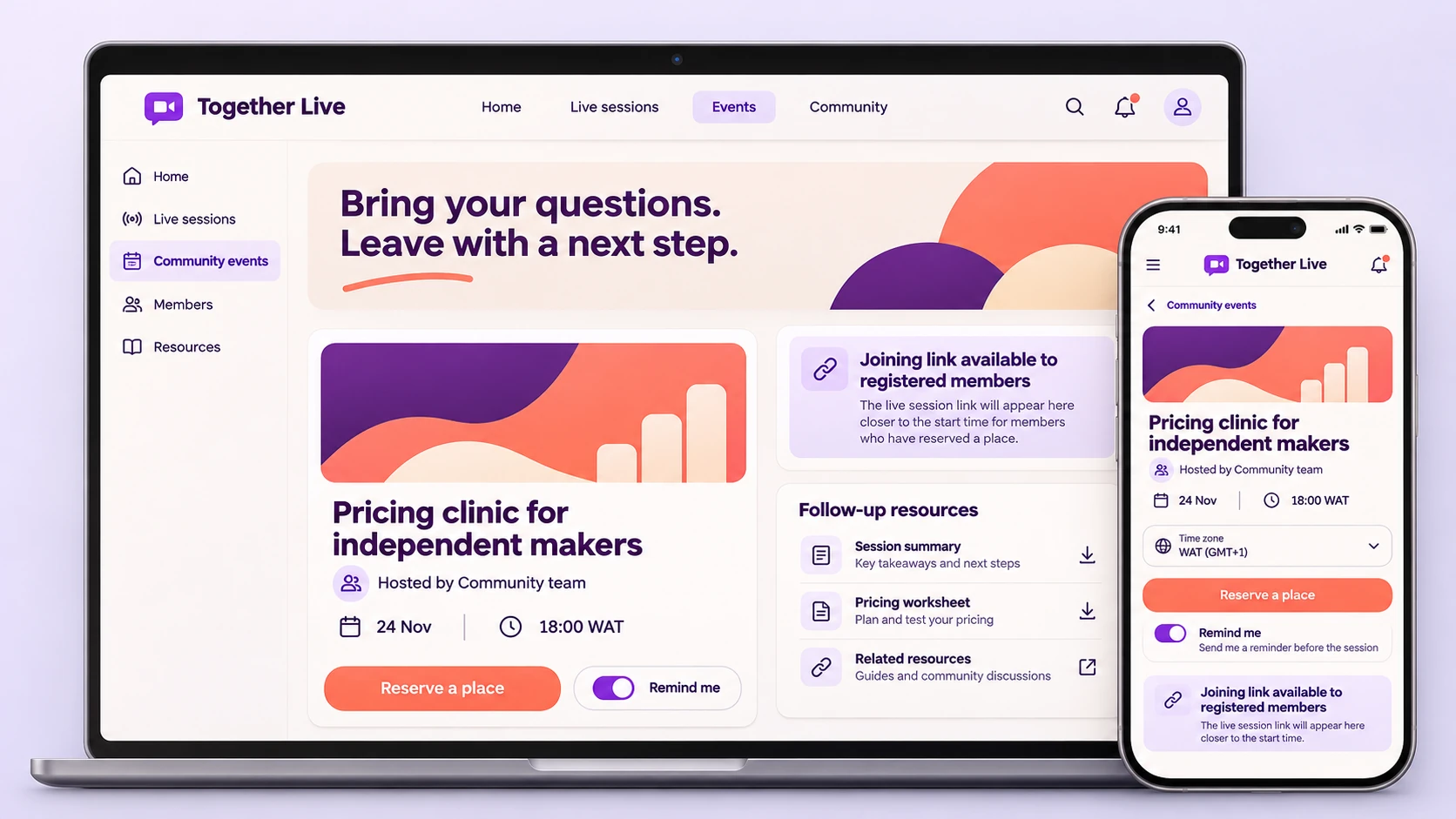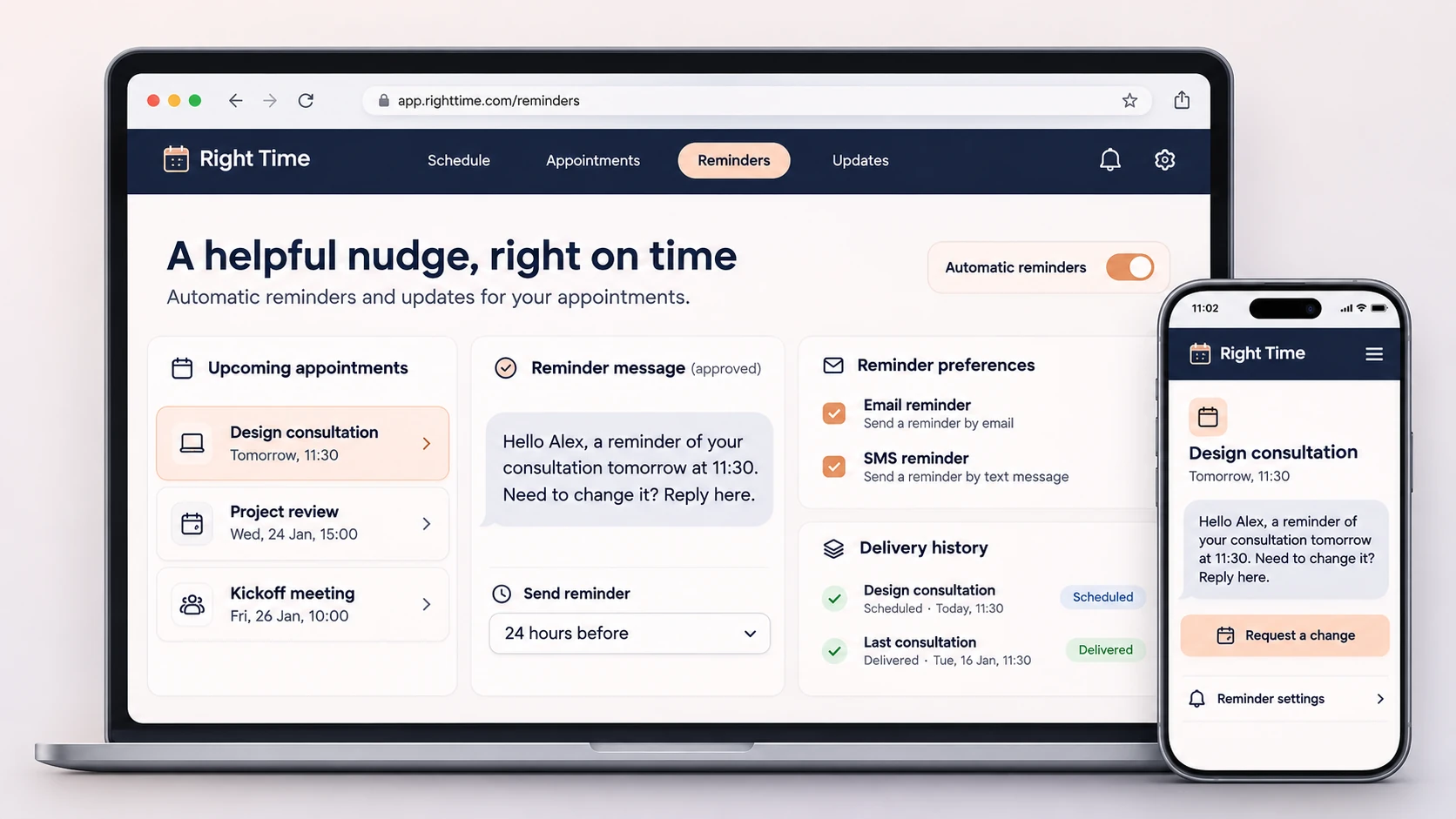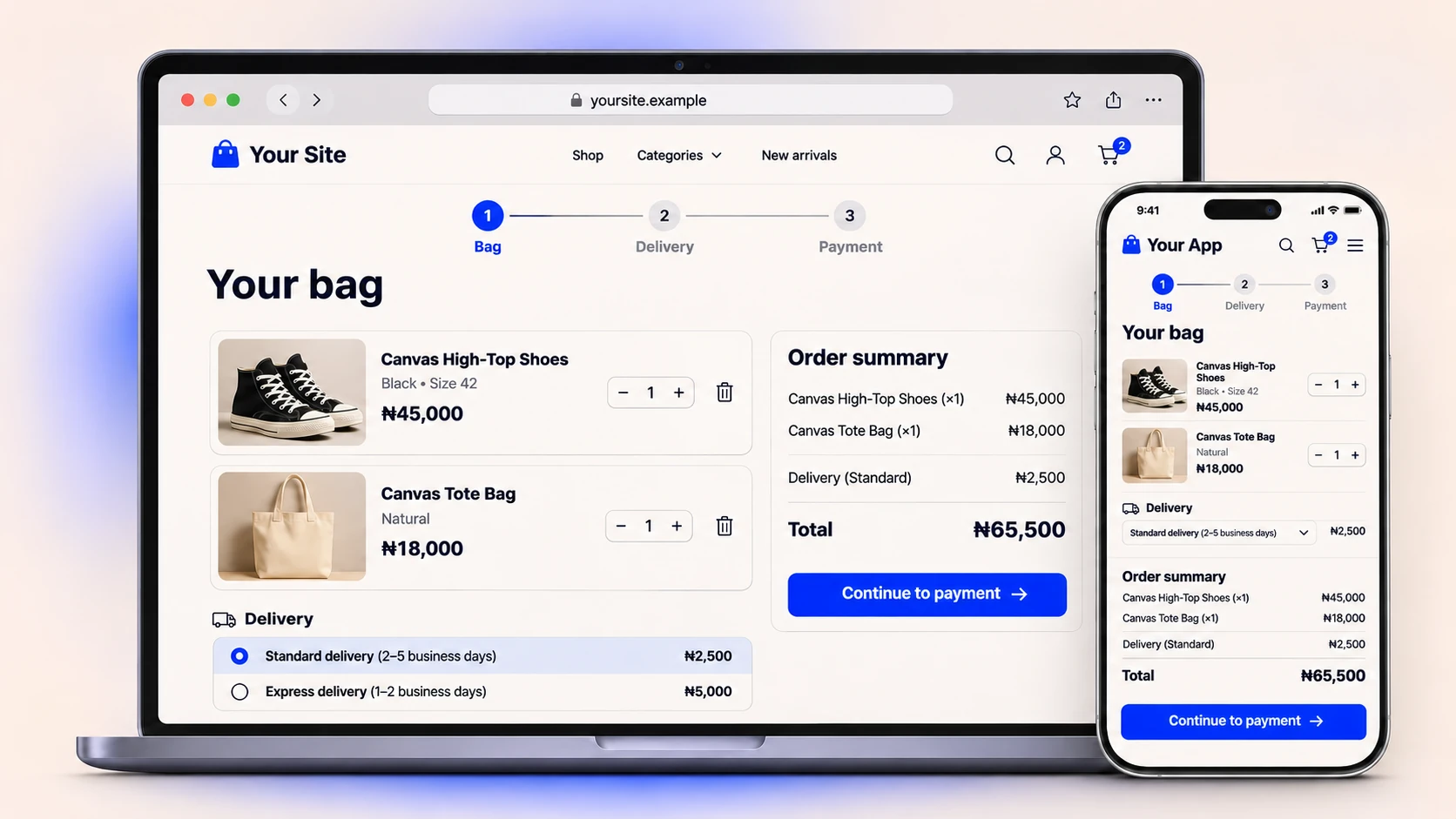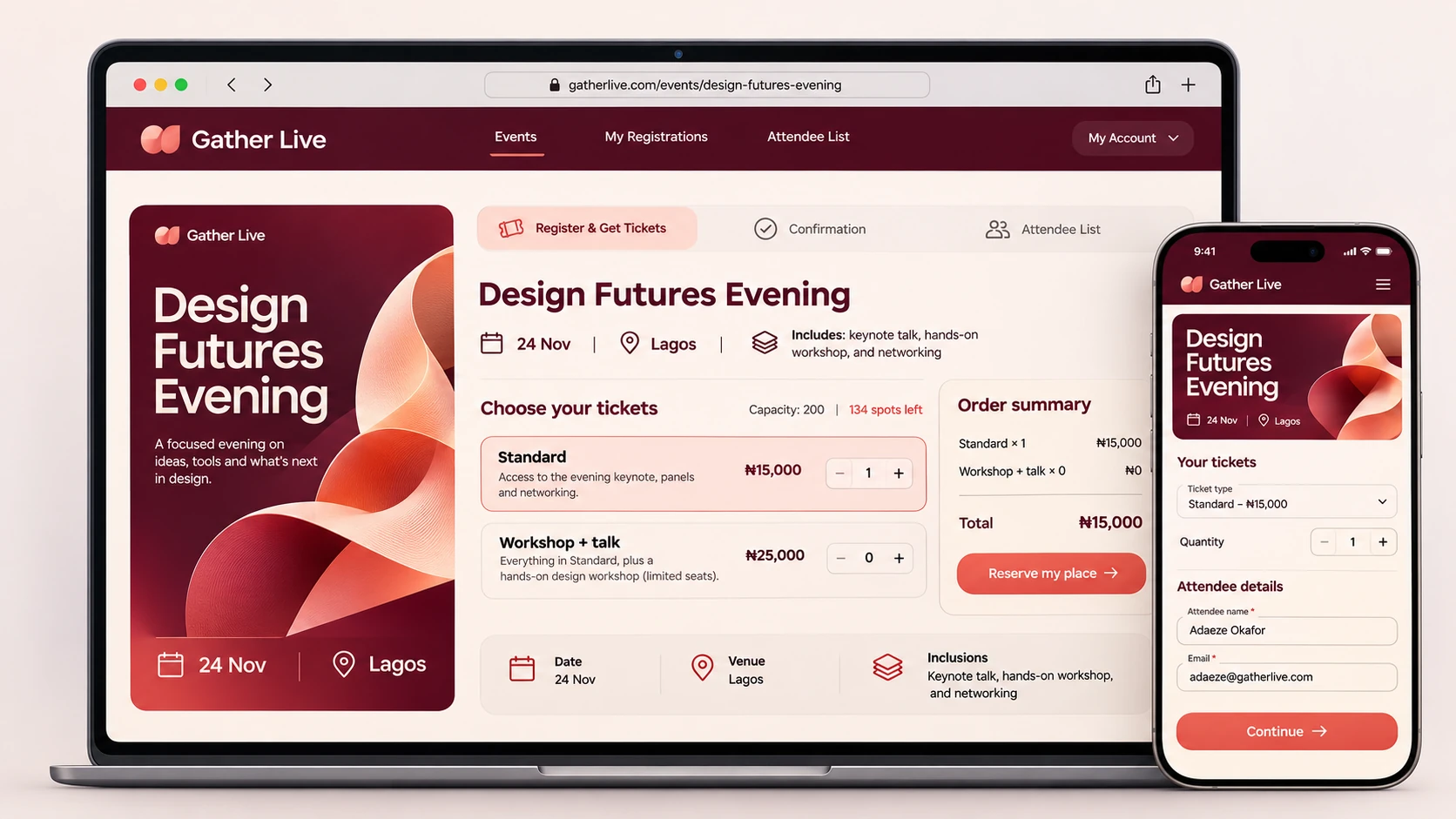
A visitor is excited about your workshop but cannot tell whether places remain or what the ticket includes. Registration could bring the offer, capacity and confirmation together, leaving your team an organised attendee record and the participant a clearer reason to look forward to the day.
Interested visitors send messages about places, payment and arrival, while your team maintains separate lists and manual confirmations.
Visitors review the event, register within the stated capacity and receive clear confirmation that matches the staff's attendee record.
Where it could
make a difference.
Workshop providers
Sell places with clear inclusions.
Event organisers
Manage capacity and attendee information.
Community hosts
Register participants for a defined gathering.
Useful on: Event website, Community, Learning website.
What this could mean
for your business.
Ticketing creates a direct route to paid attendance and a clearer registration process. The event still needs to deliver the promised experience. Payment costs, refunds and participant support belong in the model; compare registrations with actual attendance and the questions that made joining difficult.
Start with something
worth using.
Begin with one event, ticket types, capacity and confirmation. Collect only the information needed to deliver it. Add check-in codes and waiting lists after the basic registration and change flow works.
- Dates, venue and inclusions
- Ticket types and capacity
- Confirmation and attendee list
Give the promise
something to stand on.
You need an event owner, realistic capacity and a support process. Agree transfers, cancellations and changes before taking registrations, and keep the public event details current.
Agree ticket availability, transfer and cancellation rules. Staff need an accurate attendance view and a way to communicate changes to affected participants.
- Event and capacity owner
- Payment and confirmation process
- Attendee support
How it fits what you already have
Check payment events, capacity control, attendee records and communications. Define how duplicate registrations, transfers, refunds and event changes affect tickets, and ensure staff can access the list when checking people in.
Let a small beginning
teach you something.
Ask willing participants to complete test registrations and explain their arrival instructions. Review the attendee list with event staff and test a cancellation or changed venue notice before launch.
Can a participant tell that their place is confirmed and explain what the ticket includes and where to arrive?
Look for these signs
- Registrations respect the agreed capacity.
- Confirmations contain useful arrival details.
- Staff can find the correct attendee record.
A little more
clarity.
Is a free RSVP the same as a paid ticket?
No. Label the commitment clearly and keep payment status separate. Attendance may differ from registrations, so the event team should plan with that distinction in mind.
Can a sold-out event take more names?
A waiting list can be useful if it is clearly not a confirmed place. Define how an opening is offered and when the person becomes an attendee.
Could this work with my existing website?
We would check how your current website is built, what it already does and which services need to connect. That helps us choose a suitable addition and avoid paying twice for something you already have.
What would this change
in your business?
Your customers. Your working day. The part you would love to make easier. Answer a few questions and leave with a starting plan you can keep.
Free to explore. No account or email needed for your starting plan.