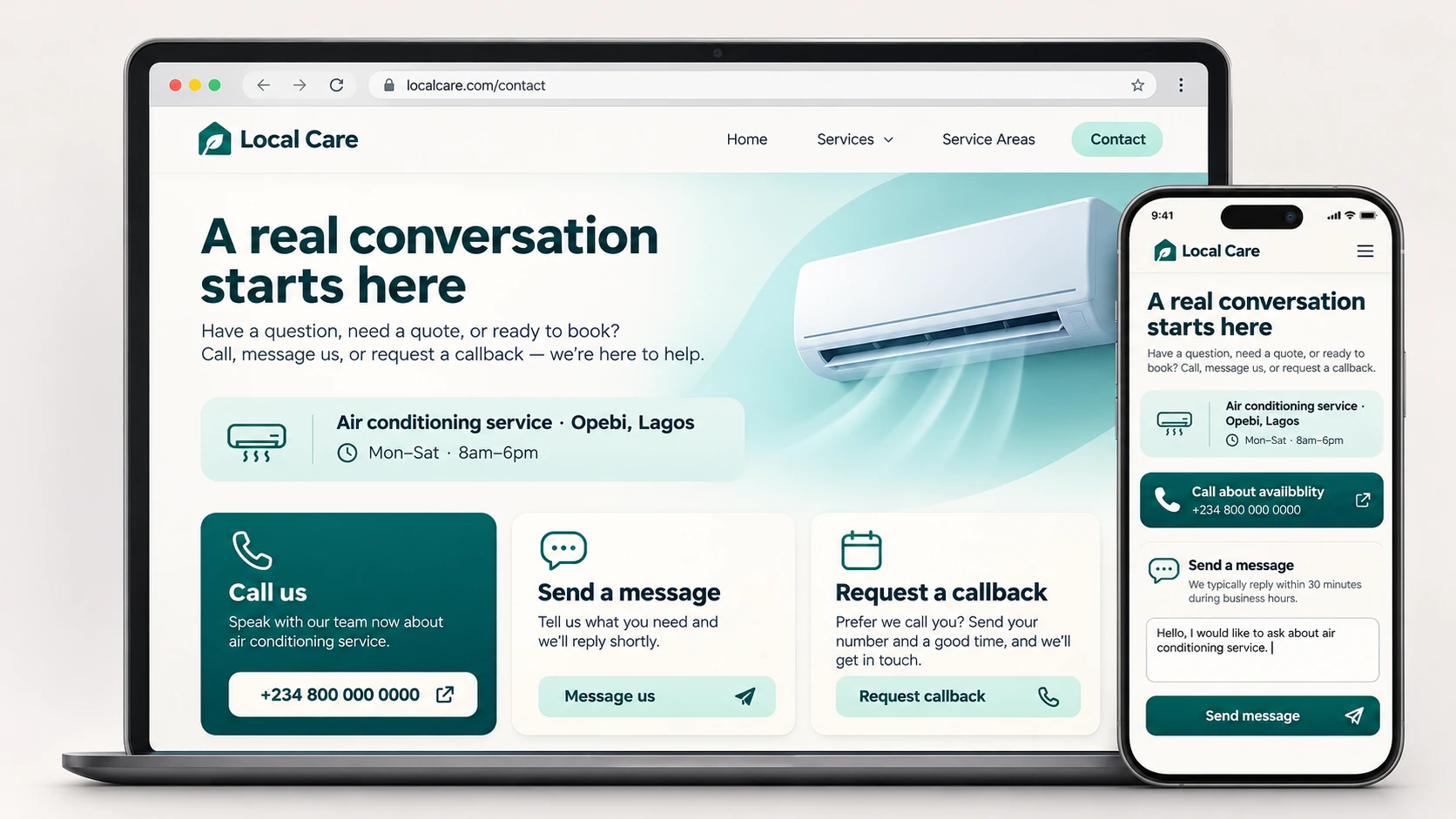
Someone likes your service but wants to check one practical detail before deciding. They search the page for a number and find several different contacts. Clear call or message buttons could remove that uncertainty, naming the right team and setting an honest expectation about when someone can help.
A visitor searches through inconsistent numbers and unclear message links, unsure which one reaches the team responsible for their question.
A clearly labelled contact action names the destination and response expectation, making the first conversation easier to begin.
Where it could
make a difference.
Local service businesses
Make the first practical question easy to ask.
Hospitality teams
Route booking questions to the right desk.
Professionals
Offer an appropriate contact channel without exposing private numbers.
Useful on: Business website, Online store, Booking website.
What this could mean
for your business.
Accessible contact routes support enquiries from people who need a human answer before choosing. Their value depends on actual response quality and capacity. Track relevant conversations and missed contacts, not just button taps, and review whether each channel reaches the person able to help.
Start with something
worth using.
Start with one primary contact route on the relevant pages, a recognisable label and response context. Test the link on phones and desktops. Add departmental choices only when they simplify the visitor's decision.
- Accurate phone and message links
- Relevant contact context
- Hours or response expectations
Give the promise
something to stand on.
You need verified contact details and someone who responds through the chosen channel. Decide which questions belong on phone, message or form, and keep hours and availability current.
Check contact details on actual devices and nominate an owner for each channel. Keep the website accurate when staff, numbers or opening hours change.
- Verified contact details
- Someone to respond
- A way to update details
How it fits what you already have
Verify phone formatting, message destinations, device behaviour and business hours. Check whether a shared inbox or business account is needed so enquiries remain accessible when one staff member is away.
Let a small beginning
teach you something.
Ask someone unfamiliar with the site to find the right contact for a realistic question. Check the actual call or message destination with your team and review whether the conversation arrives with useful context.
Can the visitor tell who they are contacting and choose a working route without searching several pages?
Look for these signs
- Contact links reach the correct destination.
- Visitors understand response expectations.
- Messages arrive with useful page context.
A little more
clarity.
Should a floating message button appear everywhere?
Only where it helps without covering content or interrupting reading. Test placement on small screens and make the destination clear before asking people to leave the page.
Can the button promise an instant reply?
Use that wording only if your team can consistently provide it. A clear opening time or expected response window can feel more trustworthy than an unanswered instant-help promise.
Could this work with my existing website?
We would check how your current website is built, what it already does and which services need to connect. That helps us choose a suitable addition and avoid paying twice for something you already have.
What would this change
in your business?
Your customers. Your working day. The part you would love to make easier. Answer a few questions and leave with a starting plan you can keep.
Free to explore. No account or email needed for your starting plan.