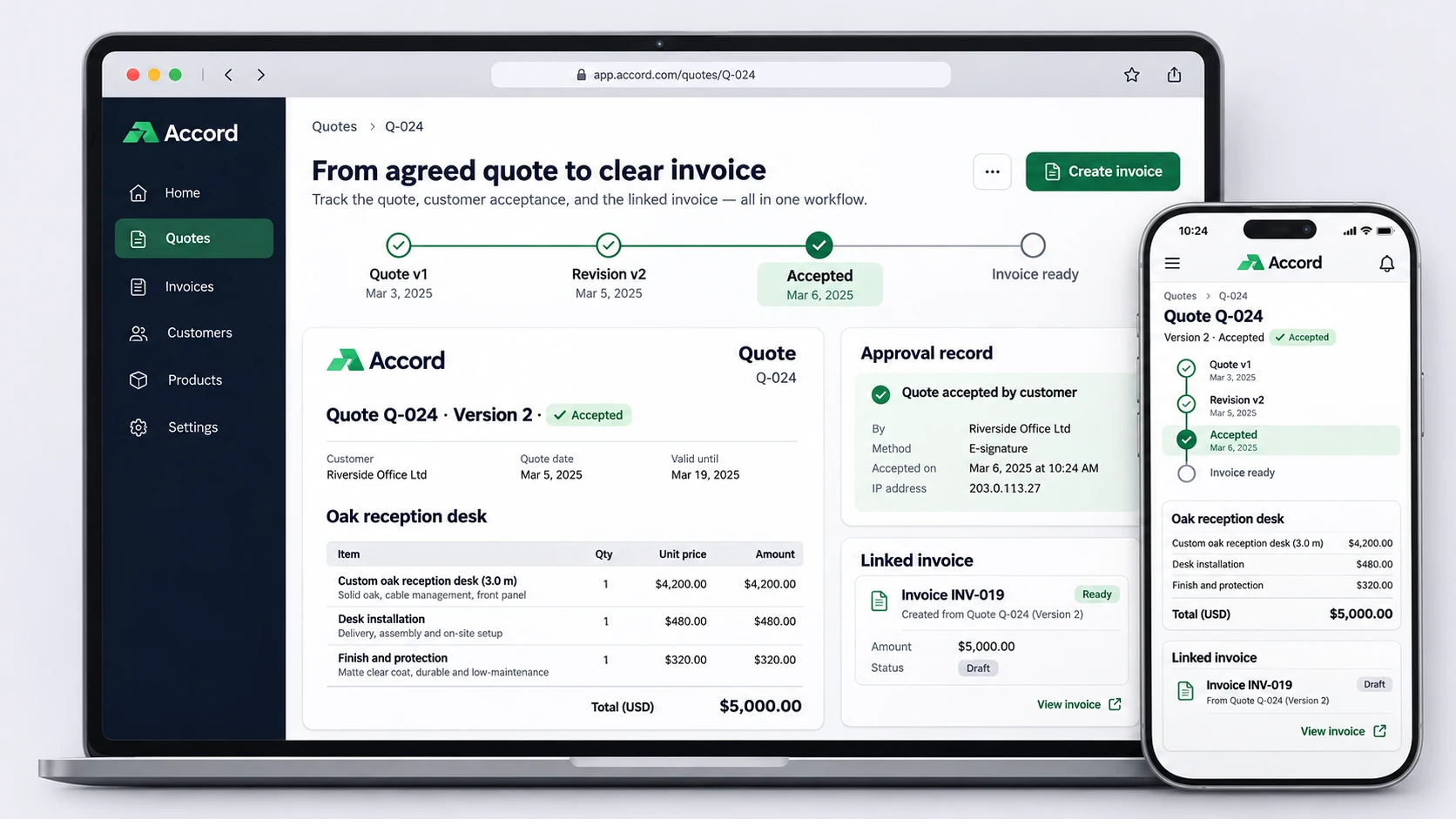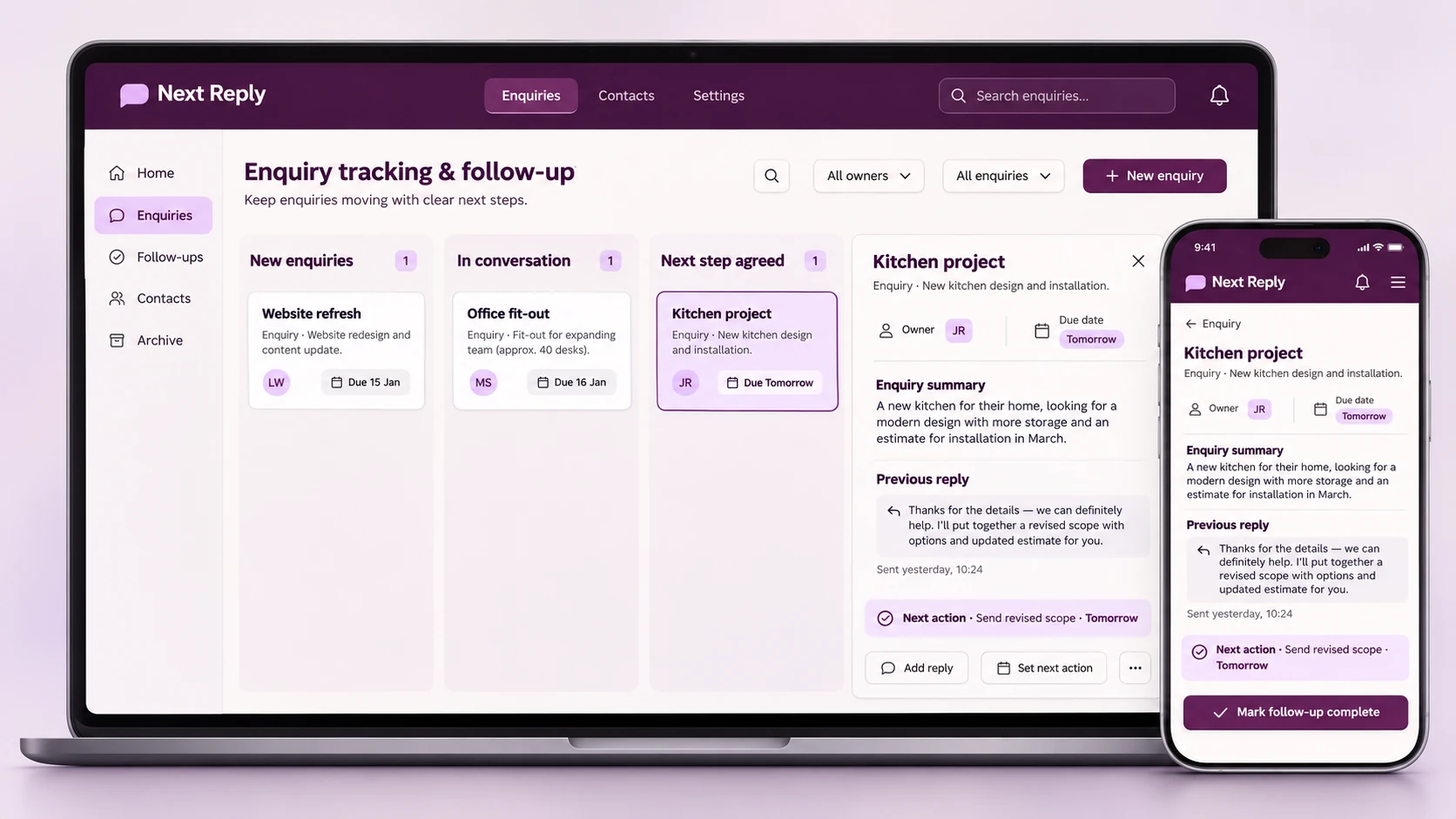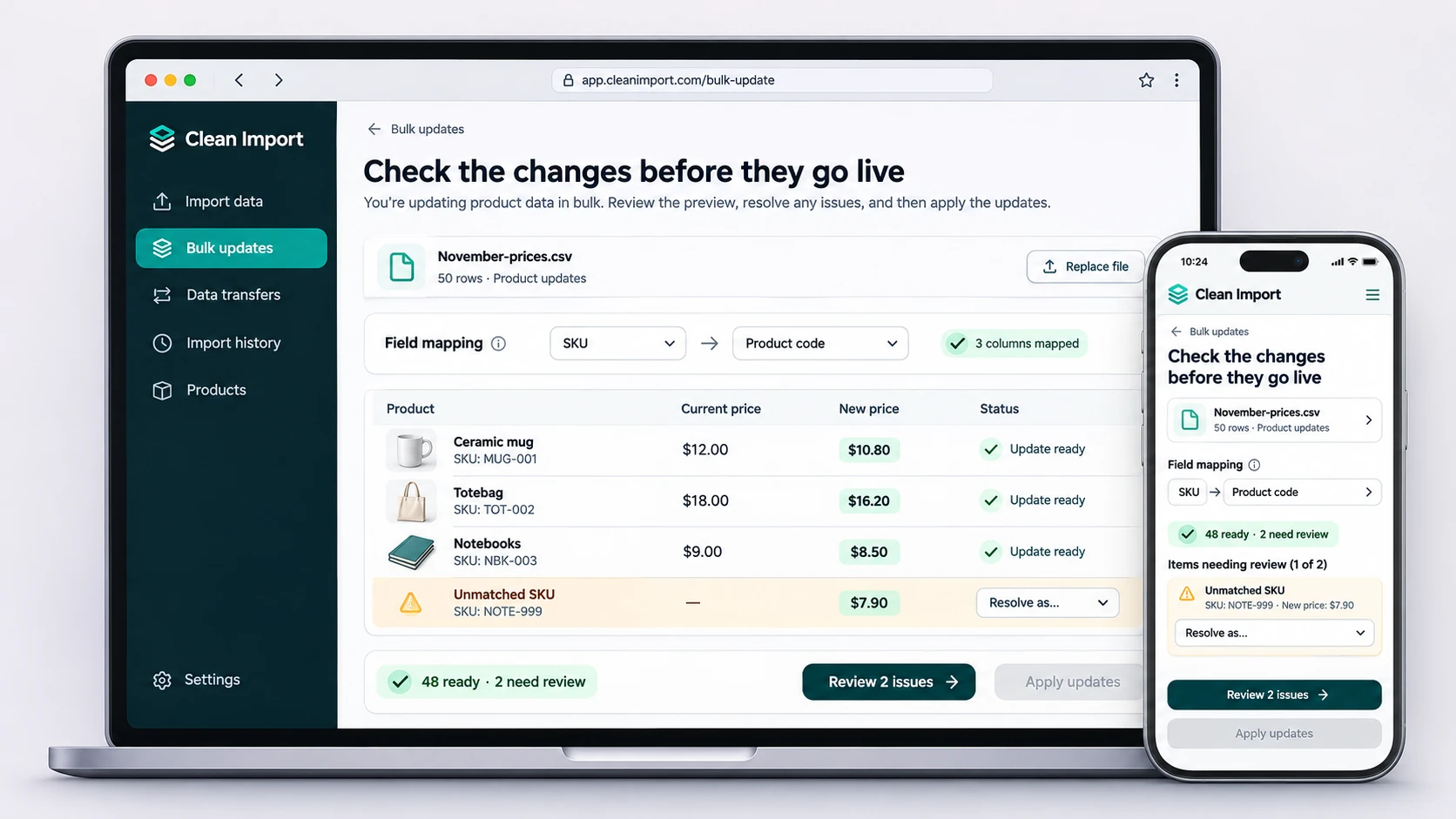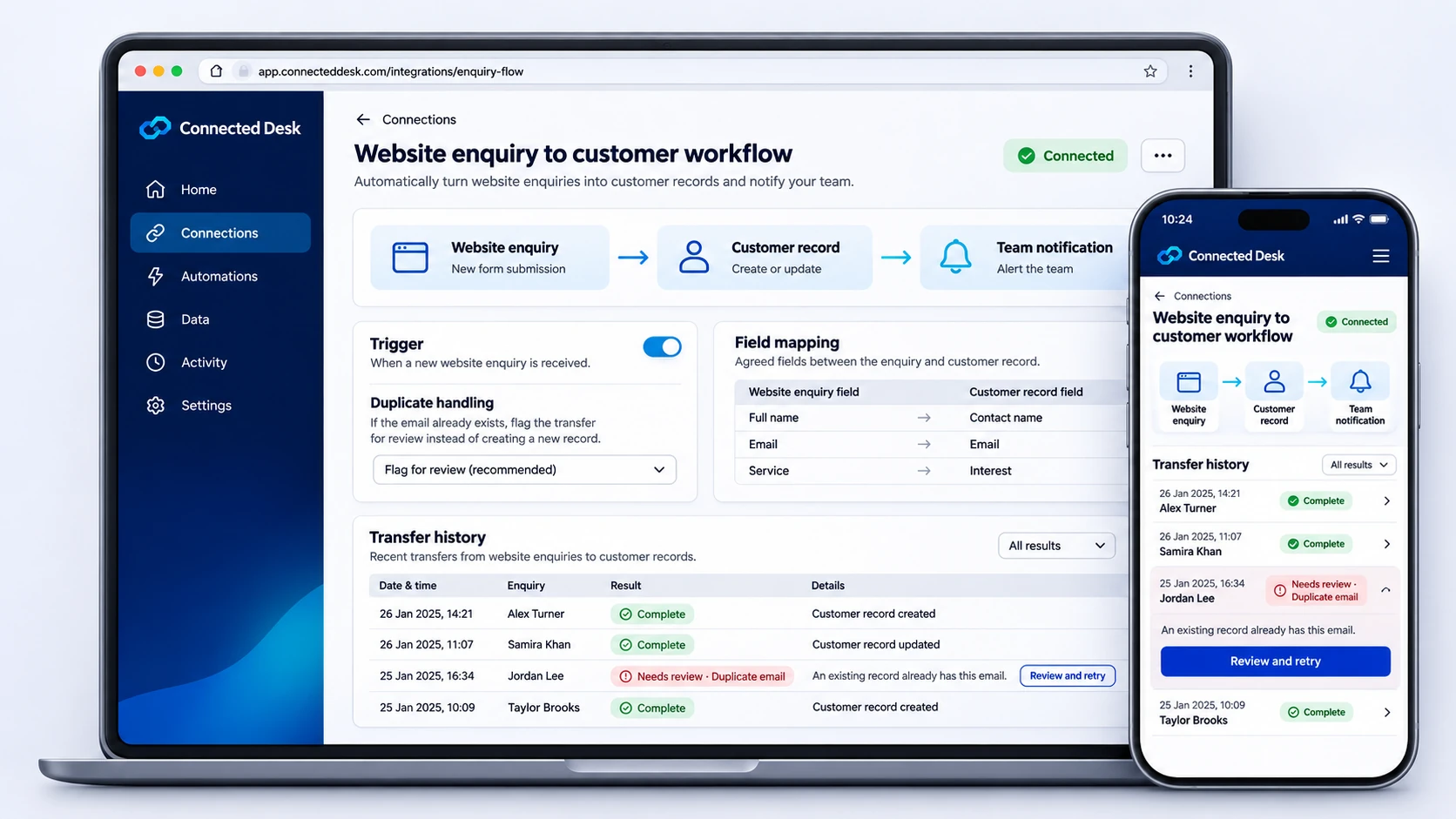
A customer completes a form, then a staff member retypes the same details into a project system and a mailing tool. A small mistake creates two conflicting records. A connection could carry an agreed set of information between the right steps, with visible failures and a person responsible when the transfer needs attention.
Staff copy details between tools, and a changed field can leave several versions of the same customer or job record.
An agreed trigger transfers selected information, shows the result and sends failures to someone who can resolve them.
Where it could
make a difference.
Service firms
Move accepted enquiries into project records.
Sales teams
Keep agreed customer details consistent.
Growing businesses
Reduce repeated entry between established tools.
Useful on: Business website, Online store, Business portal.
What this could mean
for your business.
A focused connection can reduce retyping and help information arrive where work happens. It does not remove the need for data ownership or exception handling. Compare manual effort and correction work before and after the pilot, including service subscriptions and maintenance costs.
Start with something
worth using.
Start with one useful connection and a small set of fields. Include duplicate checks, a visible result and a retry process. Avoid connecting every tool before the first handover is reliable.
- Agreed fields and trigger
- Duplicate handling
- A visible failure and retry process
Give the promise
something to stand on.
You need access to both services and a clear owner for the data. Decide which system is authoritative for each field, what triggers a transfer and what must never be copied automatically.
The chosen services must support the required connection. Check account permissions, available interfaces, ongoing fees and which system is the trusted source for each field.
- Access to both services
- A clear data map
- Someone to resolve exceptions
How it fits what you already have
Check both services' access, supported interfaces, limits and account permissions. Map fields and stable identifiers, define conflict and retry behaviour, and keep credentials protected outside public website files.
Let a small beginning
teach you something.
Use sample records to test normal transfers, missing fields and duplicates. Pilot a limited real workflow with your team's oversight, then review every exception before widening the connection.
Can the team tell what transferred, what failed and which record is authoritative when the two tools disagree?
Look for these signs
- Transfers preserve the agreed fields.
- Duplicate records are handled deliberately.
- Failures are visible and recoverable.
A little more
clarity.
Will every tool connect?
It depends on the services' available interfaces, plans and access. Check the actual products you use before choosing the simplest connection and its ongoing support needs.
Should all updates flow both ways?
Not automatically. Two-way editing can create conflicts. A clear one-way handover or field owner may be a more dependable first version for your process.
Could this work with my existing website?
We would check how your current website is built, what it already does and which services need to connect. That helps us choose a suitable addition and avoid paying twice for something you already have.
What would this change
in your business?
Your customers. Your working day. The part you would love to make easier. Answer a few questions and leave with a starting plan you can keep.
Free to explore. No account or email needed for your starting plan.