AgricultureEstablished model
Farm operations and record workspace

Help a growing farm keep hold of what it knows.

A farm carries knowledge in people’s memories, notebooks and daily conversations. Build a workspace that keeps useful records together so the next task or decision does not depend on finding one person.

Make this fit me
You could also build this as a mobile app
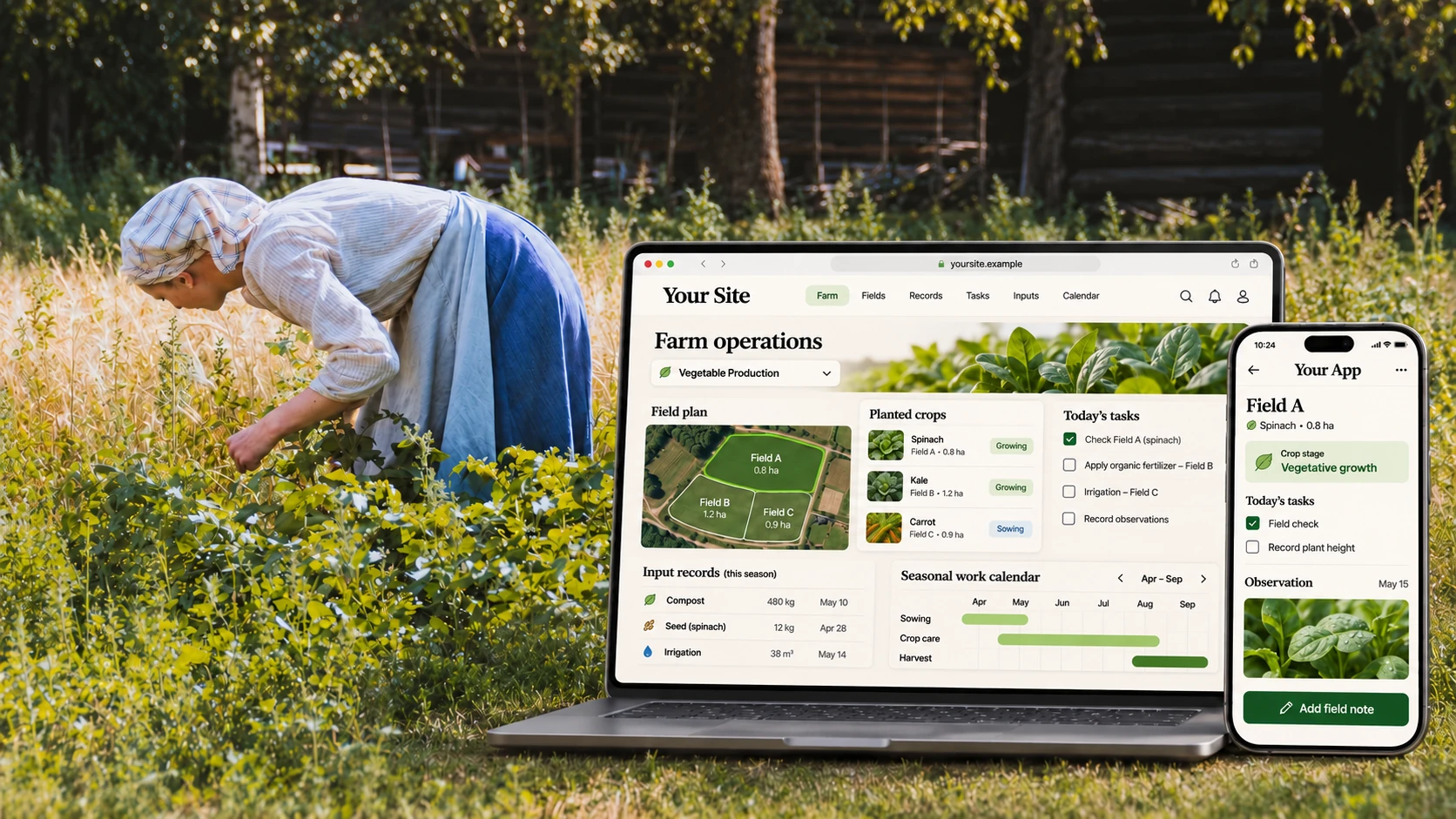
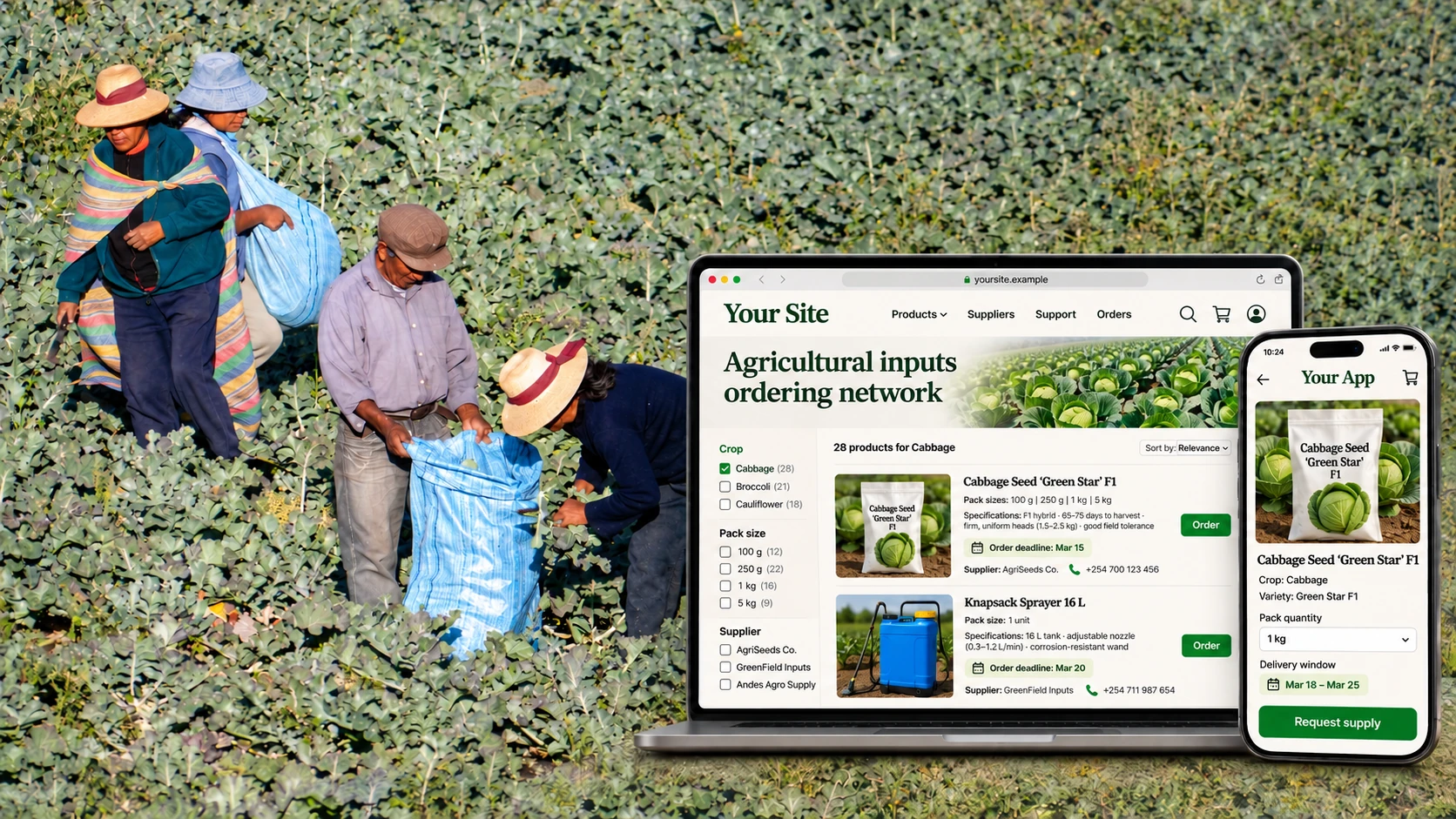
Farm operations and record workspace concept: A woman focuses on harvesting herbs in a rural garden during a sunny summer day. A desktop website and matching phone show the digital business.Illustrative concept
IMAGINE THIS MOMENT

A farm manager asks when a particular plot was last worked. One answer is in a notebook, another with a worker who has gone home. You could build a simple record workspace that helps a farm keep useful observations together, so tomorrow’s task does not begin by reconstructing yesterday.

A business you can
picture.

Offer farm-management software for a defined production type. Connect field or animal records, tasks, inputs and observations around the farm’s actual operating cycle.

Who would be glad
you built it?

Small farm managers

A clear record of tasks and observations

Farm teams

Simple entries that match the work done in the field

Cooperative coordinators

Consistent records across participating farms

Where the money
could come from.

A farm or cooperative could pay a subscription for record access and support, with initial setup or training separately scoped. The fee should reflect the workflow being served. Account for hosting, field support and maintenance; do not claim that better records alone guarantee a higher yield or a particular cost saving.

The part you could
make your own.

Your version could fit a specific crop and local working vocabulary, making units and task names immediately familiar. Test whether workers maintain those records without needing an office person to translate every entry.

An angle to test with the people you want to serve.

Start with something
worth using.

Choose one farm type and a small set of records, such as plots, completed tasks and inputs used. Make entries simple, preserve dates and authors, and plan for unreliable connectivity where the pilot needs it.

  • Farm records and activity logs
  • Assigned tasks and seasonal plans
  • Input, expense and production records

Give the promise
something to stand on.

WHAT YOU BRING

You need practical access to farm routines and respect for the information people can realistically enter. Units, naming, connectivity and training matter more than a dashboard filled with rarely maintained fields.

Record accuracy depends on consistent routines. Explain who owns each record, how mistakes are corrected and which information is an observation rather than a professional conclusion.

Let a small beginning
teach you something.

Shadow a willing farm’s current notebook process. Select one recurring question the records should answer, then run a small parallel trial with the people who actually record and use the information.

THE QUESTION TO TEST

Can someone other than the usual record keeper answer a practical farm question from the entries the team has maintained?

Look for these signs

  • Workers record the agreed tasks consistently
  • Records use understandable units and plot names
  • Managers retrieve answers without reconstructing events
WHEN THE FIRST VERSION HAS TAUGHT YOU MORE
Where you could take it next

Add accounting, sensor or buyer connections once the core records are dependable and the farm has a clear use for the additional information.

A little more
clarity.

Does this replace agricultural advice?

No. The workspace organises records and observations. Decisions requiring specialist agronomic judgement still need appropriate expertise and should not be presented as automatic conclusions from incomplete entries.

What if the farm has weak connectivity?

Design around the pilot’s actual conditions. Offline entry and later synchronisation may be useful, but conflicts, shared devices and lost access need a deliberate process.

SOMETHING TO LEARN FROM

Farmbrite is a reference for farm management software.

WHAT COULD GO INSIDE

A few additions
to explore.

Expense and consumable recordsHelp the small purchases and materials used during a busy week become records your team can understand later.Staff roles and delegated managementLet trusted colleagues handle their part of the business without making every task depend on the owner's account.Business activity and enquiry dashboardsBring the business signals that matter into a clear view, so you can decide where your attention is needed next.
MAKE ROOM FOR YOUR VERSION

Now picture it
with your name on it.

Your people. Your priorities. The version you keep thinking about. Answer a few questions and leave with a starting plan you can keep.

Free to explore. No account or email needed for your starting plan.
PICTURE THE MOBILE APPFarm record app

Keep the day’s work before it becomes a memory.

A field visit can produce useful details that never reach the notebook at home. You could build a farm record app that helps a grower capture tasks, observations and quantities while the work is happening. Start with the records one kind of farm already needs and make later review straightforward.

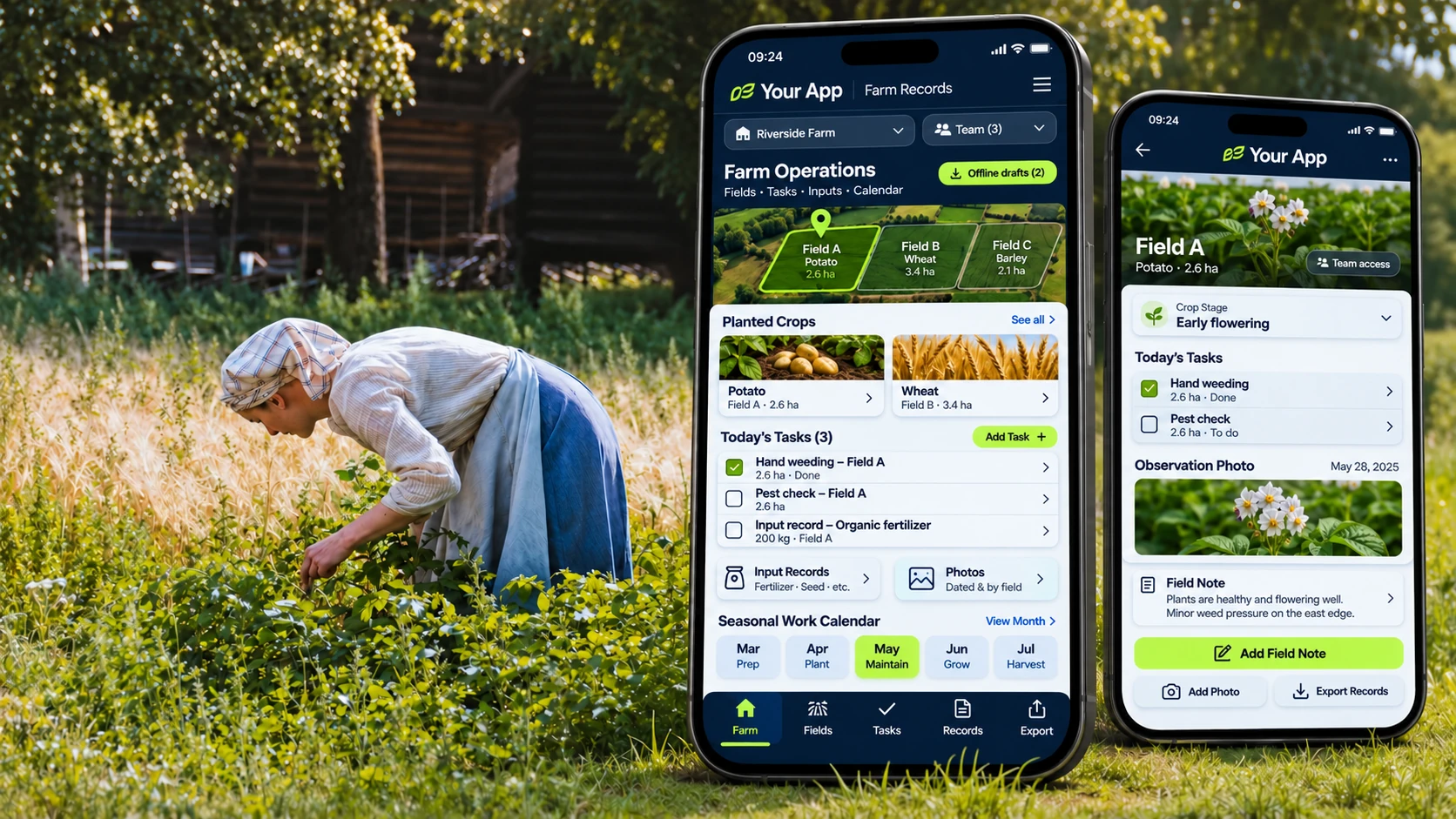
A woman focuses on harvesting herbs in a rural garden during a sunny summer day. Two phone screens preview the farm record app, with no desktop view.App concept
IMAGINE THIS MOMENT

A grower notices a change during a field visit and intends to write it down later. By evening, the exact location and quantity are uncertain. Your app could make a short record easy to capture beside the work, so the farm can review its own history without relying entirely on memory.

One useful moment.
A reason to open it.

A worker selects the field, records the agreed task and quantity, and adds a photograph if useful. The app shows whether the record is still waiting to sync.

Who would be glad
you built it?

Farm owners

Review tasks and quantities across their fields.

Field workers

Record agreed observations during the working day.

Cooperative coordinators

Collect consistent records with permission.

A place in their life.
At the right moment.

Why it belongs on a phone

The record belongs beside the crop, equipment or work crew. Offline entries, quick photographs and field labels give the phone a useful role where a desktop process would be hard to maintain.

A reason to come back

Growers return during field visits and when reviewing a work period. The app should make past entries easy to find without presenting incomplete records as a complete picture of the farm.

Works offlineCamera & scanningOn-the-go records

Where the money
could come from.

A farm or cooperative could pay for a record workspace, authorised team access and defined support. The fee covers tools and service rather than a promised harvest result. Training, field-friendly design, syncing, storage and ongoing assistance all affect the price that can be sustained.

The part you could
make your own.

Try a record format tailored to one crop or operation, using the farm's own work terms. Fewer but more meaningful fields could make capture easier than a large generic management system.

An angle to test with the people you want to serve.

Start with something
worth using.

Start with field names, a few task types, quantities and dated photographs. Allow offline drafts and export. Avoid complex predictions until growers are consistently capturing and reusing the basic records.

  • Farm and field labels with team access
  • Task, quantity and observation records
  • Dated photos attached to an entry
  • Offline drafts and exportable records

Give the promise
something to stand on.

WHAT YOU BRING

You need knowledge of one farm type and the records it already uses. Choose familiar labels and practical entry methods, and respect who owns or can share the farm's information.

Record accuracy depends on consistent routines. Explain who owns each record, how mistakes are corrected and which information is an observation rather than a professional conclusion.

Let a small beginning
teach you something.

Visit a willing farm to understand its current notebook, then trial selected records using familiar terminology. Ask the grower to retrieve a past task and explain whether the record supports a real decision.

THE QUESTION TO TEST

Can the grower find and understand a previous field activity well enough to use it in the next planning conversation?

Look for these signs

  • Entries use recognisable field labels.
  • Quantities include understandable units.
  • Growers retrieve records during real reviews.
WHEN THE FIRST VERSION HAS TAUGHT YOU MORE
Where you could take it next

Add accounting, sensor or buyer connections once the core records are dependable and the farm has a clear use for the additional information.

A little more
clarity.

Must the farm have constant internet?

A first version can save records locally and show when they sync. The team needs clear expectations about shared updates so an offline draft is not mistaken for a record others can see.

Will the app improve yields?

Organised records may support better-informed conversations, but production outcomes depend on many factors. Test record usefulness first and avoid presenting the app as a guaranteed production improvement.

SOMETHING TO LEARN FROM

Farmbrite is a reference for farm management software.

WHAT COULD GO INSIDE

A few additions
to explore.

Expense and consumable recordsHelp the small purchases and materials used during a busy week become records your team can understand later.Staff roles and delegated managementLet trusted colleagues handle their part of the business without making every task depend on the owner's account.Business activity and enquiry dashboardsBring the business signals that matter into a clear view, so you can decide where your attention is needed next.
MAKE ROOM FOR YOUR VERSION

Now picture it
with your name on it.

Your people. Your priorities. The version you keep thinking about. Answer a few questions and leave with a starting plan you can keep.

Free to explore. No account or email needed for your starting plan.
KEEP THE POSSIBILITIES OPEN

Something else
might speak to you.