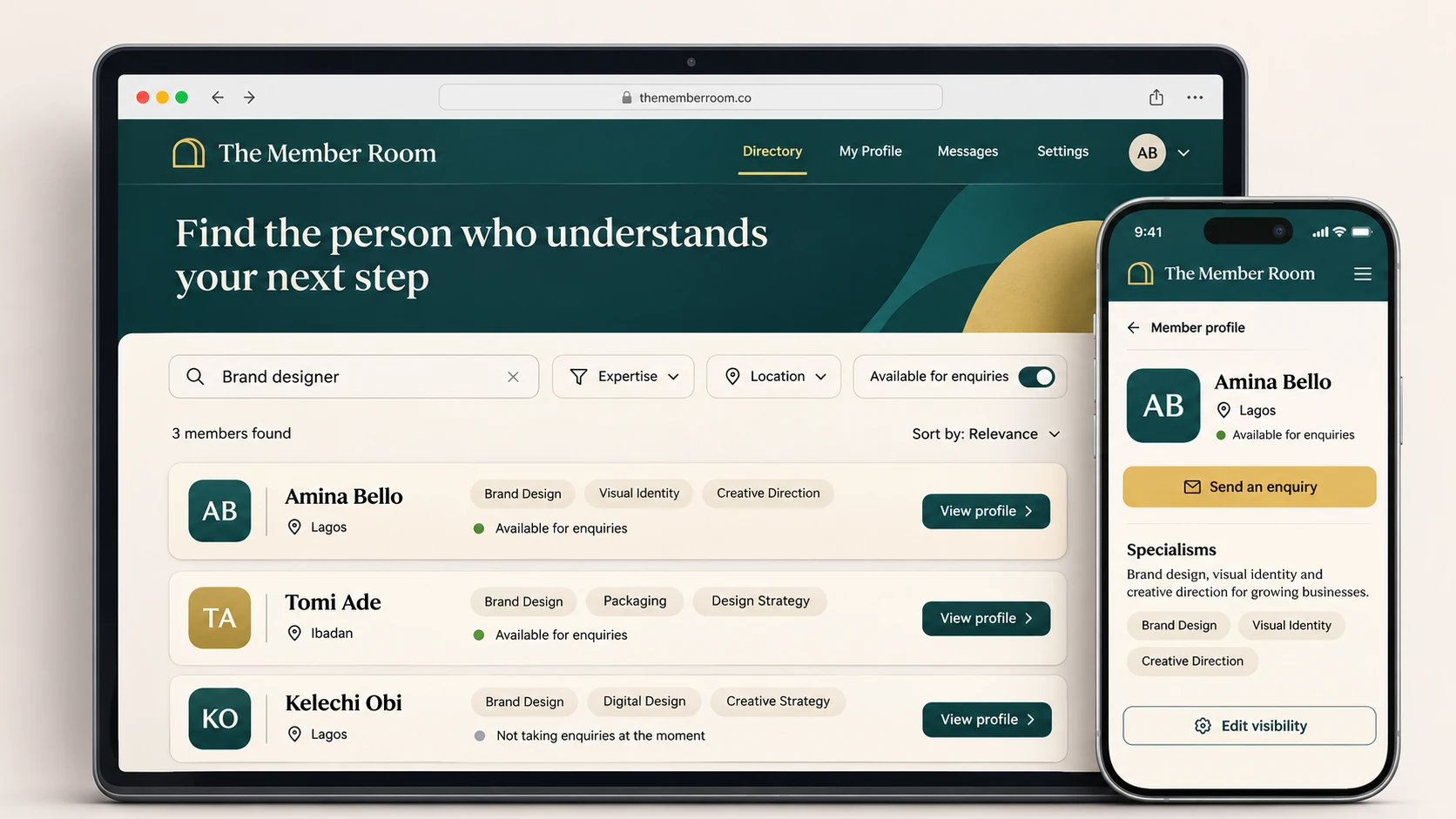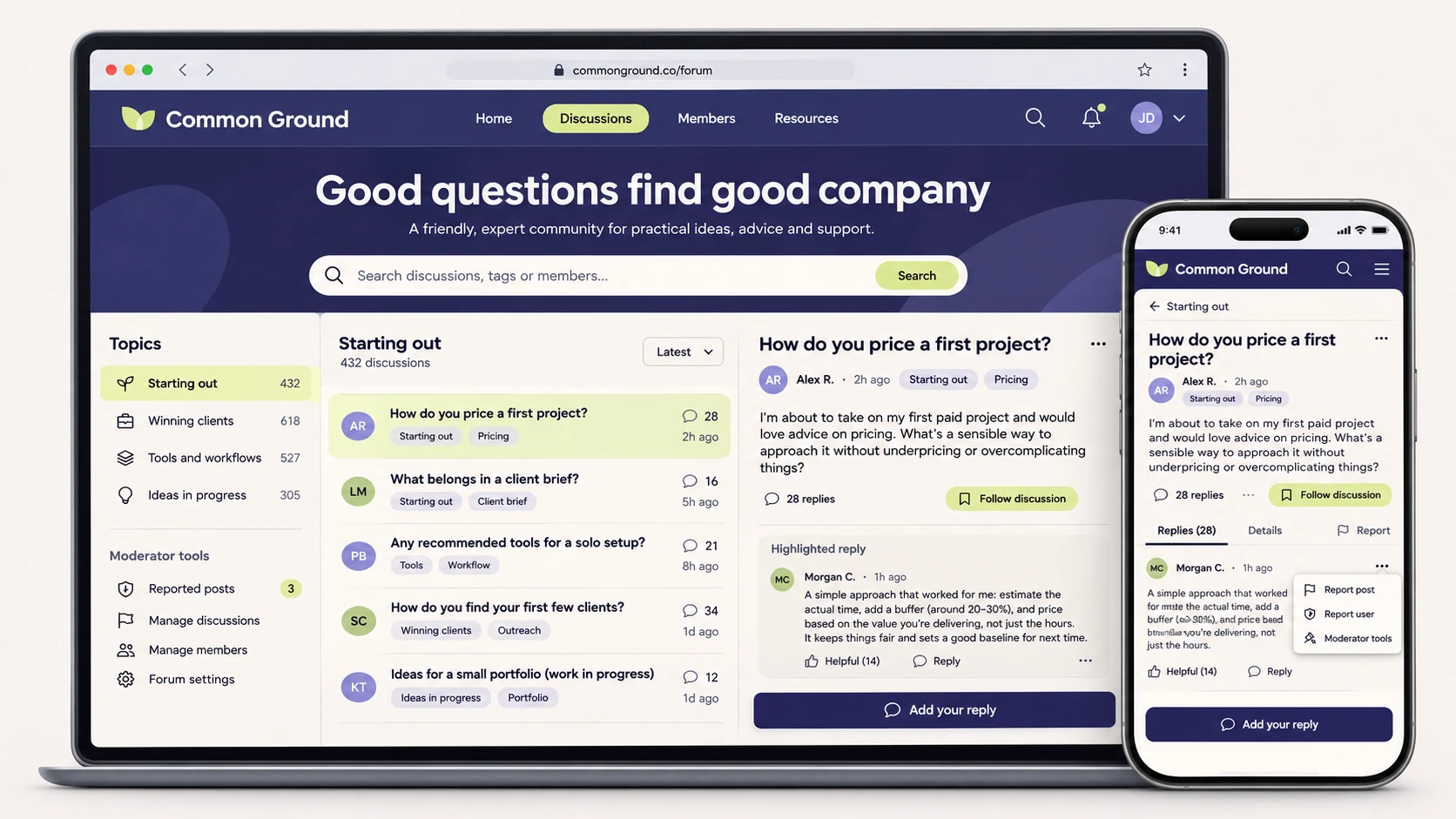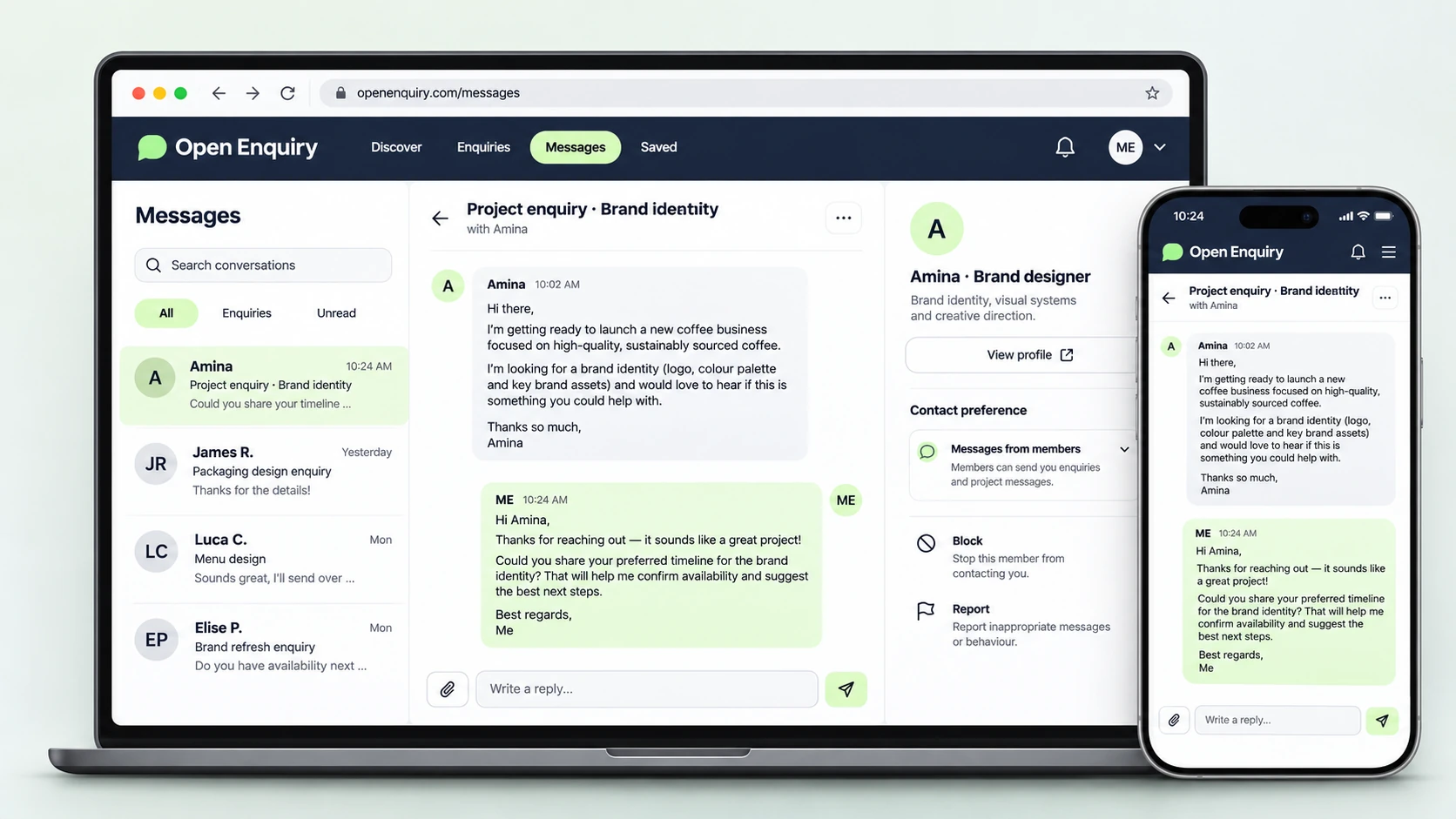
A member finds someone with useful experience but cannot tell whether a direct phone call would be welcome. A messaging feature could let them send a focused introduction with context, while the recipient controls replies, notifications and unwanted contact. The first message should feel like an invitation to a conversation, not an entitlement to attention.
Members either expose personal contact details or rely on an organiser to relay an introduction without clear control over future contact.
A contextual enquiry reaches the recipient under their chosen preferences, with clear reply, decline, block and report options.
Where it could
make a difference.
Professional networks
Support relevant member introductions.
Business marketplaces
Attach enquiries to a listing or service.
Member organisations
Offer contact without publishing private details.
Useful on: Community, Professional network, Marketplace.
What this could mean
for your business.
Messaging can support useful introductions and the value of membership or marketplace participation. It also creates moderation and support work. Review relevant conversations and unwanted-contact reports together, rather than treating message volume alone as evidence of a healthier or more valuable community.
Start with something
worth using.
Start with contextual enquiries, replies and contact preferences. Include blocking and reporting before opening broad messaging. Keep notification controls clear and avoid exposing personal addresses unnecessarily.
- Member contact preferences
- Contextual enquiries and replies
- Block and report controls
Give the promise
something to stand on.
You need member permissions, moderation responsibility and clear conduct expectations. Decide who may contact whom, what limits apply and how a person can block, report or decline an approach.
Decide which members can initiate contact, how notifications work and who handles reports. Keep private messages separate from public posts and explain retention and deletion behaviour.
- Member accounts and permissions
- Moderation responsibility
- Notification preferences
How it fits what you already have
Check account identity, membership permissions, message storage and notifications. Define blocking, reporting and retention, and ensure private conversations remain accessible only to authorised participants and the support roles your policy explains.
Let a small beginning
teach you something.
Ask willing members to test a few realistic introductions. Review whether the recipient understands the purpose and can decline comfortably, then test reporting and blocked-contact behaviour with the moderation team.
Can the recipient understand the reason for contact and control the conversation without revealing information they chose to keep private?
Look for these signs
- Introductions include relevant context.
- Contact preferences are respected.
- Reports and blocks have a working response path.
A little more
clarity.
Does membership mean anyone can message anyone?
That is a choice your organisation must define. Contact eligibility, limits and preferences can help the feature fit the community instead of assuming unlimited access is always welcome.
Should every message trigger an email?
Give members understandable notification choices. A useful alert should help them return to a relevant conversation without overwhelming their inbox or exposing private message content unnecessarily.
Could this work with my existing website?
We would check how your current website is built, what it already does and which services need to connect. That helps us choose a suitable addition and avoid paying twice for something you already have.
What would this change
in your business?
Your customers. Your working day. The part you would love to make easier. Answer a few questions and leave with a starting plan you can keep.
Free to explore. No account or email needed for your starting plan.