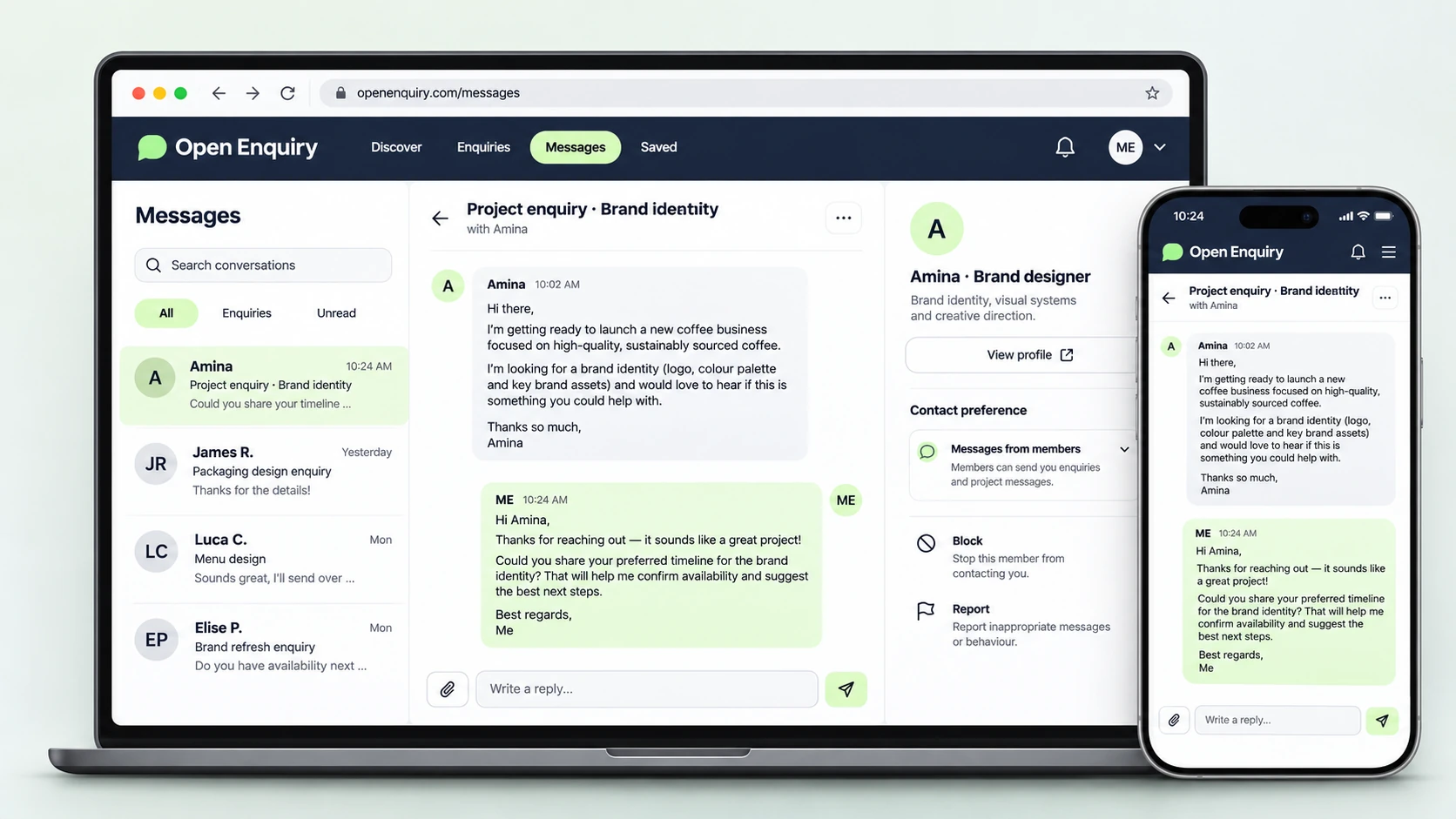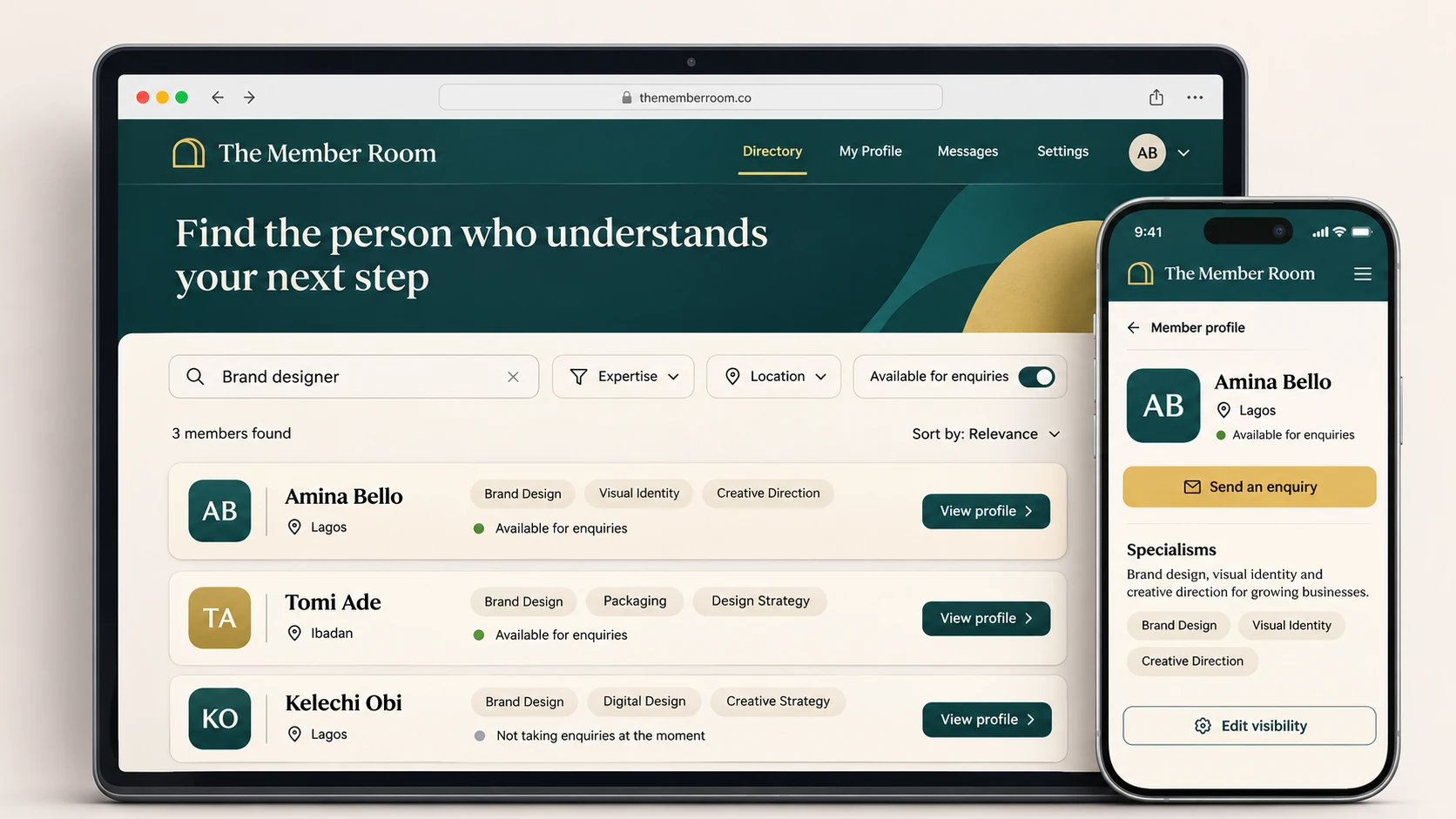
A member asks an organiser whether anyone knows a specialist for a project. The right person is already in the group, but their experience is hidden in an old introduction. A directory could make relevant skills and interests easier to find without requiring every member to publish personal contact details to everyone.
Members repeatedly ask the organiser who might help, while relevant experience remains scattered across old introductions and private contact lists.
Searchable profiles show chosen experience and interests, with clear visibility and an appropriate way to begin an introduction.
Where it could
make a difference.
Professional associations
Make relevant member expertise discoverable.
Business networks
Support introductions around a defined need.
Clubs
Help members find shared interests and roles.
Useful on: Community, Professional network, Association website, Marketplace.
What this could mean
for your business.
A directory can strengthen the practical value of an association or membership by helping people find one another. It may support renewal when members value the connections. Maintain profiles, permissions and review work, and assess useful introductions rather than simply counting completed profiles.
Start with something
worth using.
Start with member-controlled profiles, a few meaningful filters and contact choices. Keep sensitive fields private. Add badges or verification only when the process behind them is clear and maintained.
- Member-controlled profiles
- Useful search and filters
- Appropriate contact choices
Give the promise
something to stand on.
You need useful profile fields, visibility preferences and a review process. Decide what is self-described, what is checked and how members correct or remove information.
Decide which information is public, how members correct it and how outdated profiles are handled. Private contact details should not appear simply because someone joined.
- Useful profile fields
- Visibility preferences
- Review and correction process
How it fits what you already have
Check membership status, profile fields, search and contact permissions. Define how expired memberships, corrections and visibility changes affect listings, and ensure private information does not leak into search previews or public exports.
Let a small beginning
teach you something.
Ask willing members to complete a small profile, then test realistic searches with other members. Review irrelevant matches and whether people are comfortable with the information visible about them.
Can a member find a relevant person and understand what the profile establishes without exposing unwanted contact information?
Look for these signs
- Profiles contain useful, current fields.
- Visibility matches member choices.
- Search results support a relevant introduction.
A little more
clarity.
Does a directory listing endorse the member?
Not automatically. Explain what membership or any badge means and distinguish self-described experience from information your organisation has actually checked.
Can members hide their phone number?
Yes, the contact design should reflect their choices. A contextual enquiry or invitation can provide a useful introduction without exposing personal details publicly.
Could this work with my existing website?
We would check how your current website is built, what it already does and which services need to connect. That helps us choose a suitable addition and avoid paying twice for something you already have.
What would this change
in your business?
Your customers. Your working day. The part you would love to make easier. Answer a few questions and leave with a starting plan you can keep.
Free to explore. No account or email needed for your starting plan.